
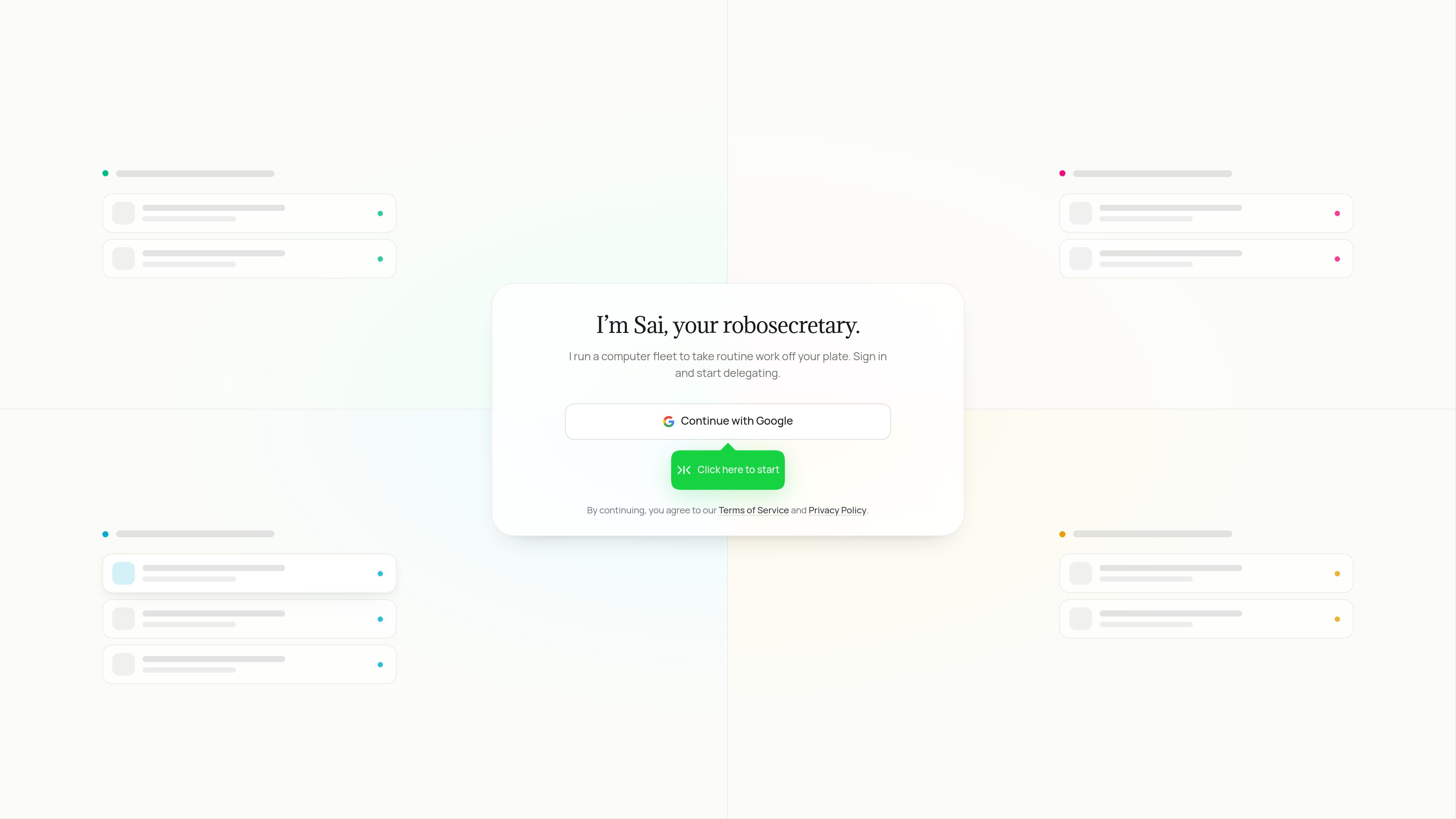
Autonomous computer fleet
Sai commands a fleet of autonomous computers to perform delegated routine work.
Sai is an AI robosecretary that commands an autonomous computer fleet to handle routine work across apps, websites, and desktop tools. Sign in with Google and delegate tasks through the Sai service.
Sai is an AI robosecretary from Simular AI. It operates an autonomous computer fleet to take routine work off a user’s plate, carrying out delegated tasks across apps, websites, and desktop tools.
The service is built around delegation: users sign in, start Sai, and ask it to handle work on their behalf. The available product information does not specify supported applications, task types, outputs, pricing, or platform requirements.
Sai commands a fleet of autonomous computers to perform delegated routine work.
The product is described as working across apps, websites, and desktop tools rather than being limited to a single interface.
Users can hand off recurring or time-consuming computer-based work instead of completing every step manually.
The landing page provides a “Continue with Google” sign-in option for starting the service.
Users can give Sai routine tasks that would otherwise require manual interaction with software or websites.
Tasks that involve moving between apps, websites, and desktop tools may fit the product’s cross-environment operating model.
Individuals can sign in and begin delegating work through the Sai service when they want computer-based assistance.
Sai is an AI agent presented as a “robosecretary.” It commands an autonomous computer fleet to perform routine work across apps, websites, and desktop tools.
The product page directs users to sign in and start delegating. It includes a Google sign-in option.
The available information only describes routine work performed across apps, websites, and desktop tools. It does not provide a definitive list of supported tasks or workflows.
The source does not name specific integrations, applications, websites, or desktop tools.
Traffic data is for reference only.

contrive.app
Contrive is a standalone desktop app for searching, getting AI answers, and taking action across Slack, Notion, Google Drive, and other supported workspace apps—all from one command bar, without switching browser tabs.

focusfirewall.com
Focus Firewall is a macOS app that blocks distracting websites and apps across browsers without browser extensions. It helps people automate focus periods, take controlled breaks, and review local browsing-time reports.
otpfill.com
Automatically fills email-delivered login codes on your Mac when you sign in to websites and Mac apps.