
Always-on execution
Sai runs tasks on a private remote desktop that keeps working after you close your laptop, so longer workflows can continue without your device staying open.

An always-on AI coworker for secure computer task automation
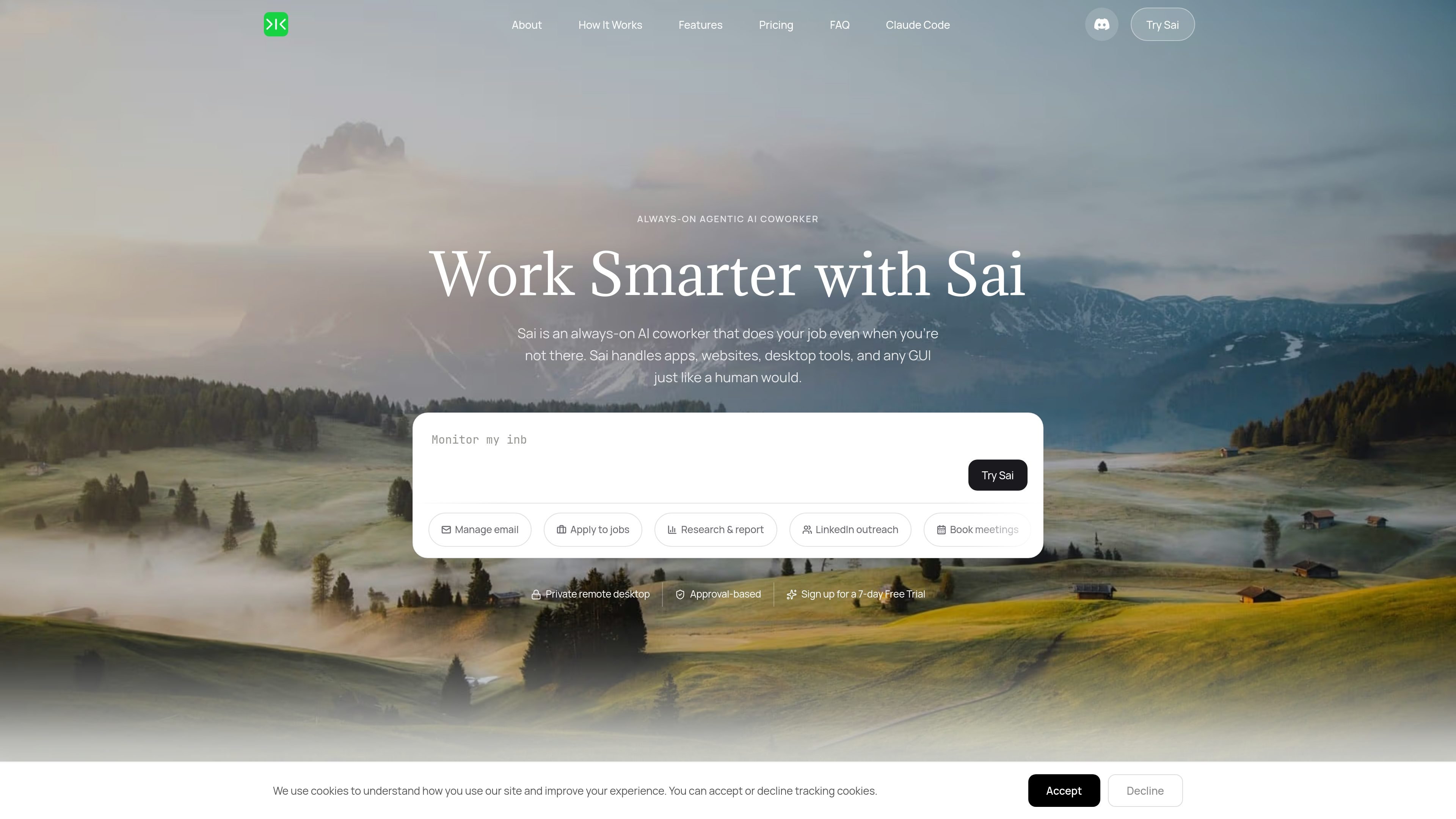
Sai is an always-on agentic AI coworker from Simular AI that performs computer tasks on a secure digital workspace. The product is built to work across apps, websites, and desktop GUIs, so it can take actions a person would normally complete by clicking, typing, and navigating through software.
The homepage positions Sai as a tool for repetitive digital work that can continue in the background while a user is away. Tasks are described in plain language, Sai runs them on a private remote desktop or supported local device, and important steps are gated by user approval.
Sai runs tasks on a private remote desktop that keeps working after you close your laptop, so longer workflows can continue without your device staying open.
The product works directly inside graphical interfaces, not only through browser tabs or APIs, which lets it handle software and desktop actions that require clicks, typing, and navigation.
Sai can run in a private virtual machine that Simular provisions or on your own local devices such as Mac, Windows, or Mac mini, giving you flexibility in where work happens.
The interface is designed around approval-gated actions, so users can review progress and authorize important steps before they are taken.
Sai is described as working across tools such as Gmail, Slack, Notion, LinkedIn, Calendar, Sheets, GitHub, and Figma without needing separate integrations.
The site emphasizes plain-language task entry, letting users describe work in normal language instead of writing commands or code.
Have Sai research prospects, enrich contact details, draft outreach, and push results into a CRM or spreadsheet for repeatable lead-generation workflows.
Use Sai to turn notes into social posts, create content variations, or handle follow-up actions across linked accounts and tools.
Ask Sai to triage and structure information into reports, competitor summaries, or literature-review style outputs that can be produced while you are offline.
Delegate scheduling, email follow-up, and form-filling tasks that involve moving between Gmail, calendars, and web forms.
Run tasks like job applications, file handling, spreadsheet edits, and recurring reporting where multiple app interactions are required.
Sai is an always-on agentic AI coworker that works on a secure remote desktop. It can use apps, websites, and desktop GUIs to complete tasks you describe in plain language.
Sai is positioned for people who spend time on repetitive computer work, including business professionals, founders, researchers, and non-technical users.
The site describes workflows such as research, lead sourcing, follow-up drafting, scheduling, file organization, spreadsheet updates, document handling, and recurring reporting.
Sai runs in a private remote desktop or on your own supported local devices. The site says it works while your laptop is closed and that important actions require your approval.
The pricing page shows a 7-day free trial and plans for Starter, Pro, and Enterprise, with some plans offering contact-sales access and custom terms. The pricing page itself was not available, so plan details should be treated cautiously beyond what the homepage reveals.
Traffic data is for reference only.
www.simular.ai
Simular is an autonomous computer platform that uses AI agents to operate real computers and automate digital workflows. It serves individuals, builders, operators, and businesses that need to automate tasks across desktop applications and websites, including workflows that do not expose traditional APIs.

goless.com
Goless is a Chrome extension for no-code browser automation, data scraping, form filling, actions, and exports.

taskmagic.com
AI automation platform for connecting apps and automating browser tasks in plain English.

kortyx.co
Kortyx is a proactive AI assistant for macOS and Windows that learns from permitted work context, suggests tasks it can complete, and carries them out with user approval. It can be used through desktop chat and Telegram, with optional browser context from a Chrome extension.

usesuperflow.ai
Superflow turns website QA checklists into AI agents that review site changes, leave findings as comments, and route approvals between teams and clients. Built for agencies and web teams that need review workflows without requiring client logins.

waffer.ai
TakeCareOS is a web platform for home care, disability, and aged care agencies, combining rostering, communication, billing, compliance, and AI-assisted administration.