
Collaborative tables
Store and organize data in spreadsheet-style tables, then collaborate with teammates and customers from a shared workspace.

Retable is an online spreadsheet and database platform for teams to organize data, collaborate in real time, and automate workflows without coding. It also offers enterprise deployment options for organizations that need more control over hosting and access.
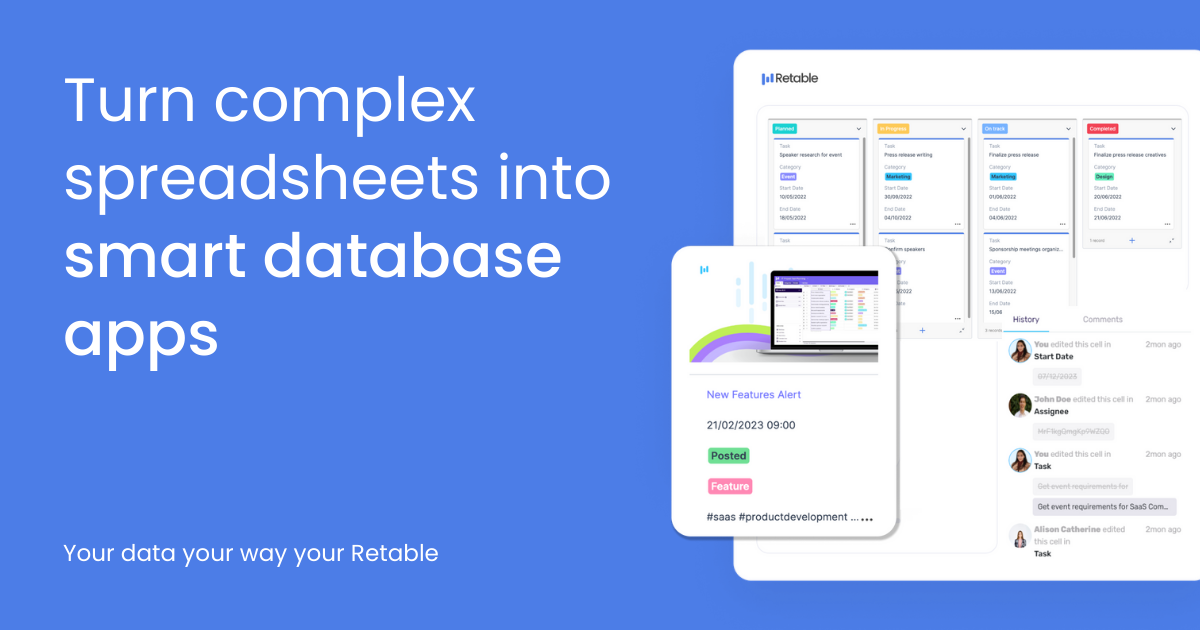
Retable is an online spreadsheet and database platform for teams that need to organize data, collaborate on it, and turn spreadsheets into working data apps without coding. The product combines spreadsheet-style tables with forms, views, automation, AI-assisted columns, and API-based workflows.
The public site positions Retable for day-to-day business operations such as project tracking, workflows, and internal data management. It also offers an enterprise edition with deployment options for on-premises or dedicated cloud use, along with controls for data ownership, access, and security.
Store and organize data in spreadsheet-style tables, then collaborate with teammates and customers from a shared workspace.
Create online forms from spreadsheet data, customize fields, and review incoming responses in real time.
Use an AI column type powered by ChatGPT models to enrich records and surface insights directly inside the spreadsheet.
Switch between grid, list, kanban, card, chart, calendar, map, and form views to present the same data in different ways.
Automate repetitive tasks with built-in automation, webhooks, and third-party integrations, and connect to a public API for programmatic workflows.
Manage organizations with role-based access and custom branding, and use enterprise deployment options such as on-prem or dedicated cloud.
Track tasks, projects, and team progress in shared workspaces where different views can show the same data as a board, calendar, chart, or table.
Collect structured submissions through online forms and review responses in the same Retable workspace without moving data between tools.
Automate repetitive business operations such as onboarding, alerts, or expense-related workflows using built-in automation and third-party integrations.
Organize department or company data with role-based access, custom branding, and workspace-level organization controls.
Use the enterprise edition when deployment control, data ownership, and privacy-oriented infrastructure choices matter more than a standard cloud setup.
Retable is an online spreadsheet and database tool for teams that want to organize data, collaborate in real time, and automate workflows without coding. The site also presents an online forms workflow for collecting responses directly from spreadsheets.
Retable’s public pricing page shows a 14-day free trial and paid Team and Enterprise plans. The Team plan is listed as $12 per user per month, while Enterprise is available by contacting sales.
The pricing page includes Team and Enterprise plans, plus add-ons such as extra automation counts, automation runs, storage, upload limit, and URL access protection. The Enterprise page also describes options such as on-prem or dedicated cloud deployment.
Retable’s source pages highlight tables, forms, AI-assisted columns, multiple data views, automation, webhooks, a public API, team roles, and custom branding. The integrations page is present, and the home page lists connections such as Airtable, Budibase, Pabbly, Zapier, Make.com, Albato, Pipedream, Latenode, and API.
Retable is positioned around spreadsheet-like collaboration and no-code data management. The public sources do not provide every product limit or workflow detail, so teams should review the plan and integration pages for fit before adopting it.