
4x Image Upscale
Upscale images up to 4x, with the site positioning the tool for sharper detail and clearer results.

ResLeap AI is a web-based AI image enhancer and upscaler for sharpening low-resolution photos, portraits, anime, and product images, with free, paid, and credit plans.
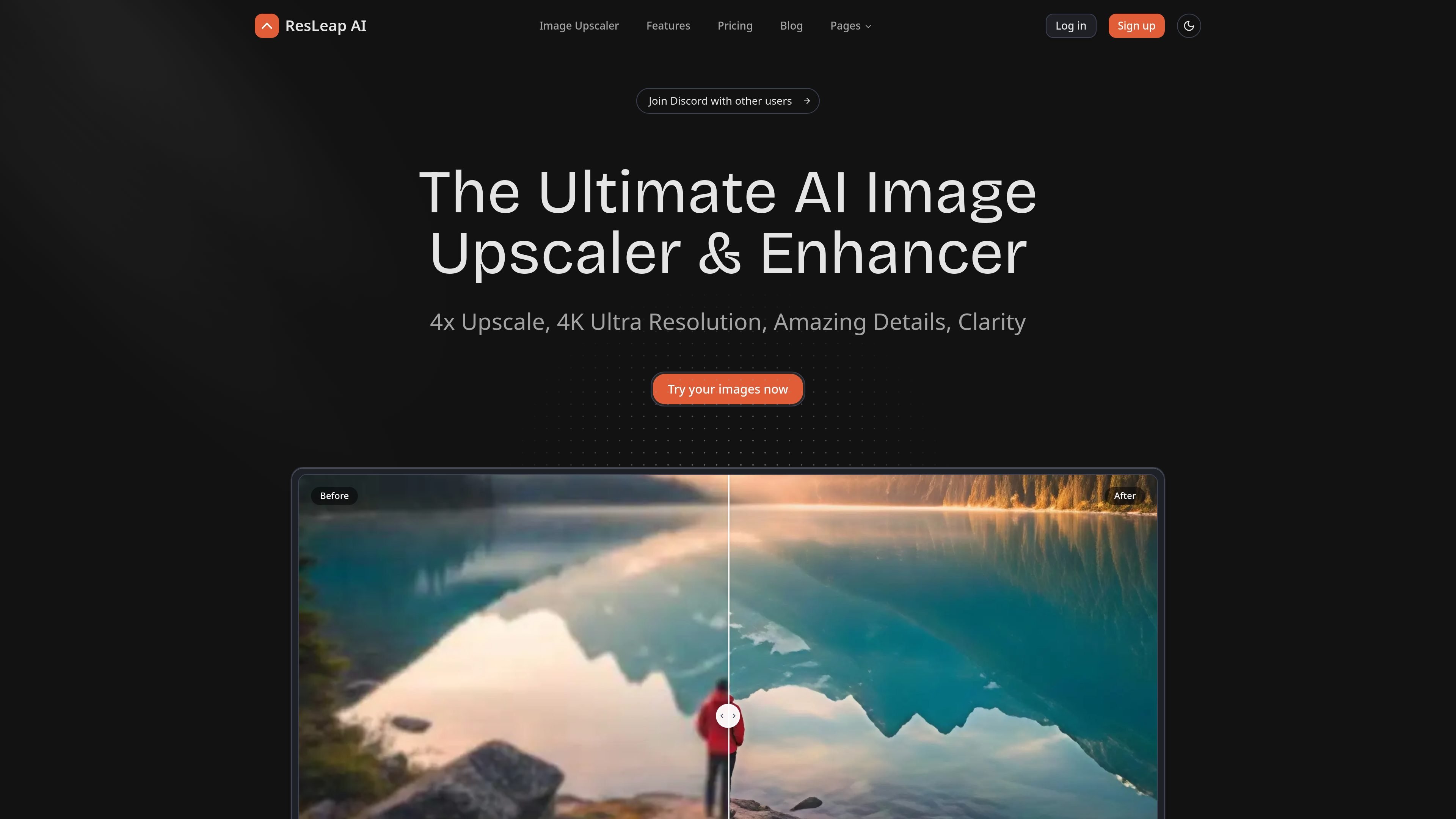
ResLeap AI is an online AI image enhancer and upscaler that helps users sharpen low-resolution images, remove blur, and increase image size. The site presents it as a web-based tool for photos, portraits, anime, and product images, with a focus on clearer detail and higher-resolution output.
The product page shows a simple upload-and-enhance workflow: users drag and drop files, choose enhancement settings such as upscale factor and face enhancement, then download the processed result. Pricing includes a Free plan plus paid plans for personal, professional, and business use, with credit packs available for additional usage.
Upscale images up to 4x, with the site positioning the tool for sharper detail and clearer results.
Increase images to 4K Ultra Resolution on supported plans, with paid tiers listing a 4K maximum resolution.
Improve facial clarity in portraits, with the product page specifically calling out unblurring faces and recovering skin texture.
Restore faded photos and improve older images, which the site presents as a way to revive treasured memories.
Enhance anime images with crisper lines and vivid colors, using a workflow tailored to illustrated content.
Upload and process multiple images in one workflow, with the image enhancer page showing drag-and-drop support for up to 20 images.
Clean up blurry or low-resolution personal photos by enlarging them and improving visible detail before sharing or saving them.
Sharpen portraits by improving facial clarity, with the site explicitly highlighting face enhancement and texture recovery.
Restore older or faded images when you want to make archival family photos look clearer and more presentable.
Upscale anime artwork while preserving crisp lines and vivid colors, using the product’s anime-specific enhancement mode.
Process multiple images in one session for batch-oriented work, such as preparing several assets for review or upload.
ResLeap AI supports a direct image upload workflow on its image enhancer page. The rendered page shows drag-and-drop upload, file selection, enhancement settings, and download after processing.
The pricing page lists JPG downloads on the Free plan and PNG downloads on the paid Pro, Pro+, and Business plans.
The image enhancer page states that the maximum upscale size is 4096x4096.
The Business plan is described as built for teams and commercial users, and the contact page says the team can help users find the right plan for business needs.
The source pages do not provide a file size limit or a detailed supported-format list, though the FAQ on the site asks about both topics.
Traffic data is for reference only.

suppixel.ai
Web-based image enhancement and upscaling for sharper, clearer visuals

image-upscaling.net
Image UpScaler is a web-based AI tool for enlarging images, offering models for general upscaling, face restoration, and transparent-image support in selected modes. It includes a free daily quota, no sign-up for small-scale use, and a separate browser-based format converter.

imageupscaler.com
AI photo editor for enlarging images, reducing blur, and cleaning backgrounds.

avclabs.com
AI tools for video and photo enhancement, editing, and generation

photorestore.io
Browser-based AI photo restoration for old, damaged, and faded images, with enhancement, colorization, upscaling, and background removal.

letsenhance.io
Web-based AI tool to upscale, enhance, and restore photos