
Image-to-render conversion
Turn architectural drawings and sketches into photorealistic renders, with the site emphasizing accurate lighting, materials, and textures in the output.

Render a House turns drawings and sketches into photorealistic AI renders for architects, designers, and teams. Upload PNG, JPEG, or 3D models.
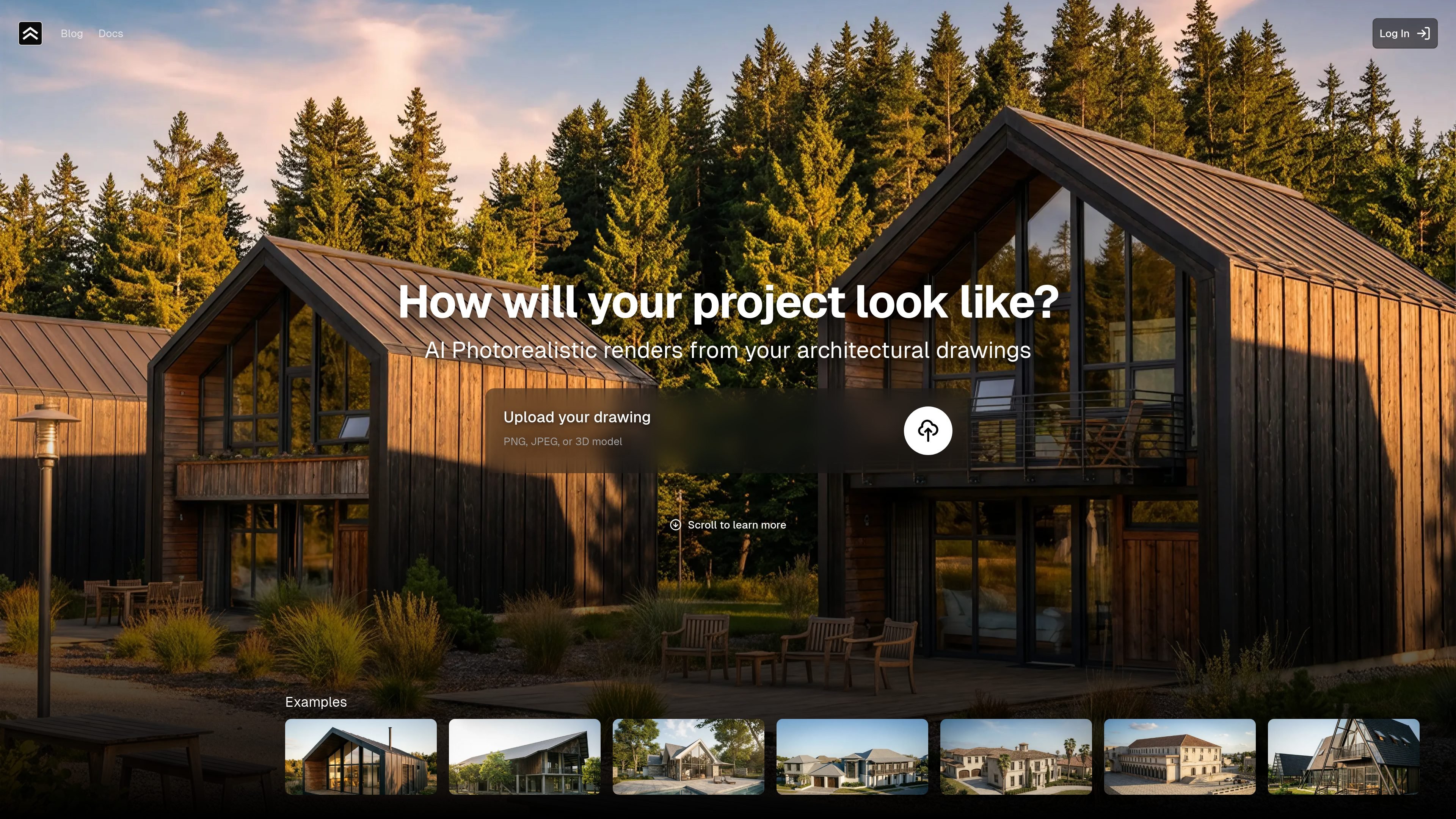
Render a House is an AI-powered architectural visualization tool that turns architectural drawings and sketches into photorealistic renders. The homepage positions it as a way to move from a drawing or model to a polished visual that shows how a project may look in real life.
The product accepts PNG, JPEG, and 3D model uploads, then generates renders with lighting, materials, and textures applied. It also presents scene options such as day, night, countryside, beach, forest, and suburb, which suggests the output is meant for iterative presentation work rather than a single fixed render.
The site frames the service for architects, designers, and teams that need quick presentation visuals. It includes a free tier for trying the product, along with paid plans for occasional use, professional use, and larger studio workflows.
Turn architectural drawings and sketches into photorealistic renders, with the site emphasizing accurate lighting, materials, and textures in the output.
Upload PNG, JPEG, or a 3D model to start a project, which gives the product a simple input workflow for common design files.
The homepage says the model can be expressive without heavy prompting, reducing the need to micromanage text instructions.
Choose among setting presets such as day, night, countryside, beach, forest, and suburb to influence the scene style of the render.
The product highlights high-resolution renders ready for presentation, aimed at sharing design work with clients or stakeholders.
The page describes rendering as fast, with results available in seconds after upload, and notes support for edits through credit usage.
Architects can turn concept sketches or drawings into presentation visuals that help communicate a project to clients before construction details are finalized.
Designers can upload a drawing and test different scene settings, such as day or night, to compare how a project reads in different contexts.
Small teams can use the tool to generate quick renders without building a full manual visualization workflow for every iteration.
Studios can organize ongoing rendering work around higher-capacity plans that support more credits and more daily usage.
People evaluating the product can start on the free tier, use the included credits, and see whether the output fits their project needs before upgrading.
The site says you can upload PNG, JPEG, or a 3D model, then generate photorealistic renders from that input. It does not publish a detailed step-by-step setup guide on the homepage.
The homepage describes the output as photorealistic renders with accurate lighting, materials, and textures, and it also references high-resolution renders ready for presentation.
The pricing shown on the homepage includes a free tier that lets you try the product without a credit card, plus paid Basic, Pro, and Studio plans. A separate pricing URL was behind a security check during collection, so the public details available here come from the homepage.
The homepage positions the product for occasional renders, professionals and small teams, and studios or bigger teams, with different plan sizes for each segment.
The collected homepage copy does not list third-party integrations or a formal API, so compatibility beyond the supported upload formats is not confirmed from the available source.