
Single-photo interior redesign
Upload a photo of a room and generate a redesigned interior in seconds. The interior page says the system can change furniture, flooring, walls, lighting, and décor from one image.

RemodelAI is a web-based AI design tool for visualizing interior and exterior home changes from a photo. It helps homeowners, designers, and real estate professionals preview room, façade, and related home-design ideas before making physical changes.
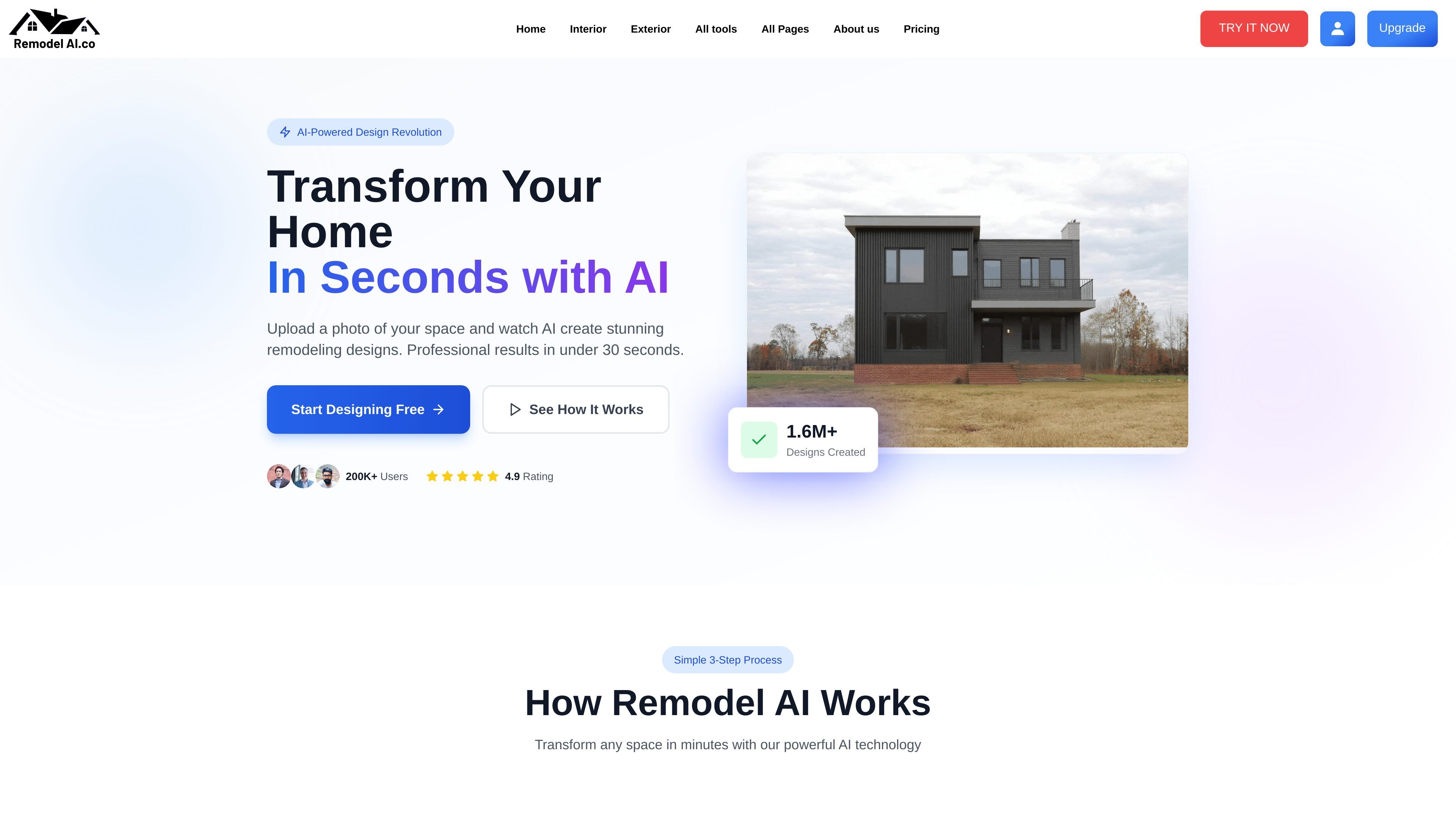
RemodelAI is an AI home design platform for visualizing interior and exterior changes from uploaded photos. It lets users redesign rooms, preview façade updates, and explore related home-design workflows such as landscape, paint, enhancement, and virtual staging.
The site positions the product as a fast way to see design options before making physical changes. Its public pages highlight single-photo generation, style and material selection, room- or building-type awareness, and paid plans that include no watermarks, commercial use, and support.
Upload a photo of a room and generate a redesigned interior in seconds. The interior page says the system can change furniture, flooring, walls, lighting, and décor from one image.
Choose from 21 interior styles and apply room-specific logic across 26 room types. The product pages cite styles such as Modern, Scandinavian, Moroccan, French Country, and Gaming, plus room-aware spacing and layout rules.
Switch between Redesign, Remodel, Enhance, and Custom modes for different goals. Redesign changes the full look, Remodel is aimed at structural or layout changes, Enhance refines an existing room, and Custom accepts a user prompt.
Upload a home exterior photo and test different cladding, roofing, color, and finish options. The exterior page says the output is rendered from the user’s actual home image rather than a stock scene.
Use 24 exterior materials and building-type logic to preview façade updates more realistically. The exterior page also mentions time-of-day and weather settings to view designs under different conditions.
Access additional tools beyond interior and exterior redesign, including landscape, paint, enhancement, and virtual staging. The about page presents these as part of a broader AI home design suite.
Use the interior flow to test a new look for a living room, bedroom, kitchen, or other space before buying furniture or repainting. The room-type controls help the AI apply the right layout logic for the space.
Use the exterior workflow to preview siding, roofing, trim, or color changes on an actual home photo. The weather and time-of-day settings help you compare how the design reads in different conditions.
Use Remodel mode when you want to think through layout changes or possible structural edits before construction. The page frames it as useful for ideas such as wall removal or window changes.
Use Enhance or Custom mode when a space is close to right or when preset styles do not match the target look. These modes are meant for refining details or describing a more specific vision.
Use virtual staging or landscape design to present an empty room or outdoor area more clearly. The about page includes both as part of the broader toolset for home presentation and planning.
Yes. The pricing page shows weekly, monthly, and yearly plans, and the product pages describe the tools as free to start. The site also lists a cancel-anytime policy and a money-back guarantee on paid plans.
RemodelAI is built to work from a single uploaded photo. The interior flow asks for a room image, and the exterior flow asks for a home exterior image before generating a redesign.
The site presents separate workflows for interior design, exterior design, landscape design, color and paint, enhancement, and virtual staging. The interior and exterior pages also mention different modes or design panels for those tasks.
The interior page says results can be downloaded, compared against another style, sent to someone, or kept iterating. The pricing page also lists no watermarks, commercial use, and 24/7 support on all plans, with priority support on the Premium plan.
The public pages do not describe native integrations or a desktop/mobile app. The site appears to be a web-based design tool with browser-based upload and generation flows.