
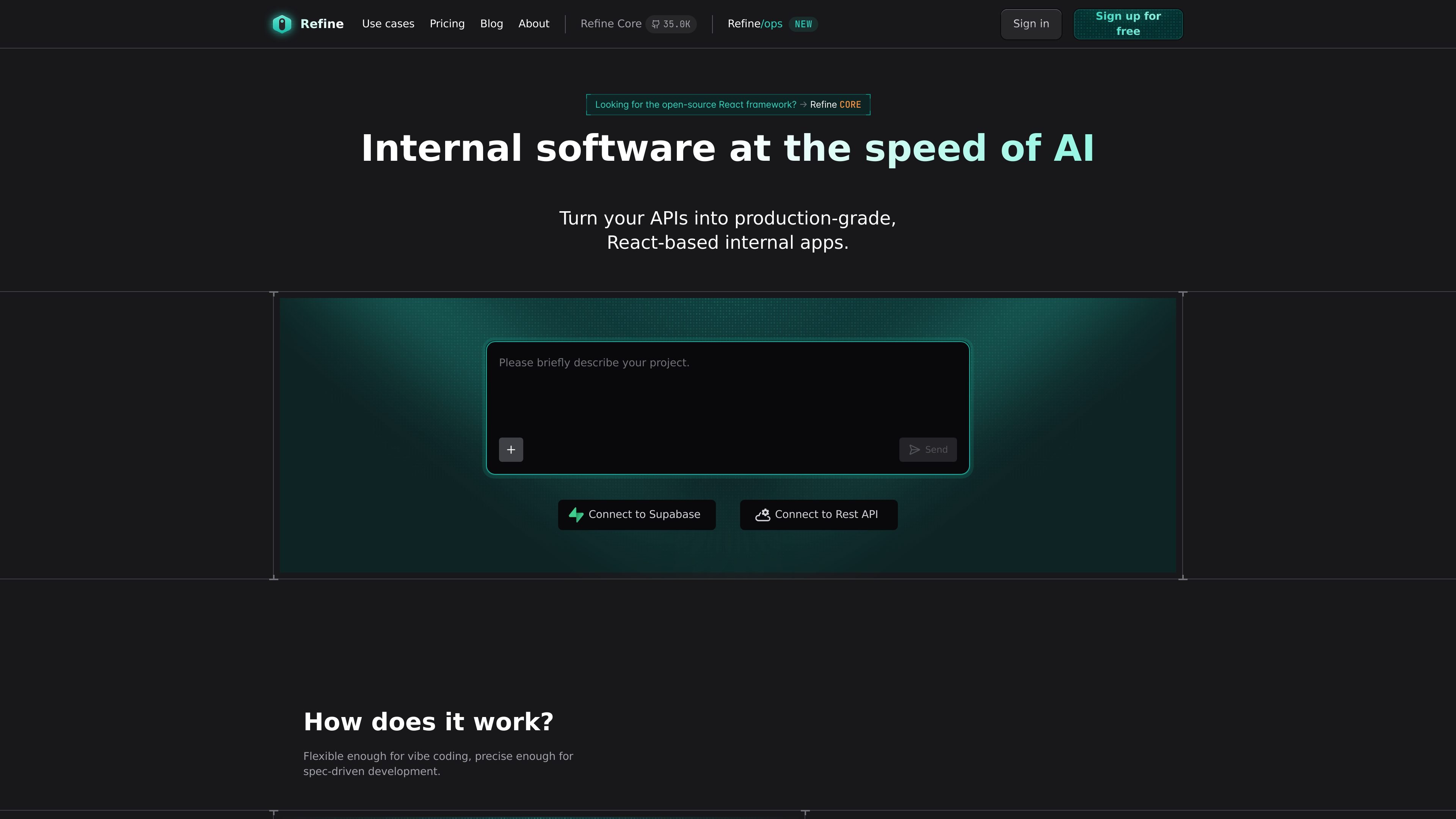
Bring your own data source
Connect existing REST APIs or Supabase projects, then start with an app structure based on your current backend instead of starting from scratch.

Open-source React framework for internal tools, admin panels, dashboards, and B2B apps with AI-assisted workflows
Refine is a framework for building internal tools, admin panels, dashboards, and B2B apps with a React-based workflow. The site positions it as an AI-assisted way to turn existing APIs or Supabase projects into production-grade applications without starting from a blank slate.
Its core workflow is to connect your data, let Refine analyze the backend, preview and modify the app in a web IDE, and then download or publish the resulting React code. The product is also presented as open source and aimed at teams that want control over security, deployment, and code ownership.
Connect existing REST APIs or Supabase projects, then start with an app structure based on your current backend instead of starting from scratch.
Refine analyzes the connected backend and creates a blueprint that guides AI agents toward code aligned with the data model.
Work in a web IDE to preview the app, make edits, and either use AI-assisted generation or inspect the code directly.
Export or publish the result as pure React code so the app is not locked into a proprietary runtime.
Support for enterprise controls includes self-hosting, identity provider support such as Okta, Azure AD, Amazon Cognito and Google Cloud Identity, and access control models including ACL, RBAC and ABAC.
The Core page lists integrations across many common services and app stacks, including Firebase, Airtable, Appwrite, Directus, Hasura, Strapi, Supabase, and multiple UI and routing packages.
Build internal admin screens that connect to an existing REST API or Supabase backend, then refine the generated app before publishing.
Create CRM, CMS, HR, customer operations, or project management tools with app structure tailored to business data and workflows.
Use the web IDE to iterate on a React-based internal app with AI assistance, then inspect and adjust the code as needed.
Self-host or publish on your own infrastructure when you need tighter control over security, compliance, or deployment ownership.
Choose an enterprise plan when you need SSO, dedicated support, data-training opt-out, or private Slack access with the vendor team.
Refine combines a React-based internal app framework with AI-assisted generation and editing. The workflow described on the site is: connect your data source, let Refine analyze the backend, preview and modify the app in a web IDE, then download the React code or publish it.
The site presents Refine as suitable for internal tools, admin panels, dashboards, CRM and CMS platforms, HR systems, customer operations, and project tools. It is also positioned for enterprise developers who need security, access control, and deployment flexibility.
The pricing page shows Starter, Pro, and Enterprise plans. Starter is listed at $0.99/month with 300 credits/month, Pro at $20.00/month with 1,500 credits/month, and Enterprise as a custom-contact plan.
The source mentions support for custom REST and GraphQL APIs, Supabase, and a broad integration list on the Core page that includes services such as Firebase, Airtable, Appwrite, Directus, Hasura, Strapi, and others.
Refine’s Core page emphasizes that it produces pure React code and is open source, so users keep control of the codebase rather than relying on a black-box runtime.
Traffic data is for reference only.

uibakery.io
Build admin panels, dashboards, CRUD apps, workflows, and portals on live data with UI Bakery.

dyad.sh
Dyad is a local, open-source AI app builder for flexible model use, exportable code, full-stack workflows, and deployment without vendor lock-in.

softr.app
Softr is a no-code platform for building business apps, portals, and internal tools with AI-assisted creation, visual editing, and connections to common data sources. It helps teams ship operational software without a developer handoff.

glideapps.com
Glide is a no-code platform for building AI-powered business apps from spreadsheets and other data sources, helping teams automate workflows, manage data, and create internal tools without coding.

jetadmin.io
No-code platform for AI-assisted business apps, internal tools, and customer portals

nocobase.com
NocoBase is an open-source, self-hosted no-code and low-code platform for building business systems with AI assistance, visual tools, permissions, workflows, and multiple data sources.