
AI app generation
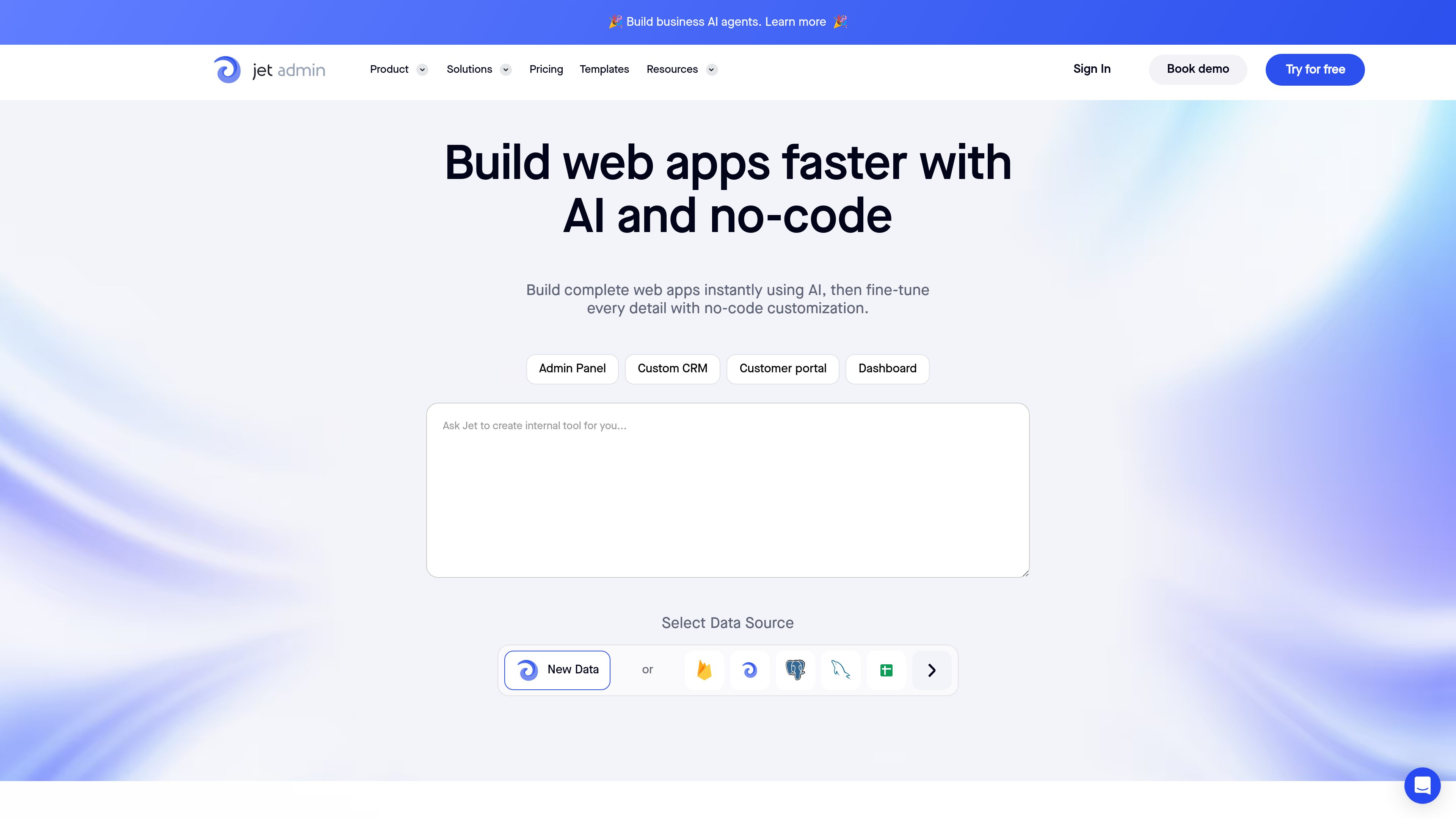
Generate working apps from a prompt, then refine the result with no-code customization. The home page describes AI-assisted creation for apps, agents, dashboards, and inventory trackers.

No-code platform for AI-assisted business apps, internal tools, and customer portals
Jet Admin is a no-code platform for building custom business apps, including admin panels, customer portals, dashboards, CRMs, and AI-enabled workflows. The product pages position it as a way to create web apps faster while connecting them to live data and business systems.
Its builder combines AI-assisted generation with no-code editing, so teams can start from a prompt or design and then adjust layouts, components, permissions, automations, and data connections. The source also shows support for internal tools and customer-facing portals, along with pricing plans for both use cases.
Generate working apps from a prompt, then refine the result with no-code customization. The home page describes AI-assisted creation for apps, agents, dashboards, and inventory trackers.
Use the Component Designer to create custom components with states, styles, and event handlers. The page also supports importing designs from Figma and Sketch.
Connect to databases, spreadsheet tools, and APIs to work with live data in one place. The source text specifically mentions PostgreSQL, Google Sheets, Airtable, Firebase, REST, GraphQL, and SOAP.
Build and run workflows with triggers, conditions, transformations, and scheduled jobs. The home page describes button clicks, API calls, webhooks, and time-based automation steps.
Apply access controls and sign-in options for different user groups. The source mentions team-based permissions, conditional filtering, SAML SSO, Google sign-in, and email magic links.
Deploy with controls for environments, versioning, branding, and hosting. The pricing page includes environments, activity logs, version control, custom domains, branding, and on-premise setup across higher tiers.
Build internal tools for employees who need structured views of data, task handling, and controlled access across teams.
Create customer or partner portals that expose selected records, files, and workflow actions through a branded web interface.
Assemble operational dashboards and management views that combine live data from multiple sources in one place.
Use AI to generate app layouts, transform data, draft SQL or HTTP requests, and automate routine workflow steps.
Design custom components and import designs from Figma or Sketch when the app needs tighter alignment with an existing design system.
Jet Admin is built to create custom business apps such as admin panels, customer portals, dashboards, CRMs, and AI-driven workflows. The home page and pricing page both point to these app types as the main product fit.
The source shows a free plan, a 14-day trial on paid plans, and tiered pricing for internal tools and customer portals. The pricing page also shows options for monthly or annual billing.
Jet Admin connects to sources such as PostgreSQL, Google Sheets, Airtable, Firebase, Jet Tables, and APIs, and the home page also mentions native integrations like Airtable, Xano, Supabase, SQL, REST, GraphQL, and SOAP.
The product includes features for permissions, environments, activity logs, version control, automations, custom domains and branding, on-premise setup, SSO, and 2FA, which suggests it can support internal team workflows and controlled deployments.
The public source pages describe features and plans, but they do not provide a full implementation guide or every limitation. For exact setup or architecture decisions, the product documentation would be the next place to check.
Traffic data is for reference only.

softr.app
Softr is a no-code platform for building business apps, portals, and internal tools with AI-assisted creation, visual editing, and connections to common data sources. It helps teams ship operational software without a developer handoff.

softr.io
No-code platform for building AI-powered apps, portals, and internal tools

glideapps.com
Glide is a no-code platform for building AI-powered business apps from spreadsheets and other data sources, helping teams automate workflows, manage data, and create internal tools without coding.

ply.io
A no-code platform for adding customer portals and custom features to team apps.

bubble.io
Bubble is a no-code platform for building, customizing, and launching web and native mobile apps. It combines AI-assisted generation with visual editing for founders, teams, agencies, and other builders who want to create applications without writing code.

about.appsheet.com
Google AppSheet is a no-code platform for building business applications and automations from connected data sources. It supports desktop and mobile apps for workflows such as operations, field work, project management, human resources, sales, and marketing.