
Meeting bot recording
Join meetings as a bot to capture recordings, transcripts, and metadata from platforms such as Zoom, Google Meet, Microsoft Teams, Webex, GoTo Meeting, and Slack Huddles.

Recall.ai is an API platform for meeting recording, transcripts and metadata across Zoom, Google Meet and Microsoft Teams, with bot and desktop recording plus calendar integration.
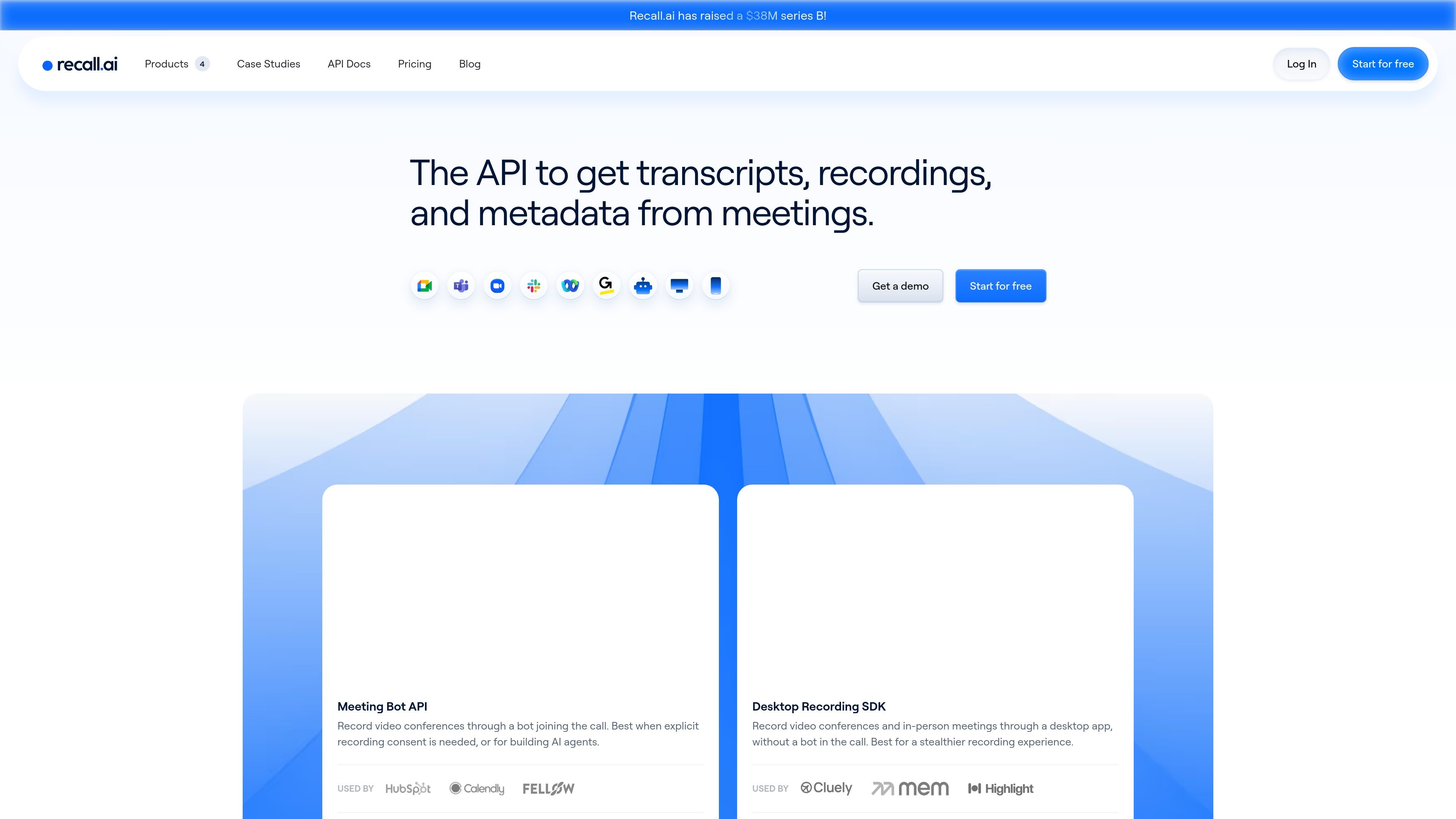
Recall.ai is an API platform for meeting recording and conversation data. Its main products are the Meeting Bot API, the Desktop Recording SDK, and the Calendar Integration API, with a Mobile Recording SDK listed as coming soon on the site.
The service is designed to help teams capture transcripts, recordings, and metadata from video conferencing platforms without building the recording infrastructure themselves. The site positions it for workflows that need meeting capture, calendar context, diarized transcripts, and related participant data.
Join meetings as a bot to capture recordings, transcripts, and metadata from platforms such as Zoom, Google Meet, Microsoft Teams, Webex, GoTo Meeting, and Slack Huddles.
Record meetings through a desktop application instead of a bot in the call, which the site positions as useful when you want a less visible recording experience.
Link calendar events to meeting data so event titles, participant emails, organizer information, transcripts, and recordings stay connected.
Access a wide set of meeting data through a unified API, including participant names and IDs, diarized transcripts, audio and video streams, chat messages, screenshare data, and meeting metadata.
Use built-in or third-party transcription options, with the pricing page noting built-in transcription is available for $0.15 per hour.
Control where data is processed and stored, with pricing details listing US, EU, or JP data residency options and storage retention terms.
Add meeting recording to a product with bot-based capture when a visible recording participant is acceptable or required for consent flows.
Capture meetings through a desktop app when you want recording without a bot appearing in the call.
Attach calendar details to recordings so transcripts can be linked back to event titles, participant emails, and organizer information.
Build AI agents or note-taking workflows that need meeting audio, transcripts, chat, and metadata from the same platform.
Create recording or transcription workflows for teams that need one integration across multiple conferencing platforms rather than separate platform-specific builds.
Recall.ai supports meeting recording, transcripts, and meeting metadata from conferencing platforms such as Zoom, Google Meet, Microsoft Teams, and others. Its product pages also describe separate options for meeting bots, desktop recording, and calendar integration, so teams can choose the capture workflow that fits their product.
The pricing page says you can start on a Pay As You Go plan with the first 5 hours of recording free. It also says the Meeting Bot API and Desktop Recording SDK are priced the same on that plan, and billing is prorated to the second.
Yes. The pricing page lists Google Calendar and Microsoft Calendar integration, and the Calendar Integration API page specifically mentions Google Calendar and Microsoft Outlook accounts.
Recall.ai’s pricing page and product pages show two main recording form factors: the Meeting Bot API, which joins a call as a bot, and the Desktop Recording SDK, which records through a desktop app without a bot in the call. The Calendar Integration API can be used alongside either workflow to attach calendar context.
The source pages describe video, audio, transcript, chat, metadata, participant, and screenshare-related outputs, but they do not provide a full limits matrix for every product or plan. For edge cases and implementation details, the docs are referenced from the site.
Traffic data is for reference only.
| Apr | 174323 |
|---|---|
| May | 185983 |
| Jun | 172921 |