
Microsoft Word add-in
The Word and Outlook add-ins are positioned for editors who want readability feedback while writing or reviewing text inside Microsoft Office.

Read Easy.ai helps simplify website and app text for people with low literacy skills, with Word and Outlook add-ins, a Chrome extension, and an API.
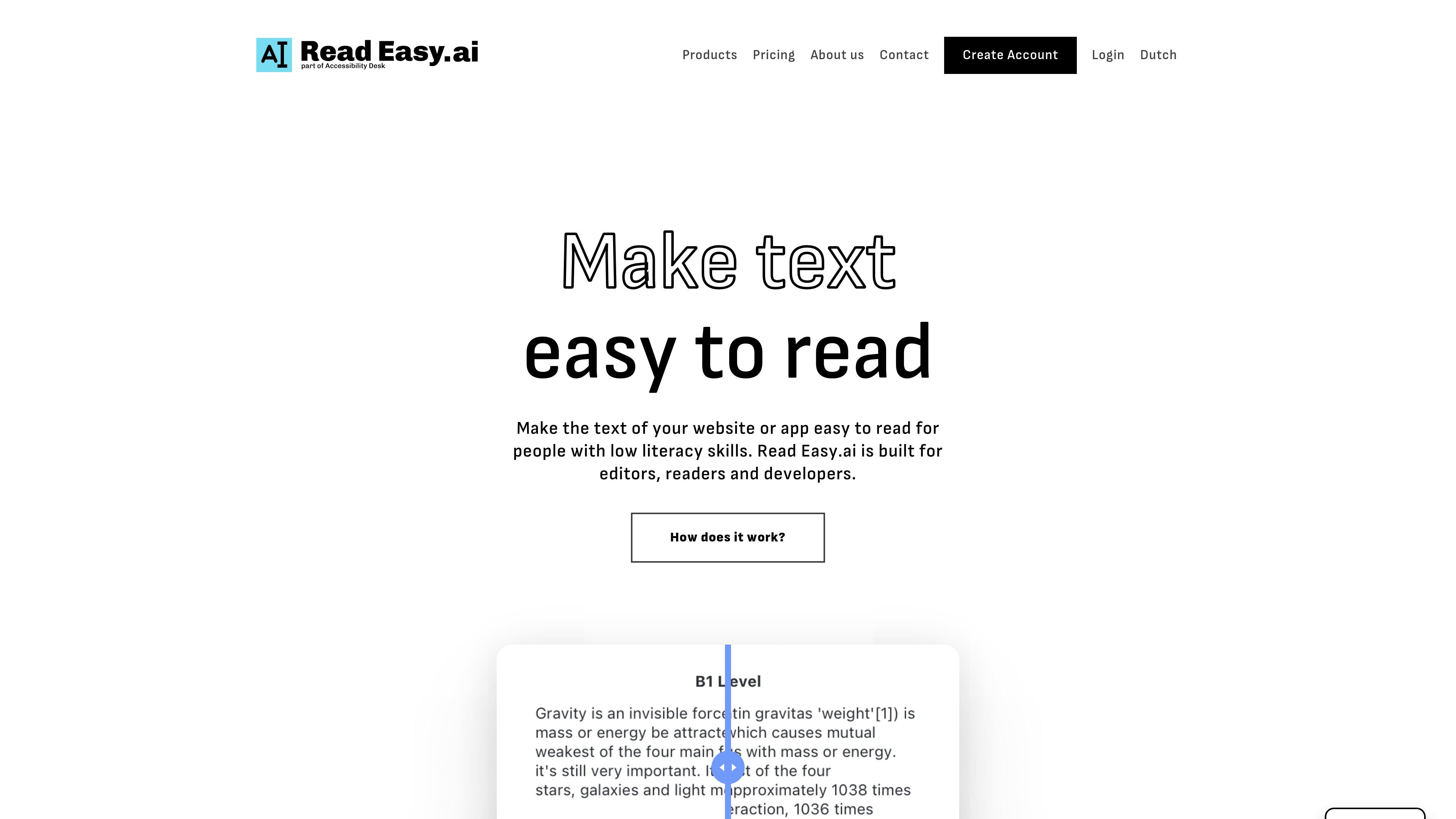
Read Easy.ai is a readability and text-simplification product for websites, apps, and writing workflows. It is built to help people with low literacy skills understand text more easily, and the company also frames it as a tool for editors and developers who need to make content more accessible.
The product is offered through Microsoft Word and Outlook add-ins, a Chrome extension, and an API. That combination lets teams work in common editing tools, let readers simplify web text in the browser, or integrate readability support directly into their own applications.
The Word and Outlook add-ins are positioned for editors who want readability feedback while writing or reviewing text inside Microsoft Office.
The Outlook add-in extends the same readability support into email workflows, helping users check text before sending it.
The Chrome extension simplifies text on websites with a click so readers with low literacy skills can understand online content more easily.
The API exposes the same core readability capabilities for developers building accessibility features into their own products.
The product supports multiple languages, including English, Spanish, German, Dutch, and Portuguese.
The API is described as compatible with React, React Native, Swift, Vue.js, WordPress, and custom development solutions.
Editors can review text in Microsoft Word to see whether it is simple enough for people with reading disabilities and get feedback on words or sentences that are too difficult.
People reading websites in Chrome can simplify text on demand to make online content easier to understand.
Developers can add readability analysis and multilingual support to their own apps through the API.
Teams can evaluate the product through a demo request before deciding whether to adopt a paid plan.
Read Easy.ai provides a Word add-in, an Outlook add-in, a Chrome extension, and an API. The source pages do not describe a separate installation process beyond signing up, registering, or booking a demo.
The site says the product is designed for editors, readers, and developers. Editors can check whether text is simple enough for people with reading disabilities, readers can simplify website text in Chrome, and developers can use the API in applications.
The pricing page lists a free plan, paid individual and business plans, and an enterprise plan. The site also offers a demo request flow for teams that want to evaluate the product first.
The homepage says Read Easy.ai supports multiple languages, including English, Spanish, German, Dutch, and Portuguese.
The source pages mention compatibility with React, React Native, Swift, Vue.js, WordPress, and custom development solutions, but they do not describe every workflow or technical requirement in detail.