
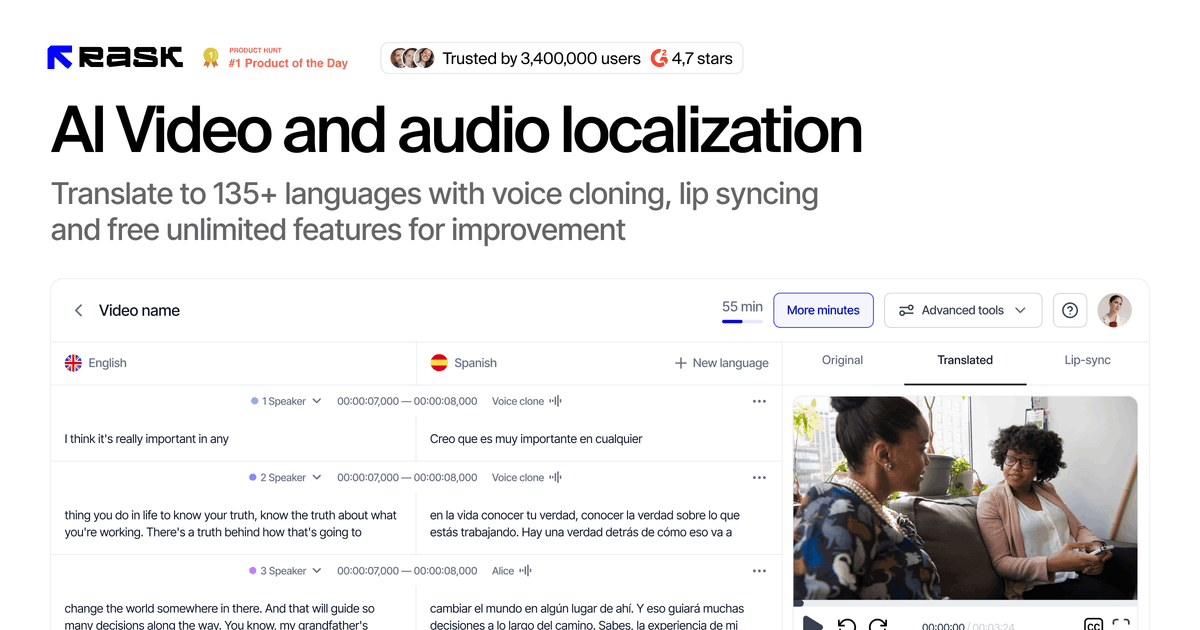
Video and audio localization
Translate and dub video and audio content into 130+ languages from the web app, with a separate API page describing support for over 130 languages as well.

AI video and audio localization for dubbing, translation, and captions in 130+ languages
Rask AI is an AI video and audio localization platform for translating, dubbing, and adapting content for international audiences. The homepage presents it as a tool for realistic AI voices and localization in 130+ languages, with access through both the web app and an API.
The product is aimed at businesses, creators, and teams that need to localize marketing videos, educational content, podcasts, lectures, and other multimedia at scale. Pricing and API pages show a tiered offering that starts with a free trial and extends to business and enterprise plans with collaboration, lip-sync, API/SDK access, and custom service options.
Translate and dub video and audio content into 130+ languages from the web app, with a separate API page describing support for over 130 languages as well.
Generate synthetic voices in 32 languages using VoiceClone, which the pricing page lists as a feature included across plans.
Add lip-sync so translated voiceovers better match the original mouth movements, available on Creator Pro and above.
Create captions and subtitles from the localization workflow, with the API page describing caption creation and the pricing page listing auto transcription and translation.
Handle videos with multiple speakers; the homepage specifically calls out multi-speaker detection.
Use the API and SDK to automate transcription, translation, dubbing, and captioning inside existing workflows.
Teams localize marketing videos and promotional assets for multiple markets without rebuilding each version from scratch.
Educators and course creators translate lectures, tutorials, and instructional content for international students.
Media, entertainment, and creator teams dub long-form video or podcast material and add captions or subtitles for distribution.
Developers and platform teams integrate localization into product workflows using the API and SDK to automate transcription, translation, dubbing, and captioning.
Enterprise teams use higher-tier plans when they need shared workspaces, brand-voice controls, custom contracts, and dedicated support.
Yes. The pricing page and API page both show workflows intended for teams, with shared-space collaboration on higher plans and API/SDK access on Business and Enterprise plans.
Rask AI supports dubbing, transcription, translation, subtitles, and lip-sync in the product descriptions and pricing pages. The API page also says it can transcribe, translate, dub, and caption multimedia content.
The homepage presents a free trial with no credit card required, while the pricing page says the free trial includes 3 minutes and 7 days.
The API page says Rask API and SDK access are available to customers on Business and Enterprise plans, and the pricing page lists API under all plans but calls out tailored service for Enterprise and custom pricing.
The source does not list full setup steps or file format limitations, but it does show a web app, an API, and SDK documentation for integration.
Traffic data is for reference only.

subtranslateai.com
Browser-based subtitle translation for SRT and media files in 100+ languages

checksub.com
AI subtitle generation and dubbing platform for video localization

vmeg.pro
VMEG AI is an AI video localization platform for translating, dubbing, subtitling, and adapting videos into 170+ languages, with self-service tools and managed human-assisted delivery for creators, marketers, educators, and teams.

subtitlebee.com
AI subtitle and transcription tool for multilingual video content

captioncreator.cc
Web-based AI subtitle generator for video and audio in 50+ languages

scribewave.com
Web-based AI transcription for audio and video files