
Reusable asset libraries
Upload products, characters, styles, and environments once, then reuse them across workflows without re-uploading every time. The platform analyzes each asset and keeps it available for later swaps and mixes.

Rainfrog is a web-based visual AI workflow platform for creative directors, art directors, and brand teams to create campaign visuals without prompt engineering.
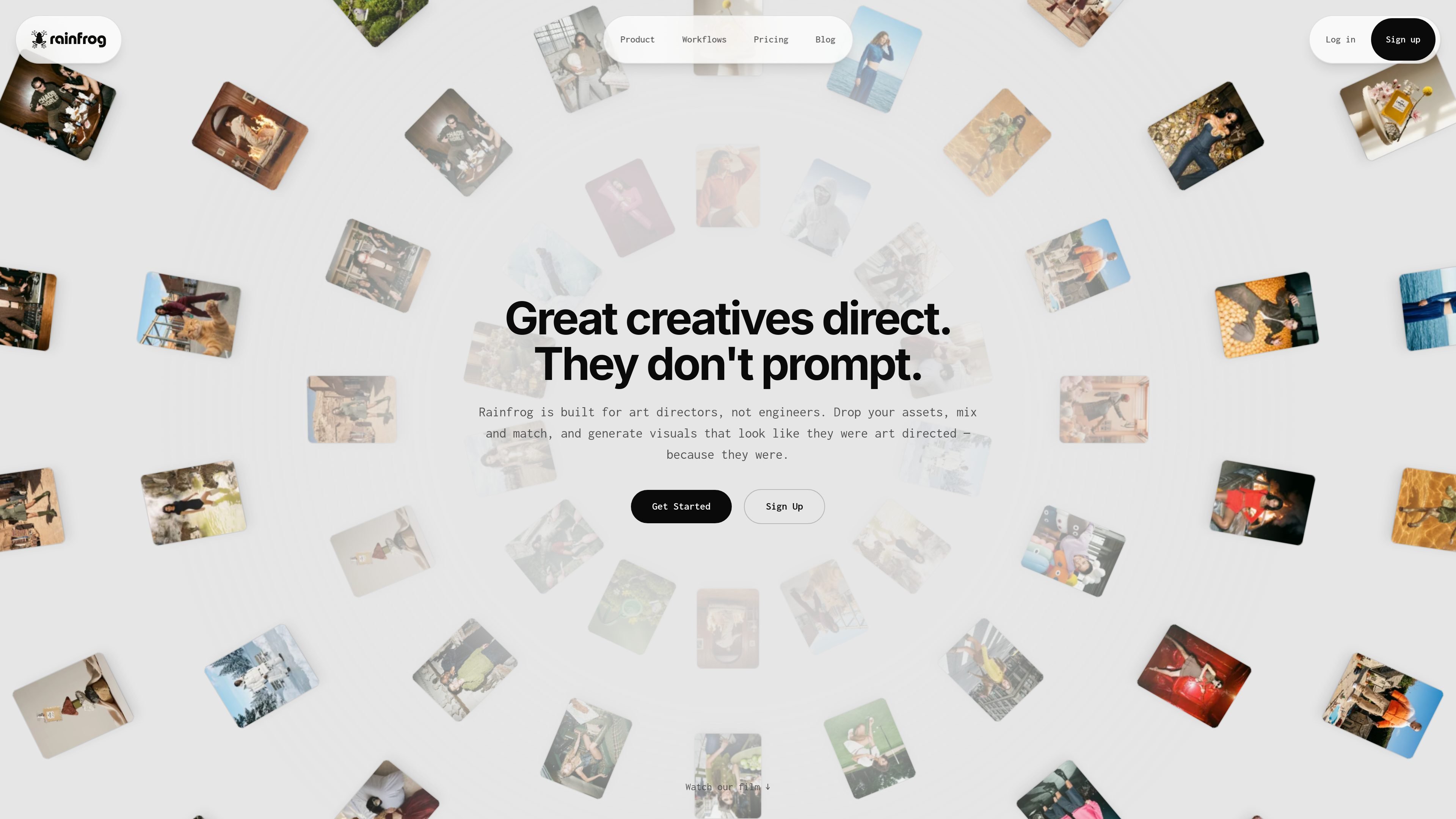
Rainfrog is a web-based visual AI workflow platform for creative directors, art directors, and brand teams. It is built around node graphs that connect products, characters, styles, environments, and generator nodes so teams can produce campaign visuals without prompt engineering.
The platform is designed to help creative teams direct AI output with existing assets instead of starting from scratch. Users upload assets once, reuse them across workflows, and generate images or video with prompts assembled automatically in the backend.
Upload products, characters, styles, and environments once, then reuse them across workflows without re-uploading every time. The platform analyzes each asset and keeps it available for later swaps and mixes.
Build visual workflows by connecting nodes on a canvas instead of writing prompts. Asset nodes feed generator nodes, and Rainfrog handles the prompt assembly in the background.
Generate images or video from the same workflow structure. The pricing page and FAQ both indicate support for image generation and a video generator.
Work with preset workflows and a public workflow gallery. Users can open images to inspect the node graph behind them and clone workflows into their own projects.
Choose normal or pro quality per generation node. The service description says Rainfrog combines model providers for different tasks and selects the best model depending on the workflow and output.
Store outputs in your project library and continue building on them. Plans include project limits, storage, and higher-tier priority generation for more active teams.
Create campaign visuals for a brand by wiring products, styles, and environments into a reusable workflow and generating multiple art-directed outputs from the same assets.
Build lookbook-style imagery or other repeated content sets where the same product, character, or style needs to stay consistent across many variations.
Clone a workflow from the gallery, adjust the connected assets, and use it as a starting point for a new creative direction instead of building from scratch.
Generate both stills and video for a project when a team wants one system for output across formats rather than separate tools for each medium.
Maintain a shared asset library for a brand or studio so products, characters, styles, and environments can be dropped into new workflows without re-uploading.
Rainfrog is a web-based creative platform for art directors and brand teams. It lets you connect products, characters, styles, and environments in a visual node workflow, then generate campaign-ready images and video without prompt engineering.
It is designed for art directors, creative directors, and marketing teams that need art-directed AI output at scale. The product is positioned for creative direction workflows rather than developers building custom AI pipelines.
You build a node graph on the canvas by connecting asset nodes such as product, model, style, and environment to generator nodes. Rainfrog then traverses the graph, assembles prompts automatically, runs image or video generation, and saves results to your project library.
Yes. You can create a free account at app.rainfrog.ai to explore the studio. Paid Hobby, Pro, and Ultra plans add monthly credits, storage, and production features for ongoing work.
Rainfrog offers Hobby, Pro, and Ultra plans on monthly or annual billing. The pricing page shows increasing credits and storage by tier, plus features such as preset workflows, video generation, and priority generation queue on higher plans.