
Smart Detection
Detects questions directly on supported quiz pages so users do not need to copy and paste into a separate tool.

Quiz Solver AI is a browser extension for quizzes and homework in supported learning platforms, with page detection, screenshot capture, and form-based workflows.
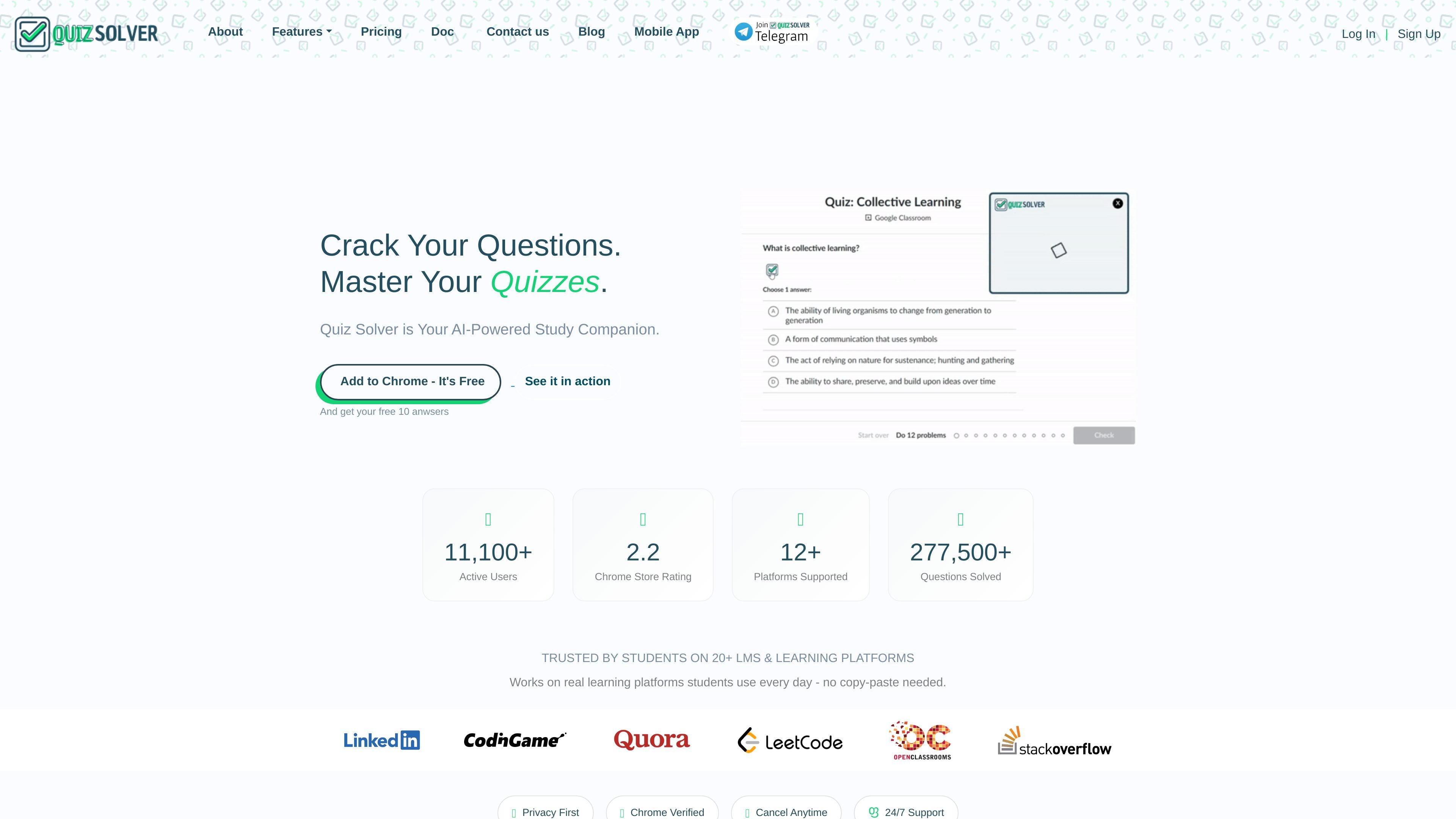
QuizSolver AI is a browser extension for quiz and homework assistance. It is built to detect questions on supported learning platforms, analyze the prompt or answer choices, and generate a response inside the page instead of forcing users to move to another tab or copy text into a separate chatbot.
The product is positioned for students working across LMS quizzes, homework, practice tests, and form-based assessments. The site emphasizes support for 20+ platforms, a privacy-first workflow, and browser availability across major desktop browsers, with Chrome listed as the primary option.
Detects questions directly on supported quiz pages so users do not need to copy and paste into a separate tool.
Lets users capture any question as a screenshot, including content in PDFs and images, for AI-assisted solving.
Provides AI-generated answers using advanced GPT models, with support for explanations and multiple request types.
Adds a discreet interface that blends into the page, reducing visual disruption while staying inside the quiz workflow.
Supports Google Forms and Microsoft Forms with automatic detection, analysis, and response generation.
Includes keyboard shortcuts such as Ctrl+Shift+Q for faster access to QuickSnap and other actions.
A student opening a Canvas, Blackboard, or Moodle quiz can let the extension detect the question in place and generate help without switching to another website.
When a question appears in a PDF, image, or other visual format, QuickSnap can capture the content and send it through the solver workflow.
For Google Forms or Microsoft Forms assessments, the auto form solver is designed to detect the form structure and return an answer in the same browser session.
A learner who wants a less intrusive interface can use Ghost Mode so the tool blends into the page rather than interrupting the quiz layout.
A student who studies across multiple browser environments can install the extension on supported desktop browsers and use the same account across them.
QuizSolver installs from the Chrome Web Store. The site says to search for "QuizSolver" and click "Add to Chrome"; the free features can be used immediately after installation.
The product page says QuizSolver works on 20+ platforms, including Canvas, Blackboard, Moodle, Google Forms, Microsoft Forms, Quizlet, Kahoot, Coursera, edX, and many custom quiz websites.
QuizSolver is designed as an in-browser quiz assistant, not a general chat app. It auto-detects questions on supported pages and includes QuickSnap screenshot solving and Ghost Mode for working inside the quiz interface.
Yes. The site says QuizSolver can help with math problems and mentions subjects such as algebra, calculus, geometry, statistics, and more, but it also advises users to double-check important answers and follow their school or exam rules.
The site describes QuizSolver as built for students and educators with a privacy-first approach, and it says the tool should be used responsibly and in line with school or work policies.