
Paraphrasing and rewriting
Rewrite sentences or paragraphs with the Paraphraser, which is positioned as the product’s central writing tool. Premium expands it with unlimited paraphrasing, more modes, custom modes, history, and multiple languages.

Quillbot is an AI writing assistant for paraphrasing, grammar checks, summaries, citations, originality checks, and content creation across web, desktop, mobile, and Word.
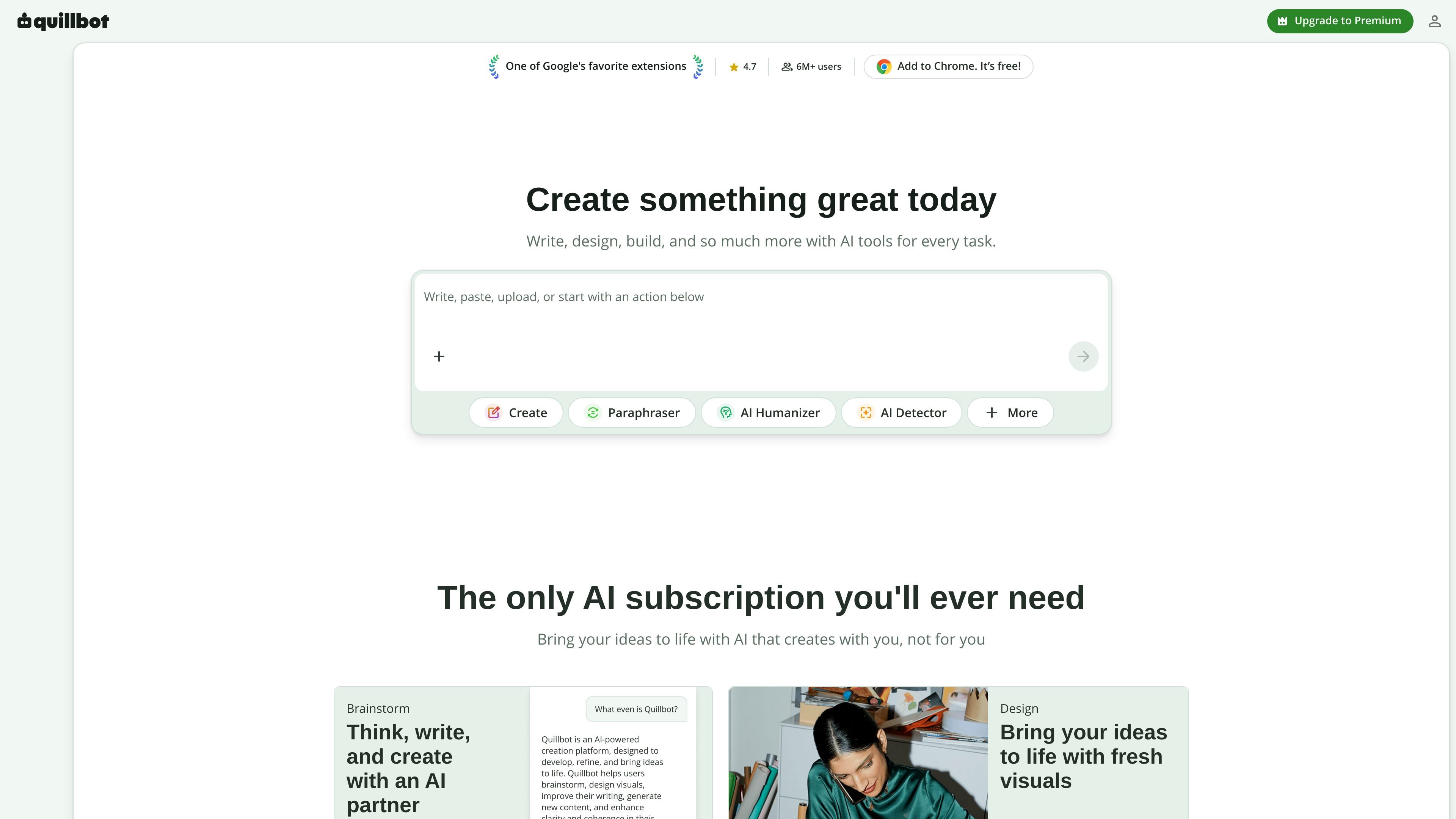
Quillbot is an AI writing platform centered on rewriting, editing, originality checking, and content creation. Its homepage presents tools for paraphrasing, grammar correction, tone analysis, fluency improvement, summarization, citation generation, AI detection, plagiarism checking, translation, AI chat, and image generation.
The product is designed to help individuals and teams write more clearly and produce content across different workflows, including documents, presentations, PDFs, and browser-based writing. Quillbot also offers browser extensions and desktop and mobile apps, plus a team plan for shared purchasing and administration.
Rewrite sentences or paragraphs with the Paraphraser, which is positioned as the product’s central writing tool. Premium expands it with unlimited paraphrasing, more modes, custom modes, history, and multiple languages.
Check grammar and spelling, with Premium adding advanced writing recommendations and grammar support in six languages.
Summarize longer text, create custom summaries on Premium, and work with PDF content through ChatPDF and PDF editing tools.
Detect AI-written text and AI-generated images, check for plagiarism, and generate citations for common academic styles.
Generate and edit content with AI Chat, AI Image Generator, Presentation Creator, background removal, and AI image editing tools.
Use Quillbot across extensions and apps, including Chrome, Edge, Safari, Word, Android, iOS, macOS, and Windows.
Use the Paraphraser to rework a sentence or paragraph while keeping the original meaning, then compare modes or apply Premium’s advanced options when you need more control over tone and wording.
Run writing through grammar checking, tone insights, and fluency improvements when you want cleaner academic, professional, or client-facing copy.
Summarize long passages or ask questions about a PDF with ChatPDF when you need to get through research material, reports, or source documents faster.
Generate citations, check for plagiarism, and use AI detection tools when you need to prepare academic or research-oriented writing with originality checks.
Create cover letters, social posts, presentations, or images when a project needs both written content and supporting visuals in one workspace.
Quillbot offers a free plan and paid Premium plans. The free plan includes limited paraphrasing, grammar checks, summarization, AI detection, and other tools, while Premium adds unlimited paraphrasing, more modes, advanced grammar recommendations, full Humanizer access, unlimited AI detection, and larger limits for summaries and AI chat.
Yes. Quillbot Premium can be used on all of your devices, but the source says it can be active on up to 10 devices at a time.
Quillbot says Premium includes browser extensions and apps, including Chrome, Edge, Safari, Word, Android, iOS, macOS, and Windows.
Yes. The Team Plan is designed for purchasing multiple Premium subscriptions in one transaction and includes team usage metrics, a user management dashboard, centralized billing, data control, and priority assistance.
The source says you can pay for Premium with a credit or debit card or with PayPal.