
AI-native workspace
Play is positioned as an AI-native workspace rather than a bolt-on assistant, so teams can centralize work in one surface built for AI workflows.

Play is an AI workspace for teams that centralizes work, supports AI co-workers, and connects with Gmail, Notion, Airtable, and Salesforce.
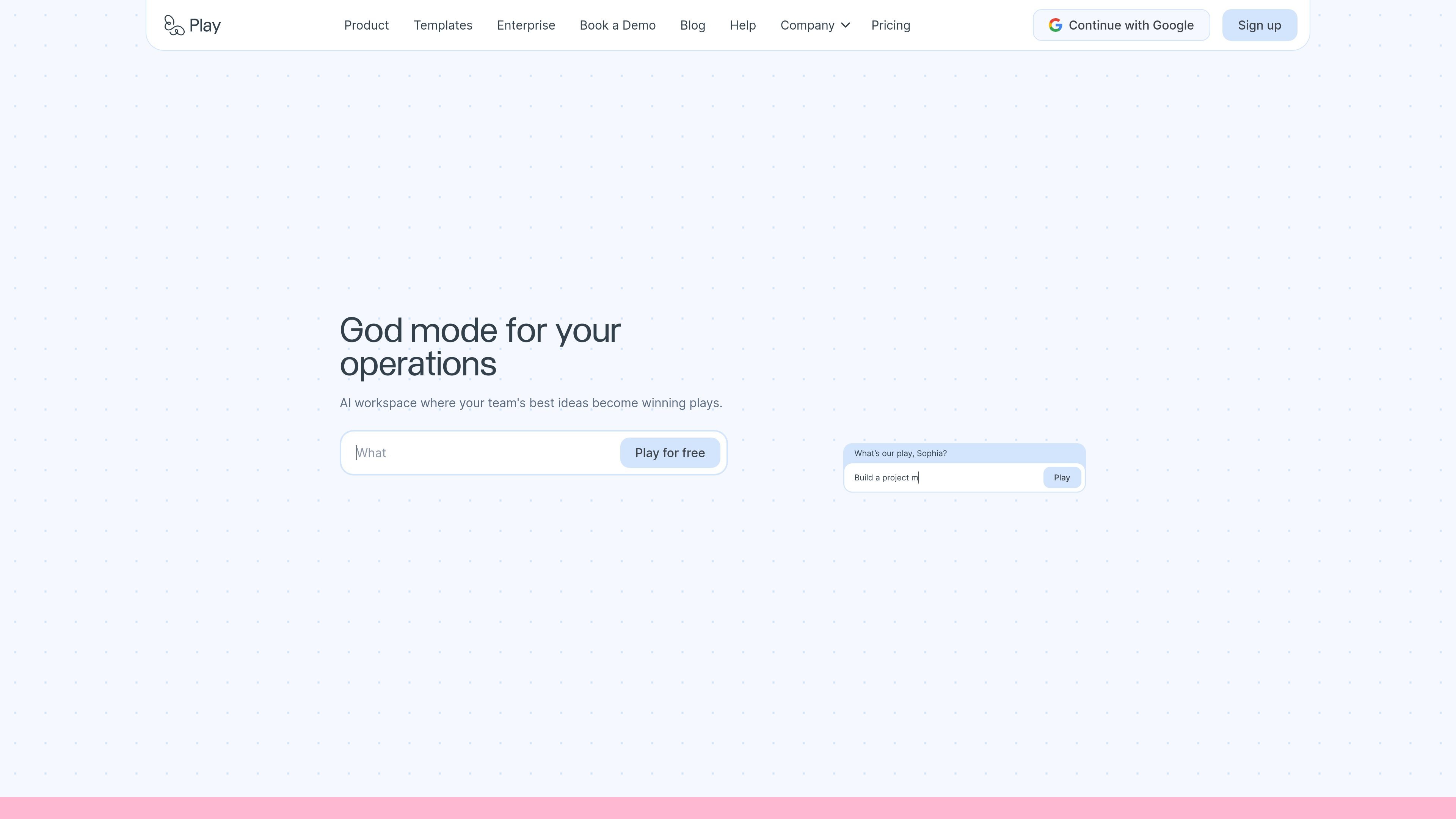
Play is an AI workspace for teams that want to centralize work, build internal apps, and automate routine tasks without waiting on engineering. The product positions itself as a place where shared work, AI co-workers, and connected tools live in one governed workspace.
The site highlights templates for communication, analysis, dashboards, sales operations, product work, people workflows, and operations. It also supports direct connections to tools such as Gmail, Notion, Airtable, and Salesforce, so teams can surface data and trigger actions from the systems they already use.
Pricing is available in Individual, Team, and Enterprise tiers. Team plans focus on multiplayer building with shared usage, shared data, and permissions, while Enterprise adds custom usage, SSO/SCIM, audit logs, SLA, dedicated support, and custom integrations.
Play is positioned as an AI-native workspace rather than a bolt-on assistant, so teams can centralize work in one surface built for AI workflows.
Teams can work together in real time on shared apps and workflows instead of splitting execution across docs, tickets, and separate tools.
The product can deploy AI co-workers that learn team processes and handle tasks autonomously, including tasks, research, and integrations.
Pricing and product language emphasize shared data, permissions, encryption, and enterprise controls, with Team and Enterprise plans adding controls and governance options.
Play includes templates for different operating surfaces, including spreadsheets, dashboards, communication, work tracking, and CRM-style workflows.
The pricing page describes usage-based billing with top-ups, monthly caps, and guest access so teams can control how the workspace is consumed.
Ops teams can start from dashboards, spreadsheet workbenches, and relationship systems to manage reporting, approvals, and internal workflows from one workspace.
Finance teams can import CSVs into typed tables, inspect grouped views, chart data, and share saved views without rebuilding a separate analysis stack.
Product teams can keep launch tasks, feedback, roadmap context, and stakeholder updates in one surface with table, kanban, gantt, calendar, form, and dashboard views.
Support, success, and account teams can organize channels, customer threads, handoffs, and account records so communication and follow-up stay close to the work.
Engineering teams can combine communication spaces, work tracking, and dashboards to keep execution and signal in the same workspace.
Yes. The pricing page offers Individual, Team, and Enterprise options, with Team plans designed for collaborative building and a minimum of 3 members.
Play supports app-building work that uses chat, co-workers, tasks, research, and integrations. The pricing page says third-party integrations are free and that usage is measured separately from seat access.
If usage runs out, tasks pause and apps that rely on integrations or AI co-workers pause, while other parts keep working. You can top up anytime or wait for the next billing cycle.
The source shows Play connected to Gmail, Notion, Airtable, and Salesforce, and it also highlights templates such as Communicate, Insight, Prism, Winning, and Clarity.
Yes. Enterprise pricing is custom and is scoped around seats, usage volume, compliance, and integration needs.