
Multi-channel content creation
Create and manage content for multiple social networks in one workspace, with support for grouped posts, sync on/off, version history, and editing visuals inside the composer.

Planable is a collaboration-first social media management tool for planning, approving, scheduling, engaging, and analyzing content in one workspace for agencies, brands, and enterprise teams.
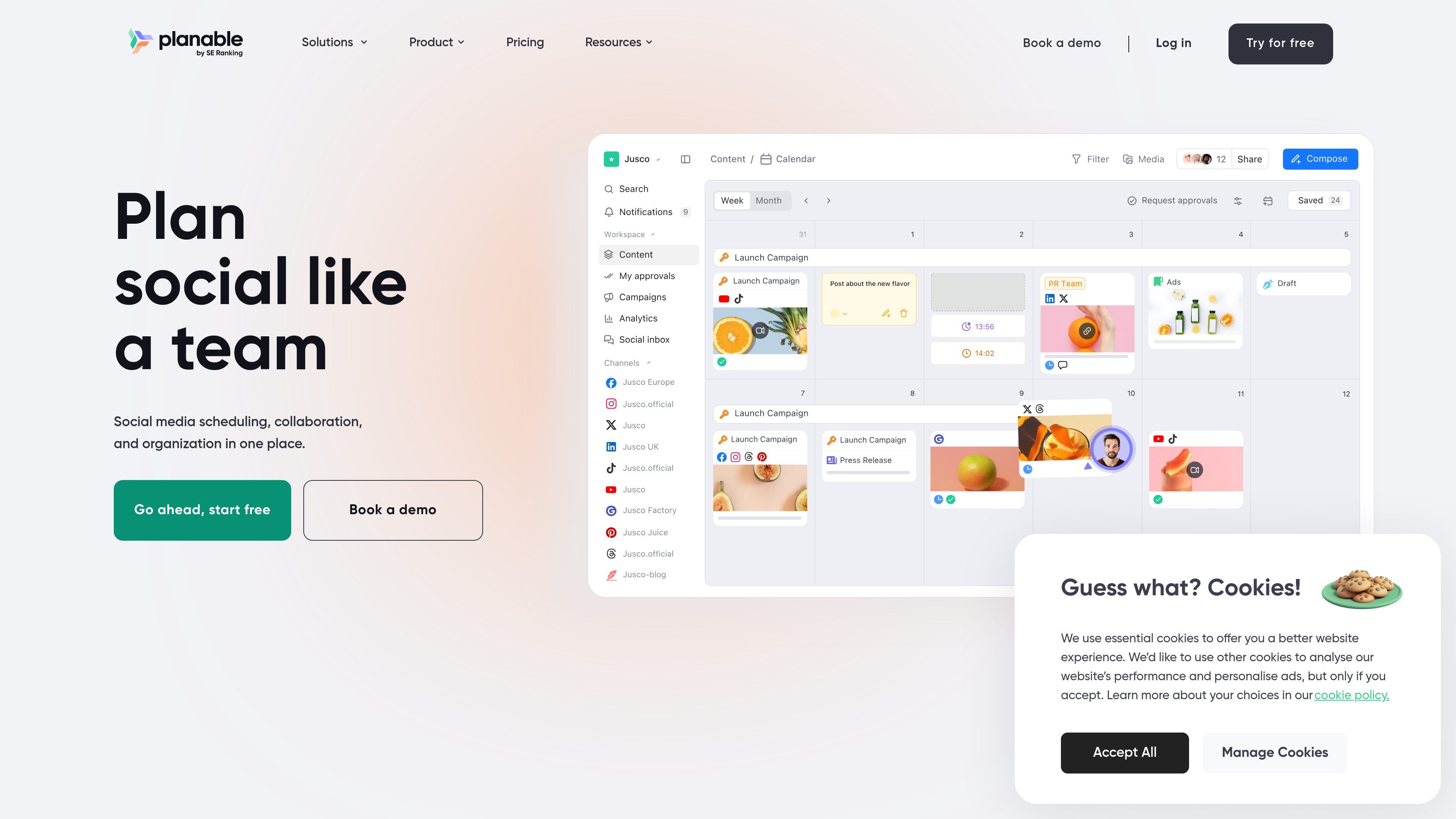
Planable is a social media management tool built around collaboration. It combines content planning, approvals, scheduling, engagement, and analytics so teams can handle the full workflow in one place instead of moving between spreadsheets, email threads, and separate tools.
The product site emphasizes visual planning and review: teams can work from feed, calendar, grid, or list views; leave comments and suggestions next to the post; and use configurable approval steps before publishing. Pricing is organized for agencies, brands, and enterprise teams, with a free starting tier and paid plans that add higher limits and additional workflow options.
Create and manage content for multiple social networks in one workspace, with support for grouped posts, sync on/off, version history, and editing visuals inside the composer.
Work directly with a feed, calendar, grid, or list view so teams can review posts in the format that best fits planning and approval needs.
Keep comments, suggestions, annotations, and one-time feedback links tied to the content being reviewed so approvals stay in context.
Use customizable approval flows, including none, optional, required, and multi-level approvals for enterprise workflows.
Organize campaigns and content with workspaces, labels, filters, custom views, and a shared media library for assets.
Access analytics, custom reports, and a social inbox as add-ons or plan features, with AI replies and sentiment sorting available in the inbox.
Create posts for several social networks in one workspace, then adapt each version without starting from scratch.
Centralize review comments, suggestions, and approvals so clients or stakeholders can give feedback without long email threads.
Use calendars, labels, filters, and custom views to organize content by campaign, pillar, or team assignment.
Track social inbox activity and review analytics or custom reports when reporting results to stakeholders.
Set up multi-level approvals and workspace-level organization when content must pass internal, client, or legal review before publishing.
Planable is designed for teams that need to create, review, approve, schedule, and analyze social content in one place. The site also presents it as a fit for agencies, brands, and enterprise teams.
Yes. The pricing page shows a free starting point with the first 50 posts free and no credit card required, while paid plans add higher limits and more features. Enterprise pricing is custom.
Planable brings together content creation, collaboration, approvals, scheduling, engagement, analytics, and a social inbox. The product page also shows platform-specific publishing tools and a calendar view for planning.
The product pages show plan differences by approvals, available views, social pages per workspace, and optional add-ons such as analytics and social inbox. Enterprise includes multi-level approvals, SSO, and custom pricing.