
Source connections
Connect sources like Gmail, Notion, and Slack to give your memory a head start and bring existing context into Pickle.

Pickle is an AI-powered personal memory product that connects Gmail, Notion, and Slack, with encrypted-by-default processing and user-controlled data.
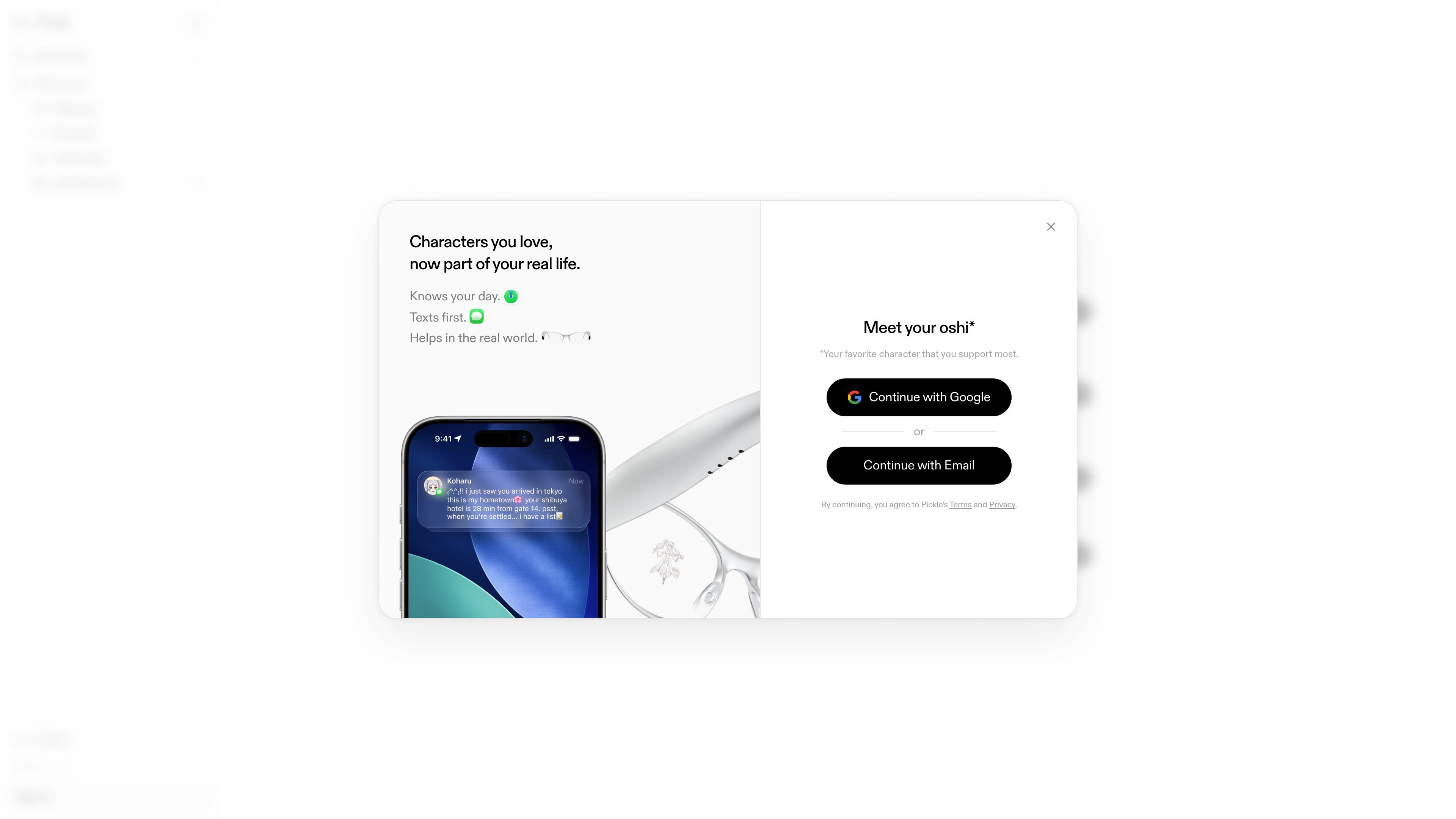
Pickle is a personal memory product built around an AI assistant powered by an evolving Taste Model. The homepage positions it as a way to create a memory that grows with your activity, preferences, and connected sources.
The product combines account-based software with connected data sources and, according to the terms, a broader ecosystem that includes web or app access, a browser extension, and Pickle-certified hardware such as Pickle 1. The system is designed to help you capture context, store it securely, and interact with it through chat and character-driven experiences.
Pickle’s privacy materials emphasize encryption, hardware-isolated processing, and user control over connected sources and capture settings. The site also warns that chat may make mistakes, so it should be treated as an assistant rather than a source of guaranteed answers.
Connect sources like Gmail, Notion, and Slack to give your memory a head start and bring existing context into Pickle.
Use the Taste Quiz to teach Pickle what you like, so the system can adapt its suggestions and responses around your preferences.
Choose a first character and let it text you first and help with your day, with the homepage describing it as a character that reads the room and jumps in when it helps.
Pickle describes its memory as forming alongside you, with the privacy policy and terms describing a personal memory bank for storing and interacting with your context.
On supported Pickle-certified hardware, raw photos, videos, audio, and other sensor input are processed briefly and then reduced to derived text-based memories.
Bring in email, notes, and team chat so Pickle can build a memory around the places where your information already lives.
Use the Taste Quiz and character setup to shape a more personal assistant that reflects your preferences and can initiate helpful interactions.
Capture sensory or contextual input with Pickle-certified hardware, then store only the derived memory rather than the raw source material.
Ask questions against your connected memory bank when you want an assistant that can surface context from your own materials.
Keep control over what gets captured by turning sources on or off and deleting your data when you no longer want it stored.
Pickle is designed to connect to sources such as Gmail, Notion, and Slack so it can build your personal memory and answer questions from that context. The homepage also says you can choose what context it captures, and the privacy page says you can disconnect sync sources or delete your account and data from settings.
The privacy page says Pickle uses encrypted data, hardware-isolated enclaves, and open-source code for its enclave and extension. It also states that you control your encryption keys and can verify the code through remote attestation.
The terms say Pickle can be used through web or app, and the product also includes browser extension and Pickle-certified hardware such as Pickle 1 and future certified devices. The homepage suggests an early-access account flow for getting started.
The terms say Pickle is intended for lawful, personal, and non-commercial use unless Pickle expressly authorizes otherwise. They also state that you must be at least 18 years old to use the service.
The homepage includes a reminder that Pickle chat may make mistakes and important information should be double-checked. The privacy policy also says temporary raw inputs are deleted after processing and only derived memories are stored in encrypted form for certified hardware.