
Background removal
Remove image backgrounds quickly and export a transparent result for further editing or publishing.

Photiu.ai: browser-based AI image editing for background removal, object erasing, upscaling, and new visuals. Free plan available.
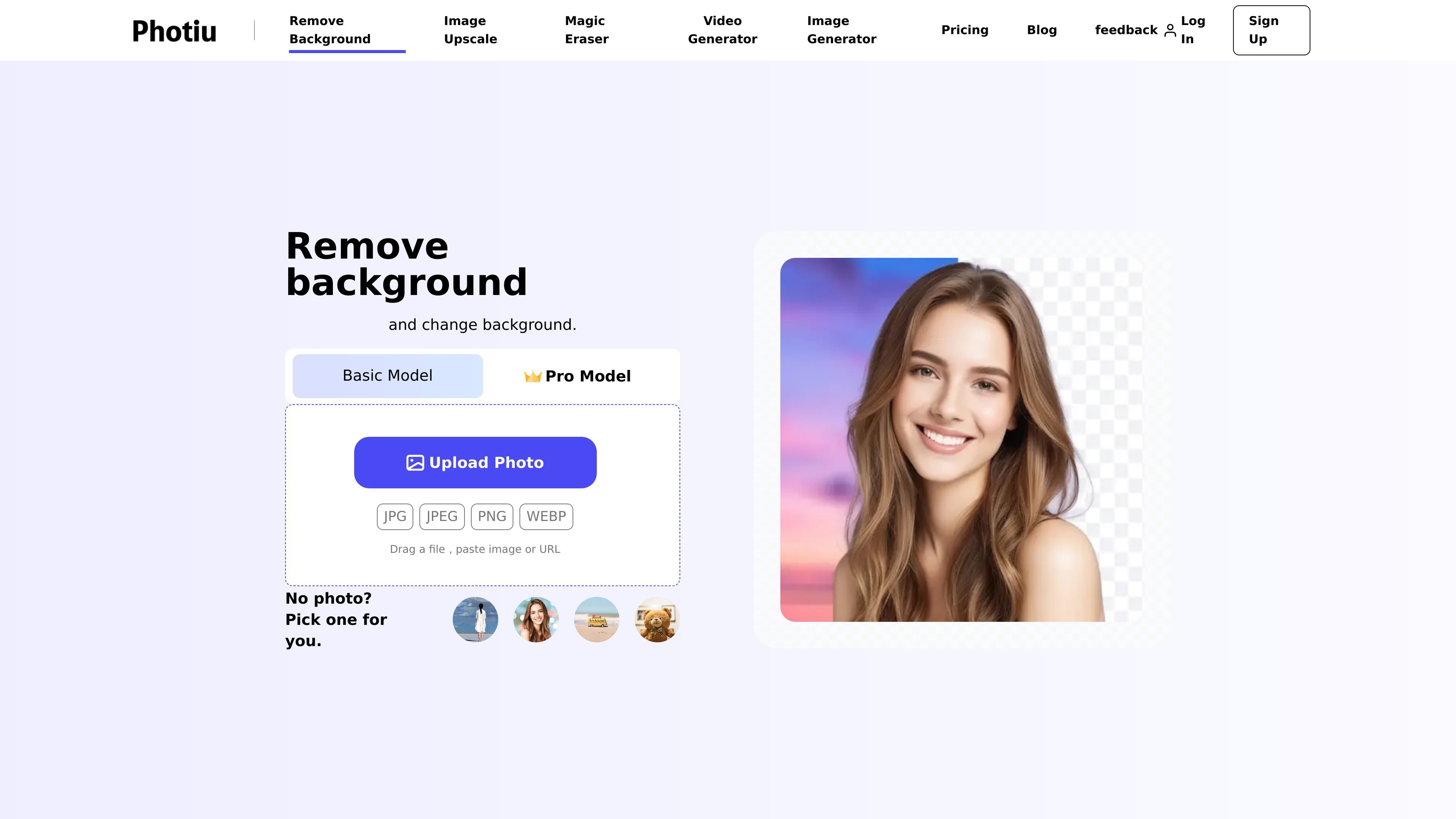
Photiu.ai is an online AI image editing platform for removing backgrounds, erasing unwanted objects, upscaling photos, and generating new visuals. Its tool pages show browser-based workflows for uploading an image, applying an AI edit, and downloading the result.
The product is positioned for creators, sellers, designers, marketers, photographers, and developers who need faster image cleanup or enhancement without installing desktop software. The site also offers a free plan, paid credits for higher-resolution output, and an enterprise option with API-oriented business features.
Remove image backgrounds quickly and export a transparent result for further editing or publishing.
Use the brush-based Magic Eraser to remove objects, people, text, watermarks, logos, and other distractions while the AI fills in the background.
Upscale images by 2× or 4× and rebuild detail to improve clarity without simple pixel stretching.
Generate new visuals from text prompts using the platform’s AI image generator.
Refine cutouts with erase and restore controls when the automatic background removal needs manual adjustment.
Process images in the browser with support for JPG, JPEG, PNG, and WEBP uploads and no software installation.
Prepare product photos for ecommerce listings by removing backgrounds, replacing them with white or custom backdrops, and exporting cleaner images.
Clean up portraits or lifestyle photos by erasing photobombers, logos, text overlays, watermarks, or other distracting elements.
Improve low-resolution images for presentations, print materials, or social posts by upscaling them to 2× or 4×.
Create new visuals from prompts when you need generated images instead of editing an existing file.
Handle batch-style image workflows in a browser for business teams that need scalable processing and API integration.
Yes. The site says Photiu.ai can remove backgrounds to create transparent backgrounds, and it also supports replacing a removed background with a white background or another custom background.
Yes. The pricing page says the free plan includes 2 credits on sign-up plus 2 credits per day, and it also notes that free background removal saves in preview quality while HD output requires credits.
Photiu.ai supports JPG, JPEG, PNG, and WEBP uploads on its tool pages.
For background removal, the pricing page says standard quality is optimized for web use at up to 0.25 MP, while HD output is unlimited high resolution and requires credits. The home page also says background removal supports HD and up to 4K resolution.
The pricing page says the Enterprise option is designed for businesses that need scalable AI image processing and flexible API integration, with secure API architecture and adjustable rate limits.