
Single-photo generation
Generate AI photos from a single uploaded selfie, with the home page describing the workflow as taking about 2 seconds.

Photify AI is an AI looks generator that creates stylized photos from one selfie, with fast themed image generation across looks, outfits, and scenarios.
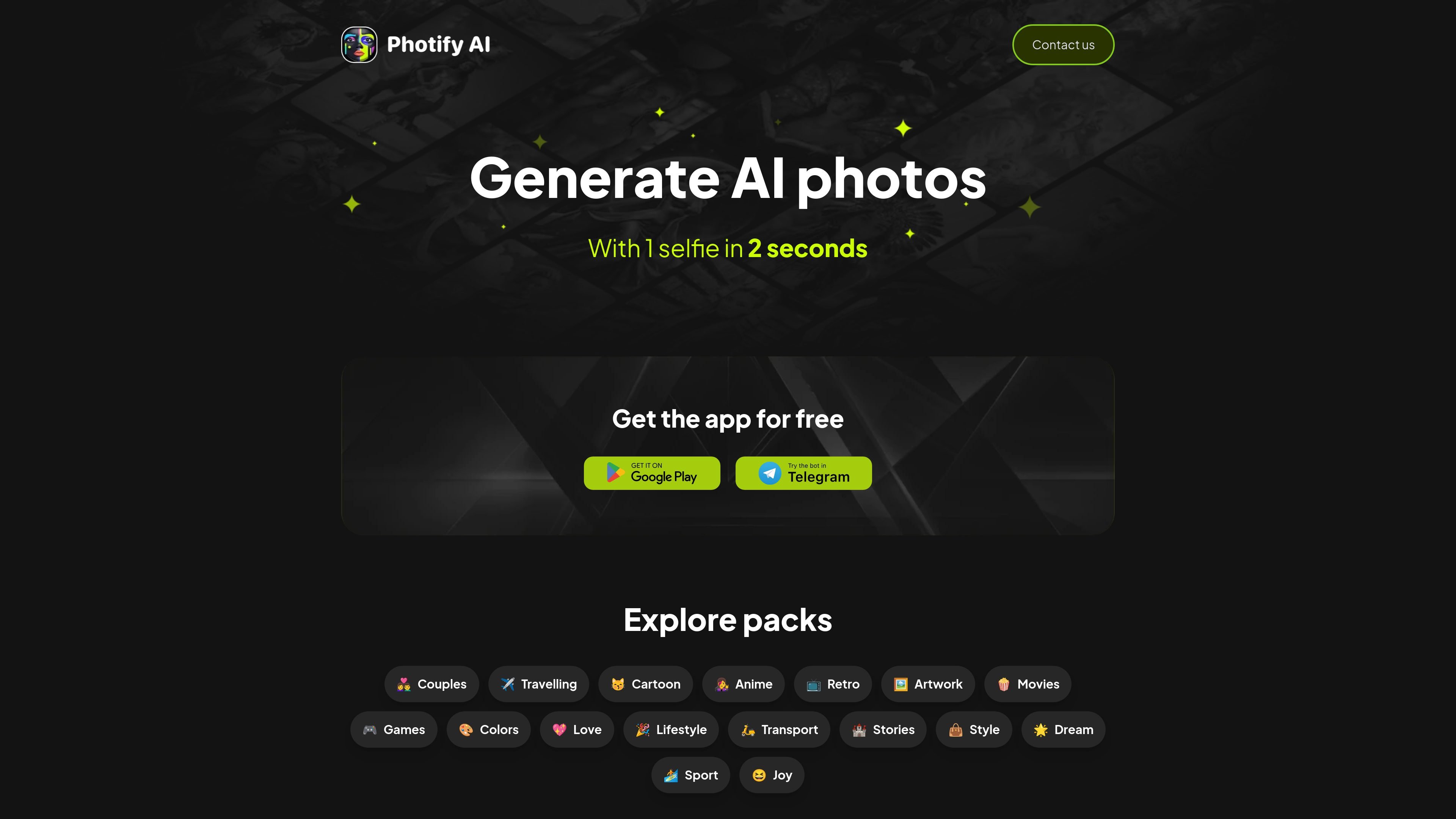
Photify AI is an AI looks generator that creates stylized photos from a single uploaded selfie. The site frames the product around quick photo generation, with the main page stating that users can generate AI photos from one selfie in about 2 seconds.
The product focuses on changing visual style rather than editing a single image manually. Its site copy highlights variations in hairstyles, genders, skin tones, outfits, scenarios, and locations, and the product pages expose themed packs such as black-and-white photoshoots, magazine covers, and Beauty By Brick.
Generate AI photos from a single uploaded selfie, with the home page describing the workflow as taking about 2 seconds.
Explore look variations across hairstyles, genders, and skin tones from the product description on the main site.
Try on outfits inspired by characters, fashion trends, and themed packs such as magazine cover or black-and-white shoots.
Browse content categories including Couples, Travelling, Cartoon, Anime, Retro, Artwork, Movies, Games, Colors, Love, Lifestyle, Transport, Stories, Style, Dream, Sport, and Joy.
Use prompt-driven packs such as Photoshoot Black And White, Trending Magazine Cover, and Beauty By Brick, each showing a defined number of prompts.
A user uploads a selfie and generates alternate looks across hairstyle, gender presentation, or skin tone variations without manual image editing.
Someone browsing the app can pick a pack such as black-and-white, magazine cover, or Beauty By Brick to get a themed result for a specific aesthetic.
People looking for social content can use the built-in style categories to explore looks tied to travel, retro, anime, movies, or lifestyle themes.
A user who wants a faster starting point can begin with a prompt pack instead of building a custom prompt from scratch.
The source shows that Photify AI can generate AI photos from a single selfie and offers themed packs, but it does not provide a detailed setup guide or explicit onboarding steps.
The product pages emphasize diverse looks, including hairstyles, genders, skin tones, outfits, scenarios, and locations, but they do not spell out exact output formats or file types.
The pricing page says there is a free app download and invites users to get the app for free, but the source does not list exact plan names, prices, or usage limits.
The collected source does not mention team accounts, collaboration features, or enterprise setup.