
Edge and keyboard access
Open the clipboard panel by pushing the pointer against a chosen screen edge with a configurable dwell delay, or use a global keyboard shortcut instead or alongside it.

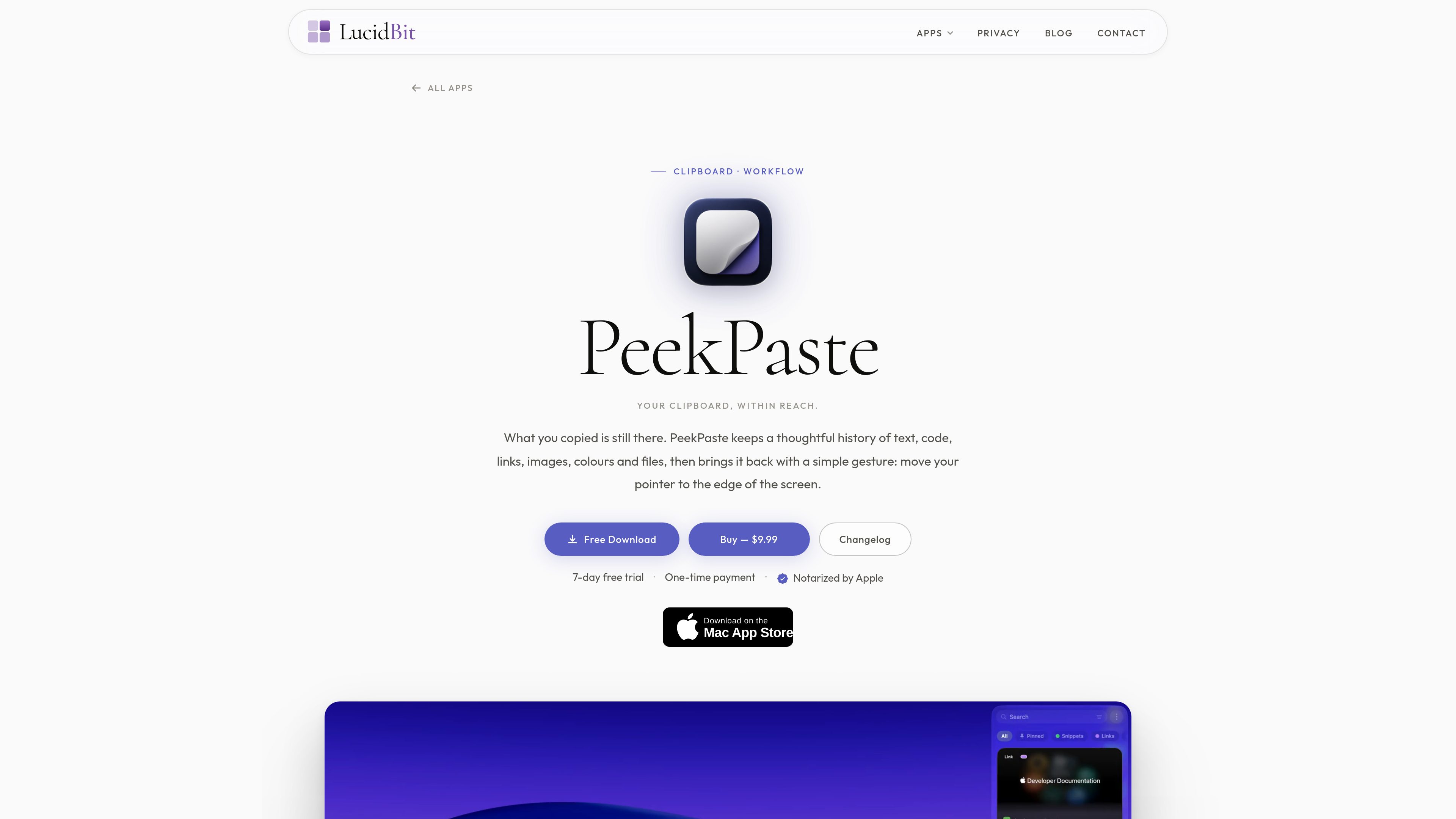
PeekPaste is a native macOS clipboard manager that keeps a searchable history of text, code, links, images, colours, and files. It helps Mac users retrieve and reuse copied content from a screen edge, keyboard shortcut, or library window.
PeekPaste is a clipboard manager for macOS that keeps a local history of copied text, code, links, images, colours, and files. Users can open the history by moving the pointer to a configured screen edge or by using a global keyboard shortcut, then search, preview, and reuse a previous clip without leaving their current app.
The product is designed around type-aware retrieval rather than a plain chronological list. Code, links, colours, images, and files receive distinct presentations, while text recognition makes captured screenshots searchable on-device. Clips can be pasted, dragged into another app, or saved to the Desktop, with optional transformations available when plain text output is needed.
PeekPaste also provides pins, categories, filters, and a separate library window for managing a larger history. Its privacy controls keep clipboard history on the Mac, support app exclusions and confidential content, and let users choose how long clips are retained.
Open the clipboard panel by pushing the pointer against a chosen screen edge with a configurable dwell delay, or use a global keyboard shortcut instead or alongside it.
Text, syntax-highlighted code, links with previews, images, colour swatches, and files are presented according to their content and retain the app they came from.
PeekPaste recognises text inside captured images on the Mac and indexes it for search, so screenshots can be located using words contained in the image.
Hover over a clip and press Space to preview it, click to return it to the previous app, or drag it into another app or onto the Desktop.
Strip formatting, change case, adjust whitespace, or encode and decode URLs on output. Pins, named categories, and filters help narrow the library by app or date.
Clipboard data stays on the Mac without an account, analytics, or clipboard sync service. Users can exclude apps, hide confidential content, and choose retention from one week to forever.
A developer can search past copied code, preview it with syntax highlighting, and paste or drag the correct version into an editor without recopying it from the original source.
When an error message, receipt, or presentation slide exists only as a captured image, users can search for words recognised inside the screenshot and retrieve the image clip.
Users collecting research links, colour values, or images can identify items through link previews and colour swatches rather than opening each clip to determine its contents.
A copied file can be retrieved from the history and dragged directly into another app, or dragged to the Desktop when a file copy is needed outside the original workflow.
People working with passwords or confidential data can rely on hidden on-screen treatment, exclude specific apps, disable password capture, and set a retention period for stored clips.
PeekPaste is described as a native Apple Silicon application for macOS 14 Sonoma or later.
Use the configured screen-edge trigger with its chosen dwell delay, a global keyboard shortcut, or both. The edge trigger can also be turned off.
It can return a selected clip to the app you were using by sending Command-V when Accessibility permission is enabled. Without that permission, it places the clip on the clipboard so you can paste it yourself.
The clipboard history is stored locally on the Mac. PeekPaste states that it has no analytics, account, or clipboard sync service. Link previews may be fetched when a web link is copied, but clipboard contents are not otherwise sent to LucidBit.
Retention can be set to one week, one month, one year, or forever, with older clips clearing themselves according to the selected setting.

www.stashformac.com
Stash is a macOS utility that keeps apps and system controls accessible from the screen edges and corners without leaving them visible. It includes a Hidden Dock, App Launcher, Edge Sliders, Corner Dials, App Profiles, and an iPhone companion called Stash Deck.

insighto.ai
Robot Challenge Screen is a product page on insighto.ai, but the supplied source text only shows the product title and a notice that cookies must be enabled. No functional description, pricing details, or feature set is visible in the provided content.

keymap.app
Keymap is a macOS menubar app that displays the keyboard shortcuts available in the current app. It helps users search menu shortcuts, identify conflicts, and— with Premium—track shortcut usage and remap keys.

notchpop.com
NotchPop is a macOS productivity island that places media controls, file handling, clipboard history, timers, calendar information, live activity and other utilities in the Mac notch or a floating island. It supports Macs with or without a physical notch and is aimed at people who want quick access to these tasks without switching away from their current app.

ordoapp.online
Ordo saves content from Instagram, TikTok, YouTube, and other links in a personal library, organizing it for easy search and rediscovery.

getaktar.com
Aktar is a free, open-source menu bar app for uploading files from macOS or Windows to your own S3-compatible storage and copying shareable links. It supports providers including Amazon S3, Cloudflare R2, Backblaze B2, DigitalOcean Spaces, MinIO, and other S3-compatible endpoints.