
One-tap saving
Send content to Ordo from the share sheet in one tap. The guide says you do not need to copy links or open the app first, and the item saves in the background.

Ordo saves content from Instagram, TikTok, YouTube, and other links in a personal library, organizing it for easy search and rediscovery.
Ordo is a content-saving app for people who want a better way to keep track of things they discover on Instagram, TikTok, YouTube, and other links. It lets you share content into a personal library, then organizes that library so you can find items again later instead of relying on likes, bookmarks, or screenshots.
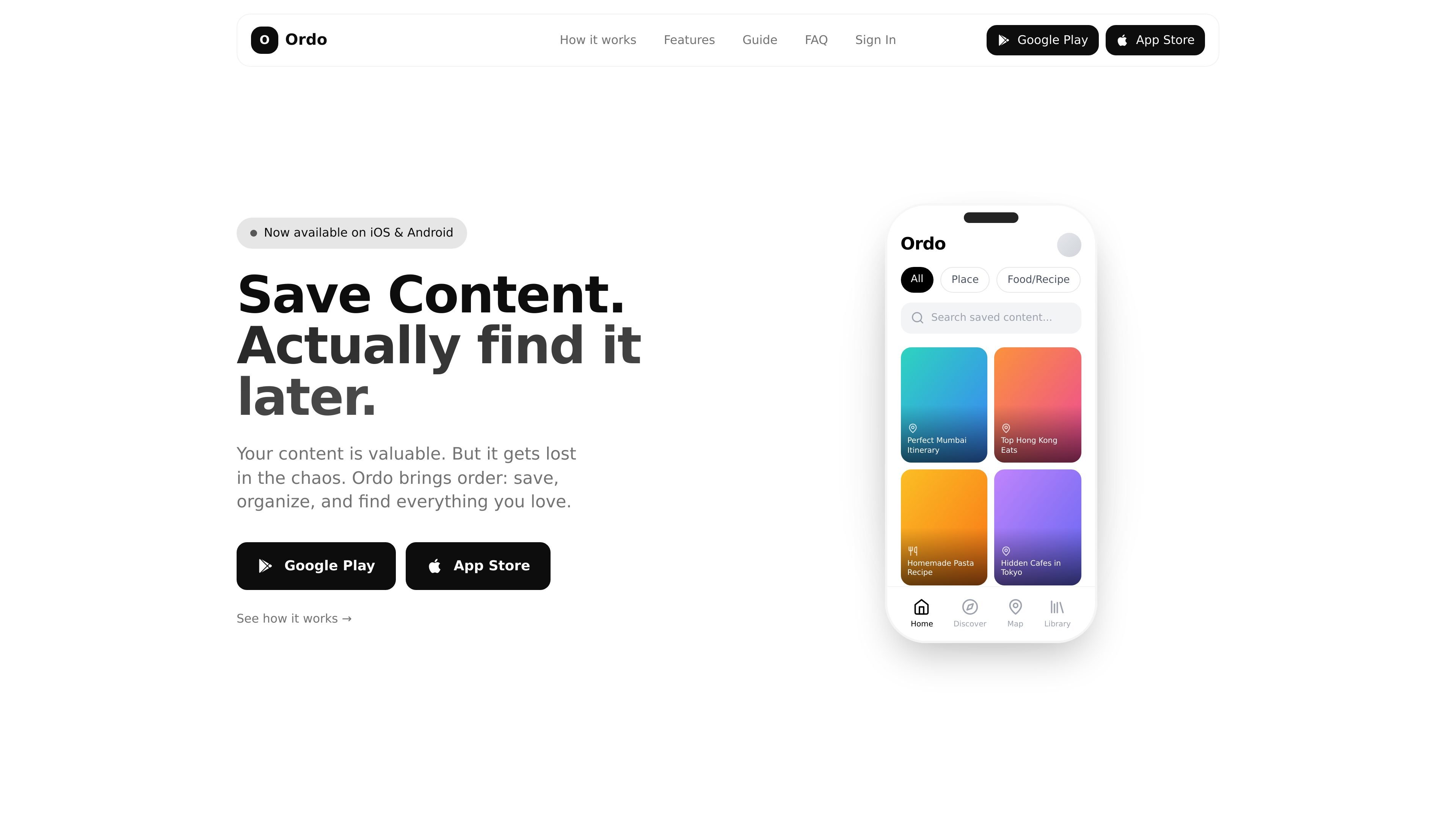
The product focuses on a simple workflow: save in one tap, let Ordo categorize the item, and later search or browse by category, collection, or content type. The site also shows dedicated views for places, recipes, books, films, music, workouts, and general content, with structured details that make saved items easier to use when you return to them.
Send content to Ordo from the share sheet in one tap. The guide says you do not need to copy links or open the app first, and the item saves in the background.
Ordo organizes saves automatically using AI, with folders and tags added for structure. The homepage and guide both describe categories and collections for keeping related items together.
Search saved items by title or summary, then narrow by category when needed. The product is designed so saved content can be rediscovered instead of buried in a feed.
For places, Ordo surfaces location details, ratings, photos, opening hours, and a map view. The guide also says related content that mentions the same place is grouped together.
For recipes, books, films, music, and workouts, Ordo turns the saved item into a structured view with practical details such as ingredients, steps, ratings, cast, listening links, or workout duration.
The homepage says Ordo is native, fast, and private, with no feed or suggestions. It is presented as a distraction-free library for saved content.
Save reels, short videos, and posts you do not want to lose, then return to them later through search or category filters instead of trying to rediscover them in a social feed.
Collect restaurant ideas, cafes, and travel spots, then use the map view, address, reviews, opening hours, and related content to turn saved places into a real plan.
Store recipes in a format you can actually use later, with ingredients, timings, servings, and steps visible without rewatching the original video.
Save books, films, songs, and workouts in a library that surfaces the details you need to decide quickly, such as ratings, cast, genre, links, duration, or equipment.
Group recurring interests into collections and favorites so large save lists stay organized over time, whether the theme is a trip, a workout idea bank, or a reading list.
Ordo is set up by sharing content directly to the app from Instagram, YouTube, TikTok, or another link. The guide says you tap Share, choose Ordo, and the item saves in the background without needing to copy links or open the app first.
The source describes Ordo as a personal inbox for ideas that can be searched, browsed, and organized with categories, folders, tags, and collections. It is built to help people save content they want to revisit later, especially places, food, books, movies, music, workouts, and general links.
Saved items can be searched by title or summary, and the guide says category filters help narrow things down. Ordo also adds structured details for some content types, such as locations for places, ingredients and steps for recipes, and ratings or cast for books and films.
The site says Ordo is available on iOS and Android and is free to download. The homepage also says no account is required.
The source describes Ordo as a personal library for saved content rather than a shared workspace. It emphasizes privacy and does not mention team collaboration features.
Traffic data is for reference only.
| Apr | 320 |
|---|---|
| May | 1352 |
| Jun | 541 |
