
Image and PDF OCR
Extract text from photos, screenshots, scans, GIFs, and PDFs using the browser-based OCR workflow.

OLOCR is a browser-based OCR tool for extracting text from images, GIFs, PDFs, and animated WebP files. Optional AI Optimization cleans OCR output, with export to text, Word, or searchable PDF.
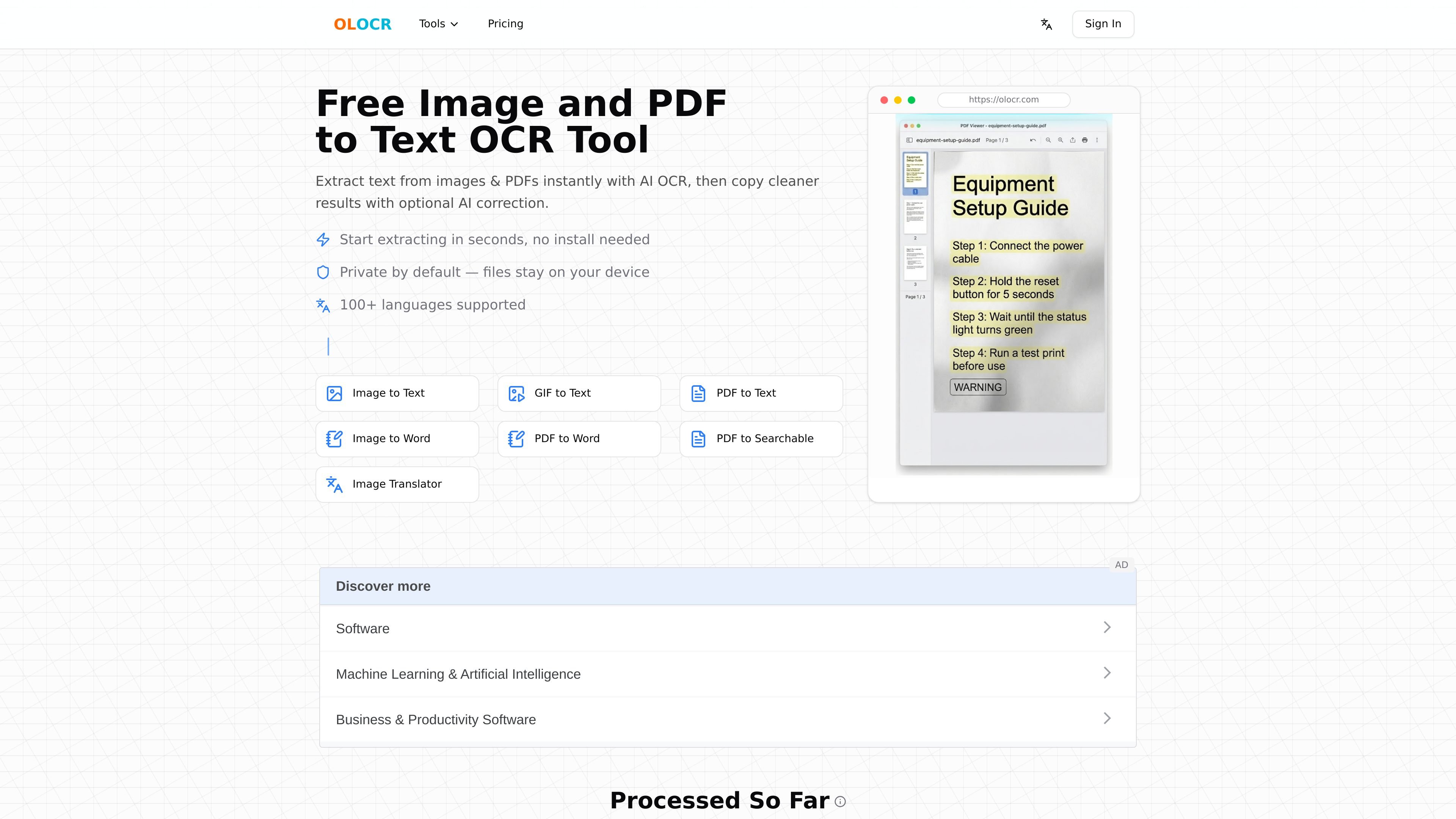
OLOCR is an online OCR tool for extracting text from images, GIFs, PDFs, and animated WebP files. It runs in the browser and is designed for users who need text from screenshots, scans, photos, memes, or documents without installing software.
The product combines OCR extraction with an optional AI Optimization step that can correct common recognition errors, merge broken lines, and make copied text easier to read. Depending on the workflow, it also supports Word export and searchable PDF output.
Extract text from photos, screenshots, scans, GIFs, and PDFs using the browser-based OCR workflow.
Use optional AI Optimization after extraction to clean up OCR mistakes, restore spacing, and rebuild readable paragraphs.
Process multiple files in one run, including batches of images or PDFs, without splitting documents into separate passes.
Export results as plain text, Word documents, or searchable PDFs depending on the tool you use.
Run the OCR process locally in the browser so files are not uploaded to a remote server.
Recognize text in 100+ languages, with the image and PDF pages describing support for 111 languages.
Convert app screenshots, document photos, and other images into editable text for copying and reuse.
Extract text from scanned contracts, invoices, archives, and other PDFs that do not contain selectable text.
Pull captions, subtitles, and changing overlay text from animated GIFs or animated WebP files.
Turn extracted OCR output into cleaner paragraphs when recognition errors, spacing issues, or broken lines need correction.
Create searchable PDFs or Word documents from scans when the end goal is archiving or editing rather than plain text only.
Yes. The tool runs in the browser and can process image and PDF files locally, without uploading them to a server.
OLOCR supports extracted text export, Word output, and searchable PDFs depending on the workflow you choose.
The site says OCR supports 100+ languages, and the image and PDF pages list recognition for 111 languages.
Free OCR is available, and the pricing page also offers paid Member and Pro plans for AI Optimization and dedicated monthly credits.
The pricing page says supported formats include JPG, JPEG, PNG, WEBP, BMP, TIFF, PDF, GIF, and animated WebP.