
Voice note capture
Record voice notes and convert spoken input into written text using the web app or mobile apps.

OASIS is an AI writing assistant that turns spoken input into polished text in the web app and iPhone/iPad apps.
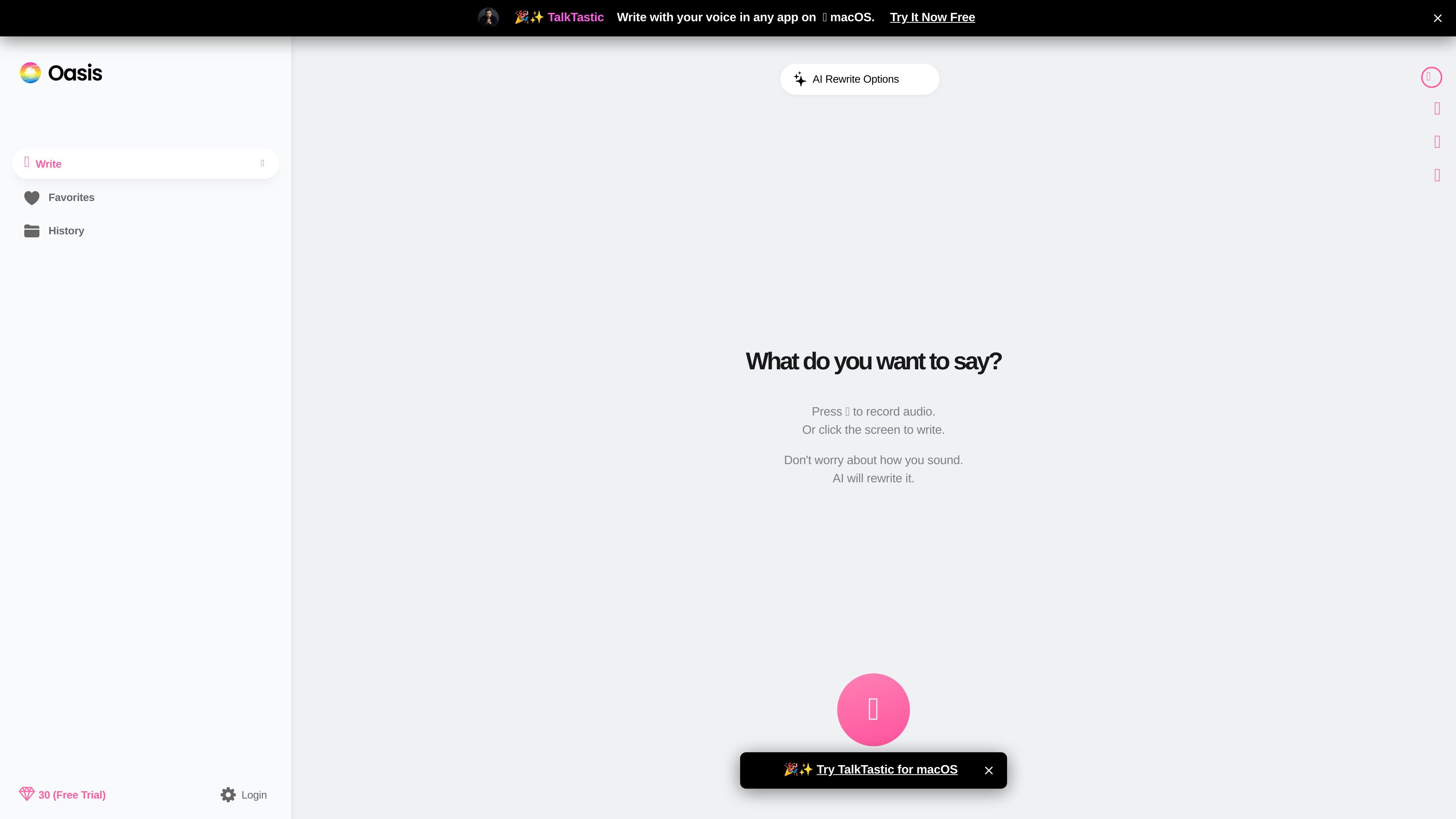
OASIS is an AI writing product built around spoken input: you talk, it rewrites the result into polished text. The site presents it as a way to make writing easier without forcing you to start from a blank page or worry about how your words sound.
The product works across the web and iOS, with a browser app for desktop, laptop, and smartphone use plus iPhone and iPad apps. The interface shown on the site includes voice recording, transcript review, and rewrite options for changing format and style before the text is finalized.
Record voice notes and convert spoken input into written text using the web app or mobile apps.
Use premium AI transcription before rewriting text so the app can turn spoken ideas into editable copy.
Choose from 20+ AI rewrite templates to change format and style after you speak.
Create your own AI templates for repeated writing tasks and preferred output styles.
Use OASIS in a browser on desktop, laptop, or smartphone, with iPhone and iPad apps also available.
Enterprise plans add multiple users, shared credits, custom template sharing, consolidated billing, priority support, and custom integrations.
Capture ideas quickly when typing feels slower than speaking, then turn them into polished copy for sending or editing later.
Use the rewrite templates to shift the same spoken draft into a different format or tone without starting over.
Review and edit a transcript before rewriting when you want more control over the final wording.
Use the web app or iPhone/iPad apps when you move between desktop and mobile devices.
Share credits, templates, and billing across multiple users in an organization that needs a central writing workflow.
OASIS can be used in the web app on desktop, laptop, or smartphone. The pricing page also says there is an iPhone and iPad app, while Android is coming soon.
The pricing page says each AI rewrite uses at least 1 credit, and usage increases with the amount of text you input and output. Free trial users get 30 credits.
The app flow shown on the site centers on recording voice, reviewing the transcript, and then letting AI rewrite the text. The pricing page also lists record voice notes and premium AI transcription as plan features.
Yes. The pricing page states that Enterprise includes credit sharing, custom AI template sharing, consolidated billing, multiple users, priority support, and custom integrations.
You can cancel a subscription at any time, and the pricing page says no refunds are provided.