
Photo organization and editing
Organize photos with AI-based scene recognition, face naming, location sorting, timeline views, ratings, tagging, duplicate detection, and local one-click editing without uploading private images to the cloud.

Nero Software is a Windows multimedia suite for photos, video, music, backup, disc burning, and PC maintenance, with subscription or one-time purchase options.
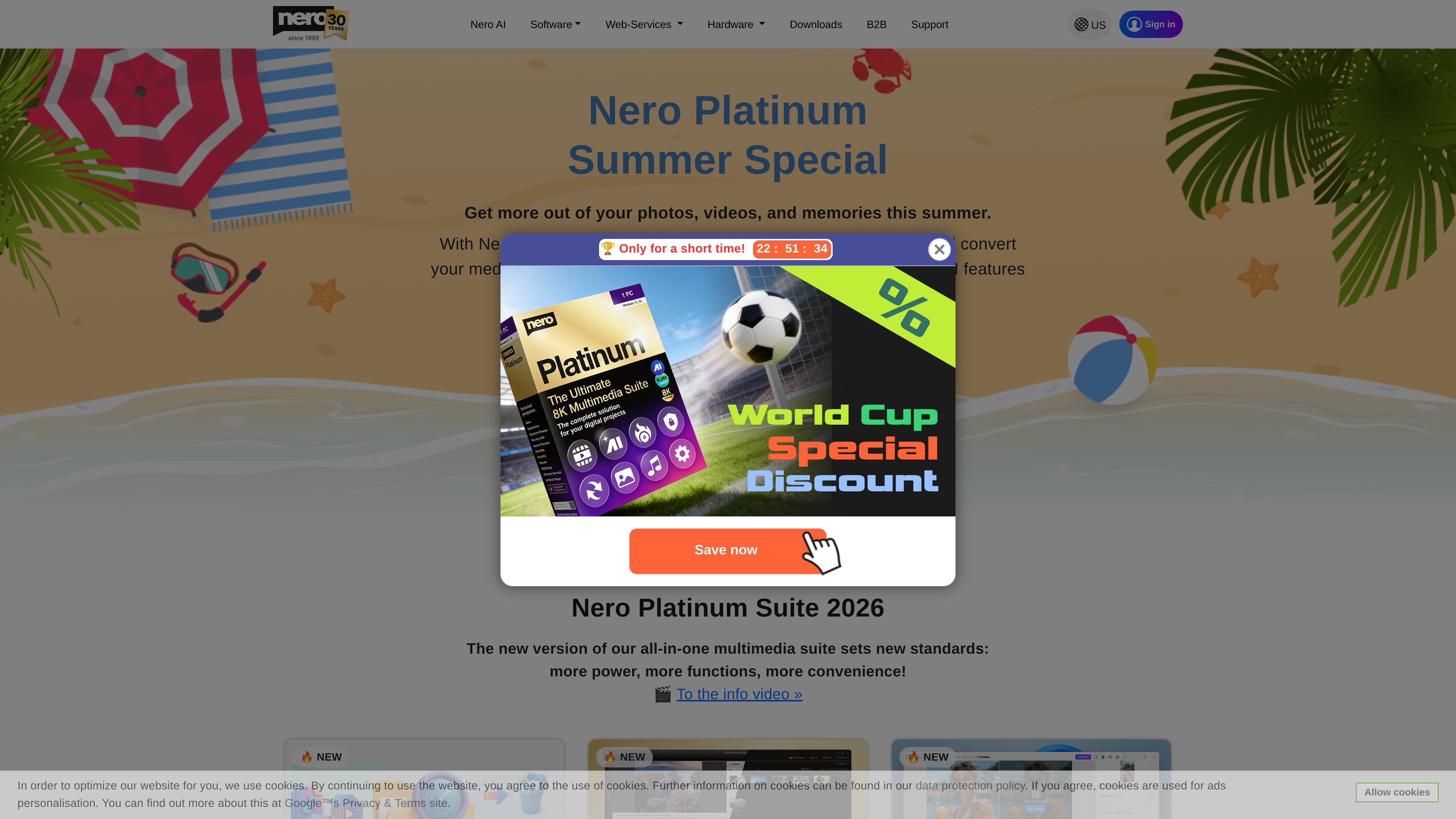
Nero Software markets Nero Platinum as an all-in-one multimedia suite for Windows, combining more than 20 included programs for working with photos, videos, music, backups, disc burning, and PC maintenance. The site positions it as a single place to manage common digital projects rather than a standalone app.
The published pricing page shows two buying models: a subscription with annual billing and an unlimited one-time purchase. The suite version and included apps vary by plan, so the product is best understood as a bundled software package with different ownership models rather than a single fixed application.
Organize photos with AI-based scene recognition, face naming, location sorting, timeline views, ratings, tagging, duplicate detection, and local one-click editing without uploading private images to the cloud.
Create and edit videos with multi-track workflows, templates, picture-in-picture, alpha channel, tilt shift, slow motion, time-lapse, green screen, transitions, titles, keyframes, and export tools.
Back up files to external drives, optical media, and supported cloud services such as Google Drive, OneDrive, MagentaCLOUD, HiDrive, pCloud, and QLOUD, with automated backups, incremental snapshots, versioning, and 256-bit encryption.
Import, save, and edit music from streaming services and CD collections, with tools for trimming, effects, fade in/out, volume control, and metadata editing.
Speed up Windows PCs with optimization tools that update drivers, improve internet speed, and let users resolve issues one by one or in one pass.
Find and remove duplicate music and video files with Nero DuplicateManager, and use media utilities for restoring deleted data, encrypting personal data, formatting, and duplicating media.
Use Nero Platinum to keep a photo library organized with AI scene detection, face naming, location sorting, duplicate cleanup, and quick local edits.
Use the suite to assemble home movies or event videos with templates, multi-track editing, and common effects such as picture-in-picture, slow motion, and green screen.
Use the backup tools to protect important files on external drives, optical media, or supported cloud services, while adding automation, snapshots, and encryption.
Use the music tools to capture tracks from streaming services or CDs and then trim, edit, and enrich the metadata of your audio files.
Use the maintenance utilities to remove duplicate media files and improve Windows performance through tuning and driver-related optimization.
Nero Platinum is presented as an all-in-one multimedia suite for Windows. The source highlights photo, video, music, backup, utility, and PC-tuning tasks in one package.
The pricing page shows two purchase models: a subscription with annual billing and an unlimited one-time purchase. The exact feature mix differs by plan, so buyers should compare the plan table before purchasing.
The source identifies Nero Video, Nero AI Image Upscaler, Nero AI Photo Tagger, Nero Burning ROM, Nero TuneItUp PRO, and Nero DuplicateManager as included components in the suite.
The site states that Nero MediaHome and Nero Platinum remain relevant for CD metadata services as Windows will stop automatically recognizing CD metadata at the end of 2025.
The source specifically references Windows 11, 10, and 8 on the pricing and product pages. Platform support beyond Windows is not established in the provided material.