
Text-to-speech reading
Read text aloud from documents, PDFs, websites, and books using natural-sounding AI voices.

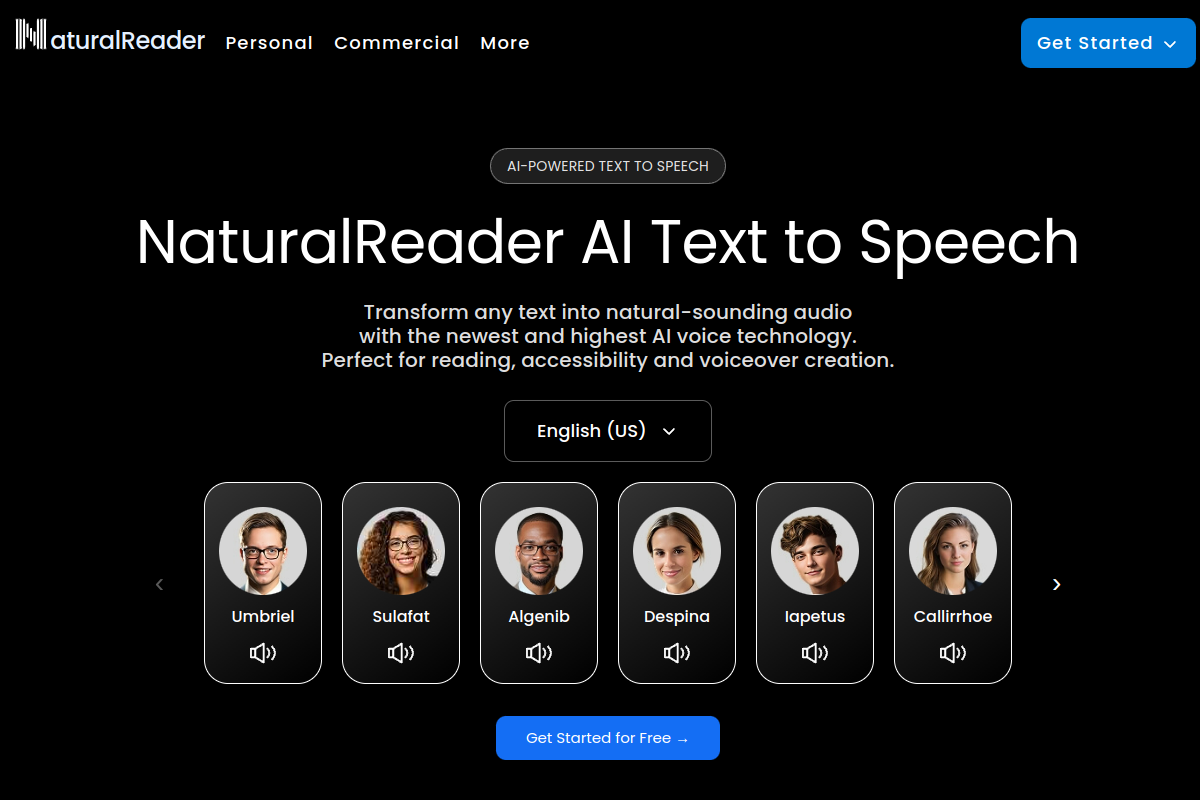
NaturalReader is an AI text-to-speech product that reads documents, PDFs, websites, and books aloud with natural-sounding voices.
NaturalReader is an AI text-to-speech product that reads written content aloud with natural-sounding voices. The product site positions it for personal reading, school use, and commercial voice generation, with separate experiences for online use, education, and business voiceover workflows.
The online product highlights support for documents, PDFs, websites, and books, along with multilingual voice options and many regional language variants. NaturalReader also offers a browser-based web app, a mobile app for iOS and Android, and a Chrome extension for reading web pages directly from the browser.
For schools, NaturalReader EDU adds account management, shared document libraries, and group or site licensing. For commercial use, the AI Voice Generator is presented as the version intended for public or business audio output such as videos, eLearning, and similar publishing workflows.
Read text aloud from documents, PDFs, websites, and books using natural-sounding AI voices.
Use the web app in any browser for full text-to-speech access without installing desktop software.
Listen on iOS and Android devices, including offline mode in the mobile app.
Read web pages instantly from the browser toolbar with the Chrome extension.
Manage classrooms, teachers, and students in EDU accounts, with a shared library for uploaded documents.
Choose between group licenses starting from as few as 5 users and site licenses for wider school access.
Students or readers can listen to PDFs, documents, websites, and books instead of reading on screen, using the browser app, mobile app, or extension.
Teachers and administrators can manage classrooms, invite users, and share documents through EDU accounts and a shared library.
Businesses can create voiceovers for videos, eLearning, and similar public-facing content through the AI Voice Generator.
Mobile users can listen on the go with iOS or Android apps, including offline mode where available.
Browser users can open a web page and start reading it aloud from the Chrome extension with one click.
NaturalReader is a text-to-speech product that reads documents, PDFs, websites, and books aloud using AI voices. The online app supports use from a browser, while the product site also points to iOS and Android mobile apps and a Chrome extension.
The online experience is designed for reading text aloud from a browser, and the product site also highlights a mobile app with offline mode and a Chrome extension for reading web pages.
NaturalReader says it supports 99+ languages and includes many regional English and non-English voice options. The online page also lists multilingual auto-detect alongside specific language selections.
NaturalReader EDU is positioned for schools, with tools to invite and manage students, teachers, and classrooms, plus a shared library for uploading and removing documents for students.
The site says NaturalReader AI Text to Speech plans are for personal use, while the AI Voice Generator is the version for commercial or public use such as YouTube, training videos, social media, eLearning, IVR systems, broadcasts, and public announcements.
Traffic data is for reference only.

ttsreader.com
TTSReader is a browser-based text-to-speech tool for reading text, documents, PDFs, ebooks, and webpages aloud, with MP3 export and multilingual voices.
voiceout.app
Text-to-speech extension for reading documents, webpages, and books aloud

texttospeech.online
Text To Speech Online converts written text into downloadable MP3 or WAV audio with natural-sounding voices, broad language coverage, and SSML controls.

crikk.com
Crikk turns text, PDFs, images, and documents into natural-sounding audio, with read-along highlighting and playback controls on web, Android, and iOS.

anytospeech.com
AI text-to-speech for turning text, PDFs, URLs, images, and documents into natural audio

cloudtts.com
Free browser based text to speech with natural voices, 140 languages, and spoken word highlighting.