
Business intake from existing materials
Munch Studio says it learns your business from your website, videos, photos, and even Zoom call recordings, then uses that input to tailor the content it creates.

Munch Studio is an AI-powered social media management tool that creates posts and content strategy from your business materials for a lighter review-and-publish workflow.
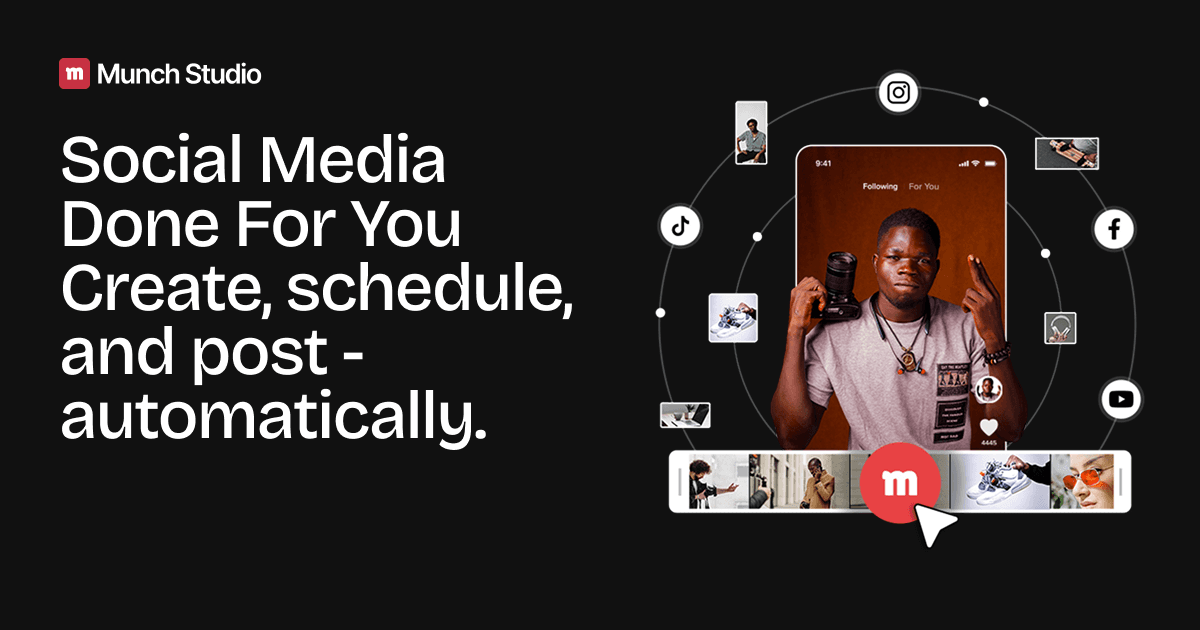
Munch Studio is a social media content and workflow product that uses AI to create done-for-you posts, a content strategy, and a publishing queue based on a business’s existing materials. The homepage positions it as a way to handle social media presence with less time and manual effort, and it shows a simple flow from brand intake to approval and scheduling.
The product is designed for businesses that want to keep their social channels active without building a full internal content process. The source shows support for Instagram, Facebook, and LinkedIn in the setup flow, plus real-time performance monitoring after posts go live. Agency-oriented copy adds multi-brand workspaces, isolated client strategies, and concierge help for onboarding and trial setup.
Munch Studio says it learns your business from your website, videos, photos, and even Zoom call recordings, then uses that input to tailor the content it creates.
The setup flow asks you to choose where your business should post, with Instagram, Facebook, and LinkedIn shown as options in the source.
The product says its AI creates posts and a custom content strategy, producing relevant content in minutes rather than requiring manual drafting from scratch.
Users can review suggested posts, edit them, and publish with one click without technical skills, which keeps the workflow lightweight for non-specialists.
The product includes real-time performance monitoring for posts across platforms, so users can track results after publishing.
Agency-facing copy describes separate workspaces per client, isolated content strategies, and a dedicated concierge for onboarding and trial setup.
A solo founder or consultant can turn a website and existing media into a recurring posting flow without hiring a content team, using the review-and-publish process to stay visible on social channels.
A content creator or video editor can repurpose long-form material into social posts and keep a calendar moving without manually drafting every post from scratch.
An agency can manage multiple clients in isolated workspaces, with separate content strategies, brand voice, and posting calendars for each account.
A business owner who wants oversight after publishing can monitor results in real time across platforms instead of treating posting as a one-off task.
A team that needs a lighter workflow can use the onboarding flow to choose target platforms, approve suggested posts, and schedule content without deep technical setup.
Munch Studio uses your business website, videos, photos, and even Zoom call recordings to learn about your brand, then creates social posts and a posting strategy for the platforms you choose. You review the suggested posts, edit them if needed, and publish with one click.
Yes. The homepage shows a workflow where you approve posts and then post them, and it also shows scheduled posts in a calendar view. The source supports assisted publishing rather than fully hands-off posting in every case.
The source explicitly shows Instagram, Facebook, and LinkedIn as supported platform options in the setup flow.
No. The page says you can choose posts you love and post with one click, or edit them easily without technical skills, which suggests it is designed to reduce manual writing and design work.
The source indicates you can schedule content, monitor performance in real time, and use the product in about 10 minutes a week once set up. It also offers a custom free trial for agencies, but the pricing page text provided does not include plan prices or tier details.