
AI website generation
Start from a text prompt and generate a website draft in about a minute, with support for writing prompts in any language.

Mobirise is a free offline website builder for Windows and Mac, letting you create sites with AI prompts or drag-and-drop blocks, export code, and publish anywhere.
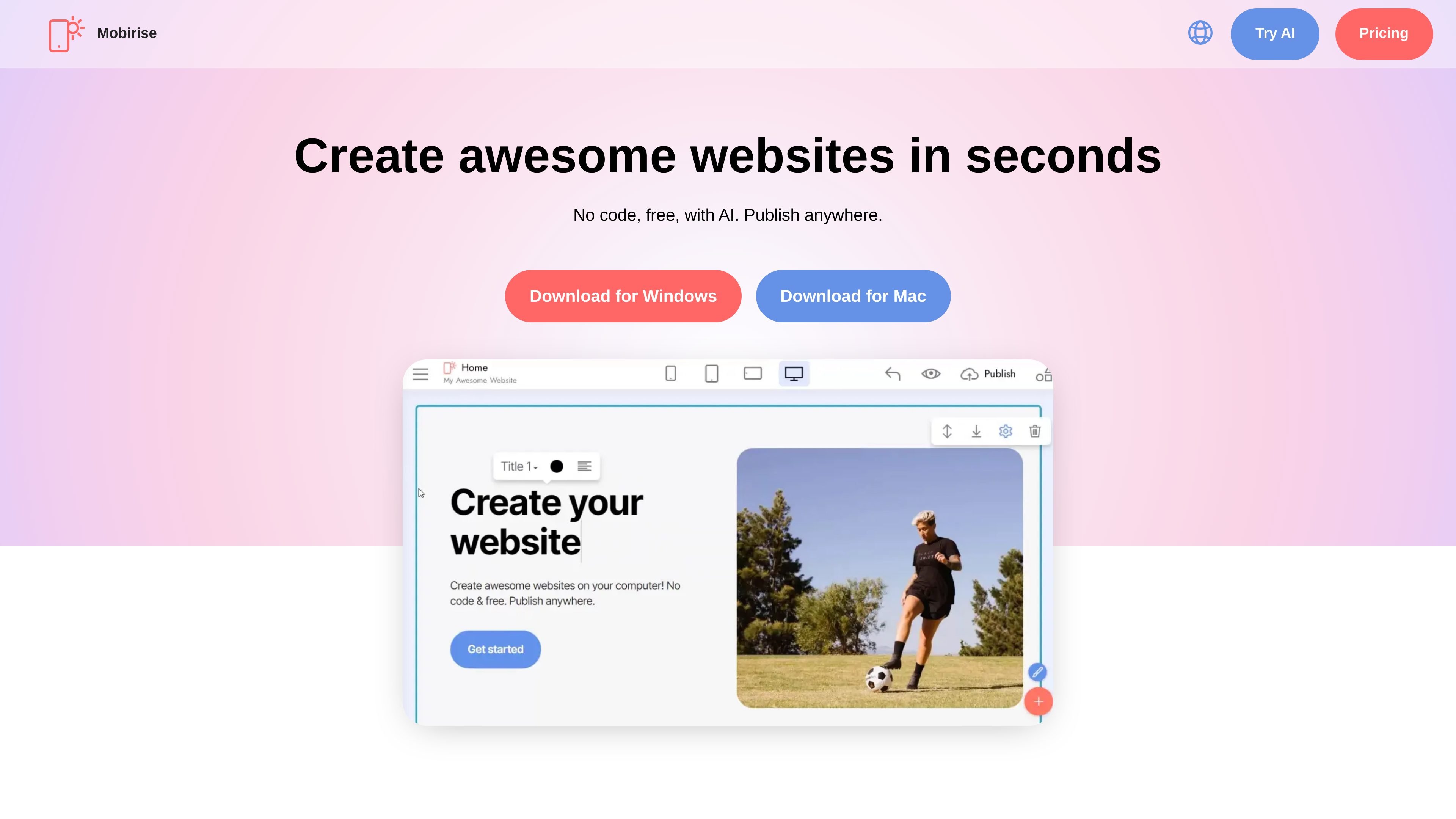
Mobirise is a free offline website builder for Windows and Mac that combines AI-assisted site generation with a drag-and-drop block editor. It is designed for people who want to assemble websites visually without writing code, while still keeping control over export and hosting.
The homepage positions the app as a way to create sites from a prompt, build them from pre-made blocks, or edit content directly inside the interface. Users can publish to a Mobirise subdomain for free, connect a custom domain, save work locally, or export code and host elsewhere.
Start from a text prompt and generate a website draft in about a minute, with support for writing prompts in any language.
Build pages by dragging in pre-made blocks, then replace the sample content with your own text, images, videos, or icons.
Edit each block inline and adjust settings from the Parameters panel using the gear button.
Publish to a free *.mobirisesite.com subdomain, connect a custom domain, save locally, or export code to host elsewhere.
Use included blocks and extensions for menus, galleries, sliders, forms, pop-up chat, shopping carts, social feeds, and code editing.
Choose from Bootstrap 5-based themes and templates, with additional premium themes and extension packs available.
Use the AI prompt flow when you need a first draft quickly and want to turn an idea into a working page without starting from a blank canvas.
Use the drag-and-drop blocks and inline editing when you want to assemble marketing pages, portfolios, blogs, or simple business sites without coding.
Use the publishing and export options when you need local control, want to host on your own provider, or need a site that is not locked to one platform.
Use the extensions and blocks for forms, shopping carts, social feeds, and pop-up chat when a site needs basic lead capture or lightweight selling features.
Mobirise is a no-code website builder that runs on Windows and Mac. You can create sites by using AI prompts or by dragging pre-made blocks into pages, then export or publish the result.
The site states that you can download Mobirise for Windows or Mac. The about page also says the software was released for Windows, Mac, and Android in its early versions.
The homepage says you can publish to a Mobirise subdomain for free, connect a custom domain, or save a draft locally. It also says you can export code and host your site anywhere.
Yes. The homepage says Mobirise website builder software is free for both personal and commercial use.
The extensions page shows paid kits and add-ons, while the homepage describes the core builder as free. That suggests the base app is free, with paid themes, extensions, and AI-related packages available separately.
Traffic data is for reference only.
| Jul | 427385 |
|---|---|
| Aug | 437746 |
| Sep | 421768 |
Traffic analytics are not available yet.
Traffic analytics are not available yet.

framer.ai
Framer is an AI website builder for professional sites, helping teams design, manage CMS content, optimize SEO, collaborate, and publish through one no-code workflow.

dorik.com
Dorik is an AI website builder for creating and publishing sites without coding, with prompt-based generation, drag-and-drop editing, CMS, blogging, SEO, and agency tools.

webwave.me
WebWave is a no-code website builder that combines AI-generated site structure and content with a visual drag-and-drop editor. It helps small businesses, freelancers, and creators build websites, blogs, and online stores without configuring servers or databases.

tilda.cc
No-code website builder for sites, landing pages, and stores

webador.com
Webador is a website builder for creating and publishing business, personal, and online-store websites without coding. It combines AI-assisted site generation, drag-and-drop editing, hosting, domains, email, and ecommerce features in one service.

webnode.com
Webnode is a no-code website builder for small businesses, personal sites, blogs, and online stores. It combines AI-generated site drafts and content tools with a visual editor, hosting, domain options, and business features.