
In-browser question solving
Use the browser extension to get help directly next to supported questions, without switching tabs or opening a separate site.

Mindko is an AI homework helper for students with browser, chat and mobile support across subjects and levels.
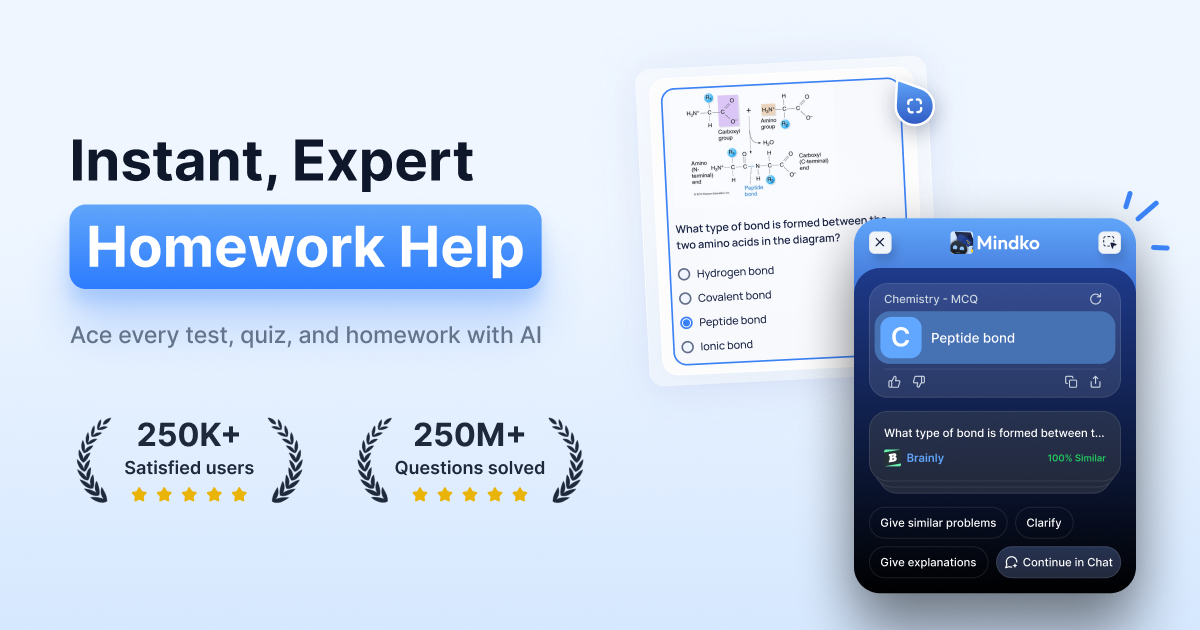
Mindko is an AI homework helper built for students who want answers, explanations, and study support across browser, chat, and mobile workflows. The site positions it as an LMS-integrated tool for major learning platforms, with support for all subjects and all levels.
Across the product pages, it is presented as a homework solver, chat assistant, Chrome extension, and mobile app. The common workflow is to ask a question, upload context, or snap an image, then receive an answer with step-by-step reasoning and related explanations.
Use the browser extension to get help directly next to supported questions, without switching tabs or opening a separate site.
Get answers with guided reasoning and step-by-step explanations rather than only a final response.
Upload class notes, textbooks, guidebooks, lecture slides, or PDFs so answers can be tailored to the material you are studying.
Use the AI chat on any website to ask follow-up questions, clarify concepts, or work through a topic in more depth.
Take a photo or upload an image for scan-and-solve workflows, including graph and image-based questions.
Access the product through multiple interfaces, including Chrome extension, mobile app, and chat, under one subscription.
Use the Chrome extension when you are working inside a learning platform or educational website and want an answer without leaving the page.
Open the AI chat when you need follow-up questions, deeper reasoning, or help understanding a concept across subjects.
Upload notes, textbooks, or lecture slides before a test to get answers grounded in the material you are studying.
Snap a photo of a worksheet, graph, or image-based problem and get a response from the scan-and-solve workflow.
Use the mobile app when you want homework help from a phone instead of a desktop browser.
Yes. The site says a subscription includes access to the Chrome extension, mobile app, and AI chat.
The Chrome extension is described as adding buttons next to questions on supported educational websites so you can click for an answer or highlight text for an explanation.
The product says it supports step-by-step guidance, follow-up questions, uploaded study materials, and image-based questions, depending on the interface you use.
The site presents an easy refund policy and says users can email support to request a refund or cancel a subscription.
The site states that chat data and personal information are protected with encryption.