
Text to 3D generation
Generate textured 3D models from natural-language prompts. The text-to-3D flow supports prompts up to 800 characters and allows you to choose model version, model type, pose, and generation count.

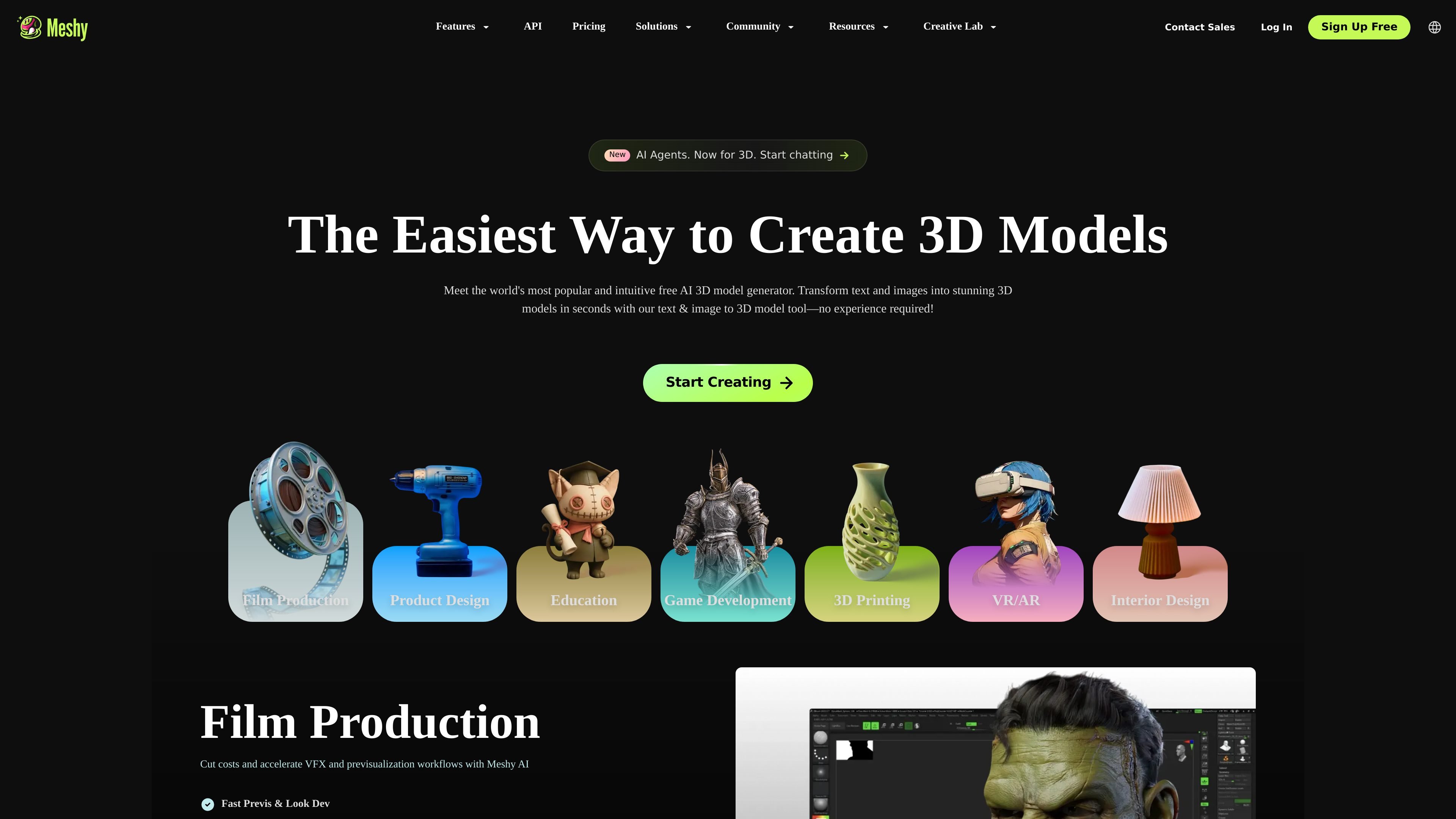
Meshy is a browser-based AI 3D model generator that turns text prompts and images into 3D assets, with tools for texturing, remeshing, rigging, animation, and export.
Meshy is a browser-based AI 3D model generator that turns text prompts and images into 3D assets. The site positions it for 3D artists, game developers, creators, and teams that need to move from idea to model without traditional manual modeling workflows.
The product covers text-to-3D, image-to-3D, AI texturing, remeshing, rigging, animation, and export. It also offers pricing tiers for individuals, teams, and enterprise buyers, plus API access and plugins for Blender and Unity.
Generate textured 3D models from natural-language prompts. The text-to-3D flow supports prompts up to 800 characters and allows you to choose model version, model type, pose, and generation count.
Turn uploaded images, sketches, or illustrations into 3D models. The image-to-3D workflow is positioned for creators who want to convert reference art into usable assets.
Apply text prompts or reference images to add or refine surface detail on generated or uploaded meshes. Meshy supports PBR textures, including Diffuse, Roughness, Metallic, and Normal maps.
Adjust triangle or quad counts, switch topology types, and balance detail against performance. Meshy’s remesh tools support exports from about 1k to 300k.
Prepare characters for downstream animation workflows with automatic rigging and a built-in animation library. The site says the library includes 500+ game-ready motions.
Export models in common production formats and preview them in-browser before download. Supported formats listed on the site include FBX, OBJ, GLB, USDZ, STL, BLEND, and 3MF.
Create concept models, props, or early visualizations from a written prompt when speed matters more than starting in a DCC tool.
Convert sketches, illustrations, and reference images into 3D assets for product mockups or art direction reviews.
Generate game-ready assets with low-poly options, PBR textures, remesh controls, and animation support for real-time pipelines.
Produce printable models with resize controls, printability checks, and export formats suited to 3D printing workflows.
Build production assets for product design, interior design, film previs, education, or VR/AR projects using a browser-based workflow.
Yes. Meshy offers a Free plan with no credit card required, and the pricing page says free users get 100 credits per month. Free-plan outputs are licensed under CC BY 4.0, which allows commercial use with attribution.
Meshy supports exporting generated models in multiple formats, including FBX, OBJ, GLB, USDZ, STL, BLEND, and 3MF. The text-to-3D page also notes support for direct use in tools such as Blender, Unity, and Unreal.
The pricing page says Meshy provides API services, and it also lists Blender and Unity plugins. That makes it usable both in-browser and as part of a broader 3D workflow.
Meshy supports text-to-3D, image-to-3D, AI texturing, remeshing, rigging and animation, and 3D-to-video. It is designed for creators who want to generate and refine assets without starting from scratch in a modeling package.
The pricing page says premium users own all assets created with Meshy, while free users receive a CC BY 4.0 license. The same page also states that Meshy does not use your data for training without consent.
Traffic data is for reference only.

avaturn.me
Create realistic 3D avatars from selfies and embed them in apps, games, metaverse experiences, and campaigns.

kaedim3d.com
AI-powered 3D asset production for studios and brands

realibox.com
AI+3D creative design platform for rendering, CMF color generation, packaging visualization, and 3D assets
worldsplat.app
worldsplat turns rough sketches and 3D creations into explorable 3D worlds using Gaussian splats. It is designed for people who want to build and bring visual world concepts to life.

aigardenplanner.com
Browser-based garden planning with a free 3D editor, AI redesigns, plant advice, and instant ideas.

leiapix.com
Immersity is Leia Inc.’s Spatial AI platform for transforming photos, videos, and album art into immersive 3D and motion-based experiences across phones, tablets, laptops, monitors, and XR devices. Immersity for Web offers creators and professionals a paid conversion workflow with free and subscription tiers.