
Interactive presentations
Create interactive slides that turn a presentation into a live conversation through polls, Q&A, and word clouds.

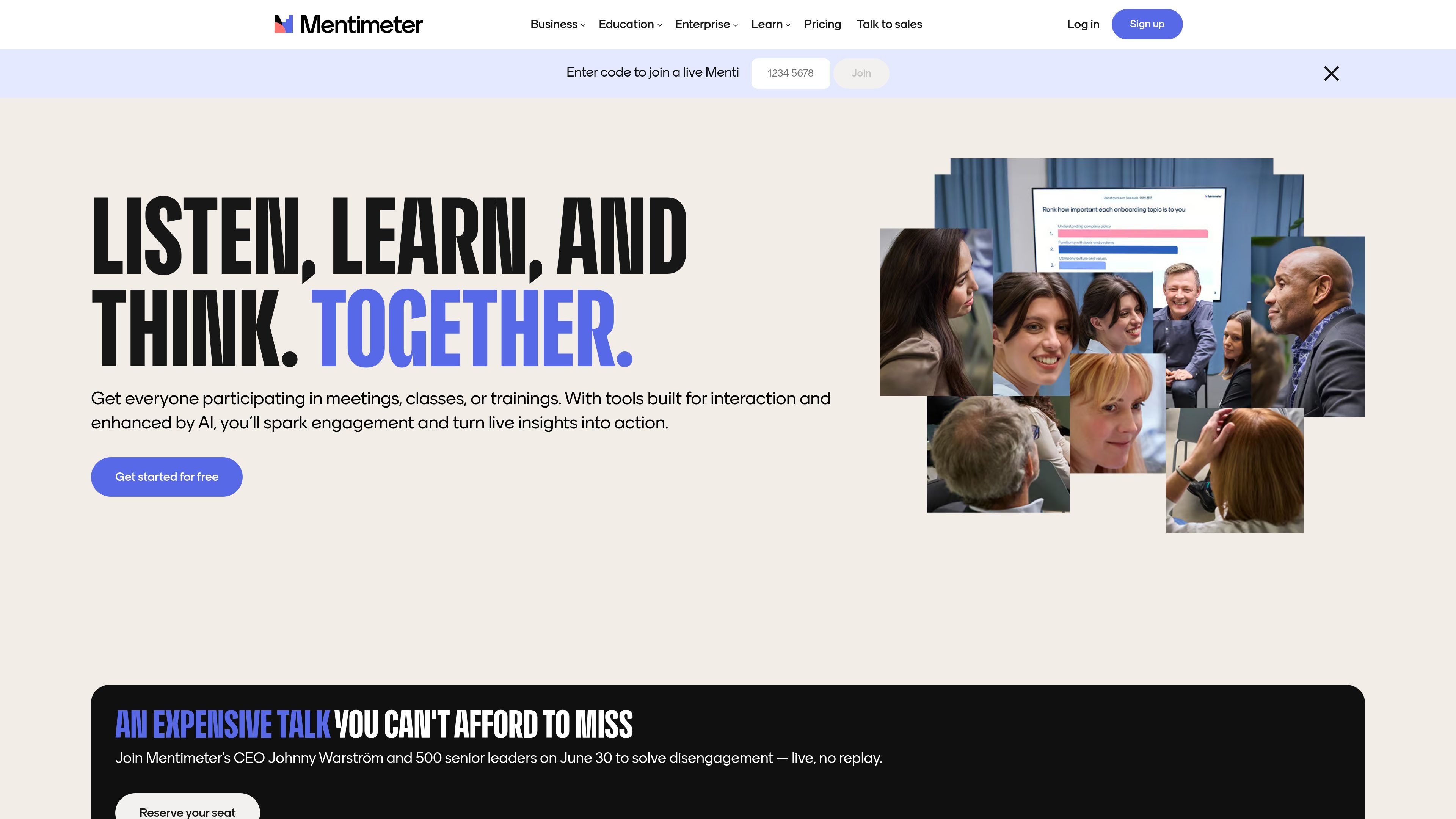
Mentimeter is an interactive presentation and audience engagement platform for meetings, classes, trainings, workshops, and events, with live polls, quizzes, Q&A, surveys, and more.
Mentimeter is an interactive presentation and audience engagement platform for meetings, classes, trainings, workshops, and events. It lets presenters add live polls, quizzes, Q&A, word clouds, and other interactive slides so people can respond from their own devices.
The product is designed to make presentations more participatory in the moment and more useful afterward. Users can start from a template, create from scratch, or prompt AI, then review responses, export results, and, on paid plans, collaborate with teammates or connect the tool to presentation and learning platforms.
Create interactive slides that turn a presentation into a live conversation through polls, Q&A, and word clouds.
Use AI to create full Mentis, suggest questions, and group live responses to speed up setup and review.
Run live polls, quizzes, surveys, and open-ended questions for real-time audience input.
Collect anonymous feedback and ask follow-up questions in the moment to surface candid input during meetings, classes, or trainings.
Import PowerPoint, Keynote, or PDF slides, then add interactive questions without starting from scratch.
Share results by exporting to Excel or PDF, and use built-in insights to review responses after the session.
Use live polls, Q&A, and anonymous feedback to keep meetings interactive and capture input as decisions are being discussed.
Run quizzes, open-ended checks, and quick polls to verify understanding and make lectures or workshops more participatory.
Add interactive questions to conference presentations or event sessions so large audiences can respond in real time from their devices.
Build surveys before, during, or after a session to collect structured feedback and review results later through exports.
Import slides from tools such as PowerPoint, Keynote, or PDF, then add interaction without rebuilding the whole deck.
Yes. The pricing page shows a Free plan, along with paid Basic, Pro, and Enterprise options for individuals, teams, and larger organizations.
Yes. The pricing page says Pro and Enterprise customers can pay by bank transfer, and Pro can also be invoiced in selected countries with Net-30 terms.
Mentimeter describes participants per month as the total number of participants you can engage across all presentations in a month. If you hit the limit during a live session, ongoing participation can continue, but you cannot set further presentations live until the limit resets or you upgrade.
Mentimeter supports creating full presentations, adding interactive questions, and integrating with tools such as PowerPoint and Google Slides. The features page also says you can run surveys before, during, or after meetings or lectures.
The source pages describe Mentimeter as suitable for meetings, classes, trainings, workshops, and events, and the integrations page shows support for learning platforms and presentation tools.
Traffic data is for reference only.

streamalive.com
Audience engagement platform that turns live chat into interactive visuals for webinars, meetings, and livestreams.

fillout.com
Fillout is a form builder for creating forms, surveys, and quizzes, with plans from free to enterprise. It helps teams collect responses, route data to other tools, and manage branded intake workflows.

workshopy.io
Workshopy is a live workshop platform for teachers, trainers, bootcamp instructors, and facilitators. Authors write workshops in Markdown, participants join with a code, and hosts track per-step progress during the session.