
Text to quiz
Paste lecture notes, articles, chapters, or other text and have MagicForm generate quiz questions from the content. The page says there are no word limits on text input.

MagicForm is an AI quiz generator that turns text, PDFs, YouTube videos, webpages, topics, images, and audio into quizzes for educators, students, and HR teams.
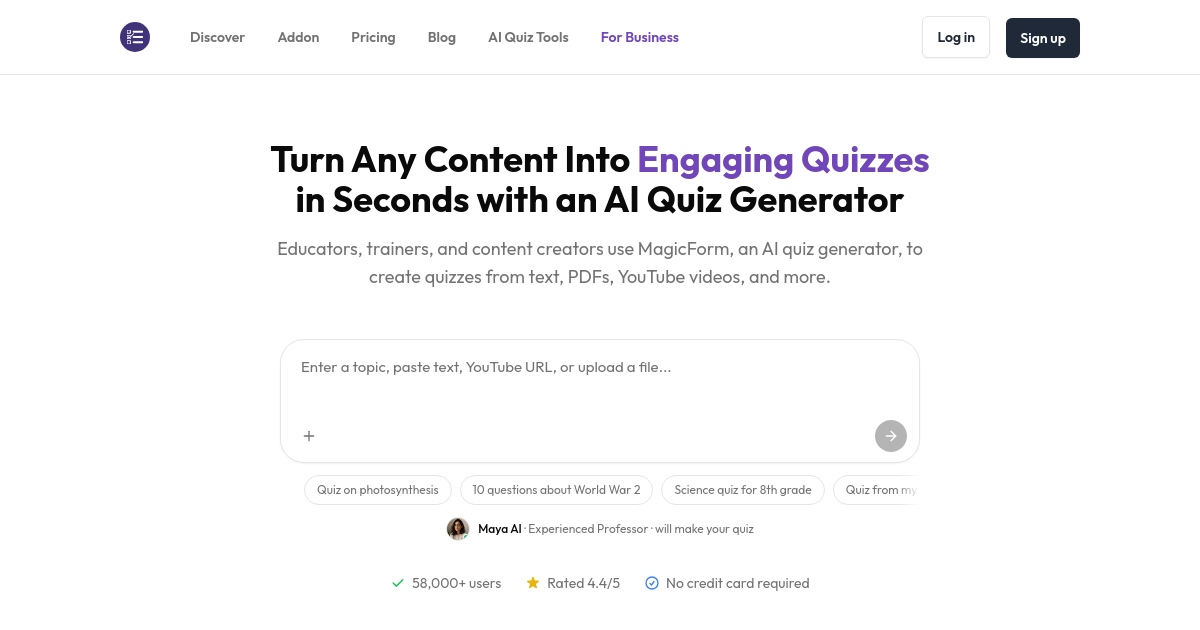
MagicForm is an AI quiz generator that turns text, PDFs, YouTube videos, webpages, topics, images, and audio into quiz questions. The site positions it as a tool for educators, trainers, students, HR teams, and other users who need a quiz created from source material in seconds.
The product flow shown on the site is simple: sign in, add content, let the AI generate questions, review or edit the output, and export it to Google Forms, PDF, or a shareable link. The pricing page shows a free plan and a Pro plan, with the Pro tier adding unlimited quizzes and custom quiz branding.
Paste lecture notes, articles, chapters, or other text and have MagicForm generate quiz questions from the content. The page says there are no word limits on text input.
Enter a topic and let the AI generate questions from its knowledge base. The site positions this for quick study drills, self-testing, and assessment creation.
Paste a YouTube link and MagicForm extracts the transcript before generating questions. The site says the questions are based on the video content.
Upload a PDF or DOCX document and the system reads the file, extracts the content, and creates targeted questions. The product pages describe it as suitable for multi-page documents and study materials.
Provide a webpage URL and the tool scrapes the page content before generating quiz questions. The product also lists image and audio quiz tools in its navigation.
Review the generated quiz, edit it if needed, then export to Google Forms, PDF, or a shareable link. The pricing page also notes custom quiz branding on the Pro plan.
Teachers can turn lecture notes, chapters, or textbook material into quizzes for class practice and assessments. The teacher use-case page highlights saving time, customization, and multiple question formats.
Students can paste topics or study materials and generate practice questions for self-study or test prep. The site specifically describes topic-based quizzes as useful for studying any subject.
HR teams can create role-specific assessments to screen candidates with standardized quiz questions. The HR use-case page focuses on efficient screening and better hiring decisions.
Trainers and educators can convert videos, PDFs, or webpages into quizzes for workshops or course materials. The product pages emphasize quick generation from source content and exporting to a usable format.
Content creators can build quiz versions of articles, videos, or other web resources to share with an audience. The URL and YouTube tools support this workflow directly.
You paste text, a topic, a YouTube link, a PDF or DOCX file, a webpage URL, or an image, then generate a quiz from it. The flow shown on the site is sign up, add content, review the generated questions, and export or share the result.
The pricing page shows a free plan and a Pro plan. The free plan includes 5 quizzes per month and the Pro plan adds unlimited quizzes plus custom quiz branding.
The site shows exports to Google Forms, PDF, and shareable links. The product pages also show editable generated quizzes with download and share actions.
The source pages show support for text, YouTube, PDF, DOCX, webpage URLs, images, and audio tools in the product menu. The core quiz-generation pages explicitly describe text, topic, YouTube, PDF, and URL inputs.
The pricing page includes an FAQ area for subscription and support questions, but the rendered source does not provide the detailed answers. The site does show an email support address in the footer.