
Default Llama 4 Maverick workspace
New chat sessions start on Llama 4 Maverick, giving users a consistent baseline for code, document, and screenshot tasks.

Llama AI Chat is a browser-based workspace for evaluating Llama 4 Maverick on code review, long documents, screenshots, and research tasks. Independent, not affiliated with Meta, and no local setup needed.
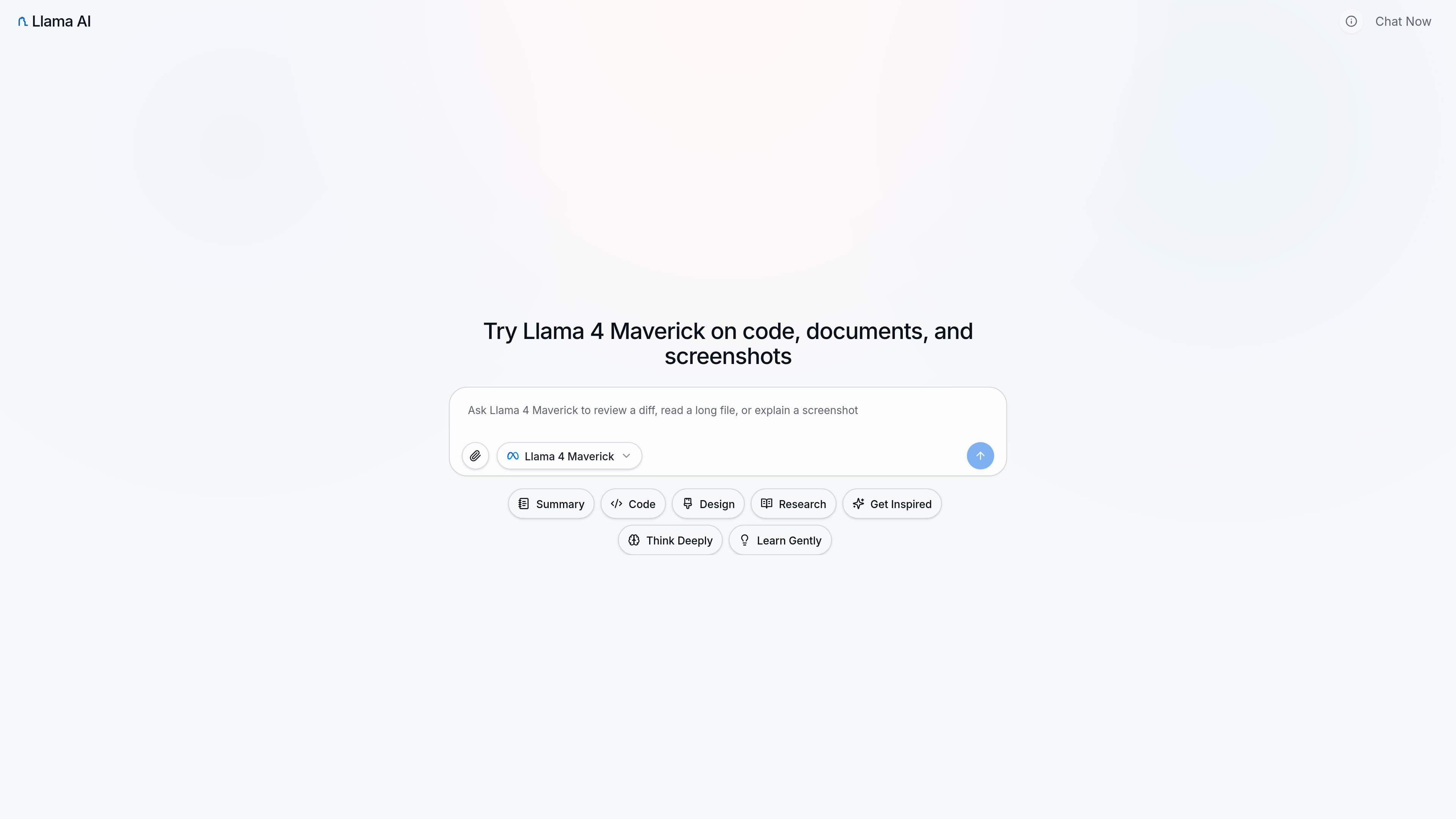
Llama AI Chat is a browser-based workspace for testing Llama 4 Maverick on code, long documents, screenshots, and research-style tasks. The site presents itself as an independent product, not an official Meta interface, and uses the workspace to help people judge whether the model fits a real workflow.
The product is centered on practical evaluation rather than a generic model gallery. Users can sign in, start a new conversation, and compare how the model handles code review, long reads, and visual inputs before deciding whether to adopt a Llama-based setup in their stack.
New chat sessions start on Llama 4 Maverick, giving users a consistent baseline for code, document, and screenshot tasks.
The interface is built for reviewing real diffs, stack traces, and refactors, with an emphasis on grounded answers over toy prompts.
It supports long reads such as notes, PDFs, contracts, and decision memos in a single thread so users can ask for conflicts and open questions.
Images, screenshots, and diagrams can be uploaded when the task depends on visual context rather than text alone.
The homepage positions the workspace as a way to evaluate model fit before you invest in local inference or API wiring.
The pricing page shows multiple model tiers and message quotas, including unlimited access to some models and monthly limits on others.
Use the workspace to review patches, stack traces, and small refactors, then ask for the smallest safe change or an explanation of what the diff does.
Load a long PDF, contract, PRD, or meeting-notes set into one thread and ask for contradictions, risks, and a short decision memo.
Upload screenshots or diagrams when the important context is visual and ask what the UI shows, how a flow behaves, or where a problem appears.
Run a few real tasks before investing in local inference or custom API wiring so you can compare model output with your actual workflow.
Use the pricing and model matrix to compare available models, message quotas, and plan levels before choosing a subscription.
Yes. The site says you can sign in and use the workspace in the browser without setting up a local model or connecting your own API stack.
No. The site states that it is an independent web interface built around Llama-oriented workflows and is not affiliated with Meta.
The current default model is Llama 4 Maverick, and the page says new sessions start on that model unless the live picker shows something else.
The workspace is positioned for code review, long-document reading, screenshot or image analysis, and research-style synthesis across those inputs.
The pricing page shows monthly plans with message quotas that vary by model, plus a yearly billing option, cancel-anytime wording, and a 7-day refund guarantee.