
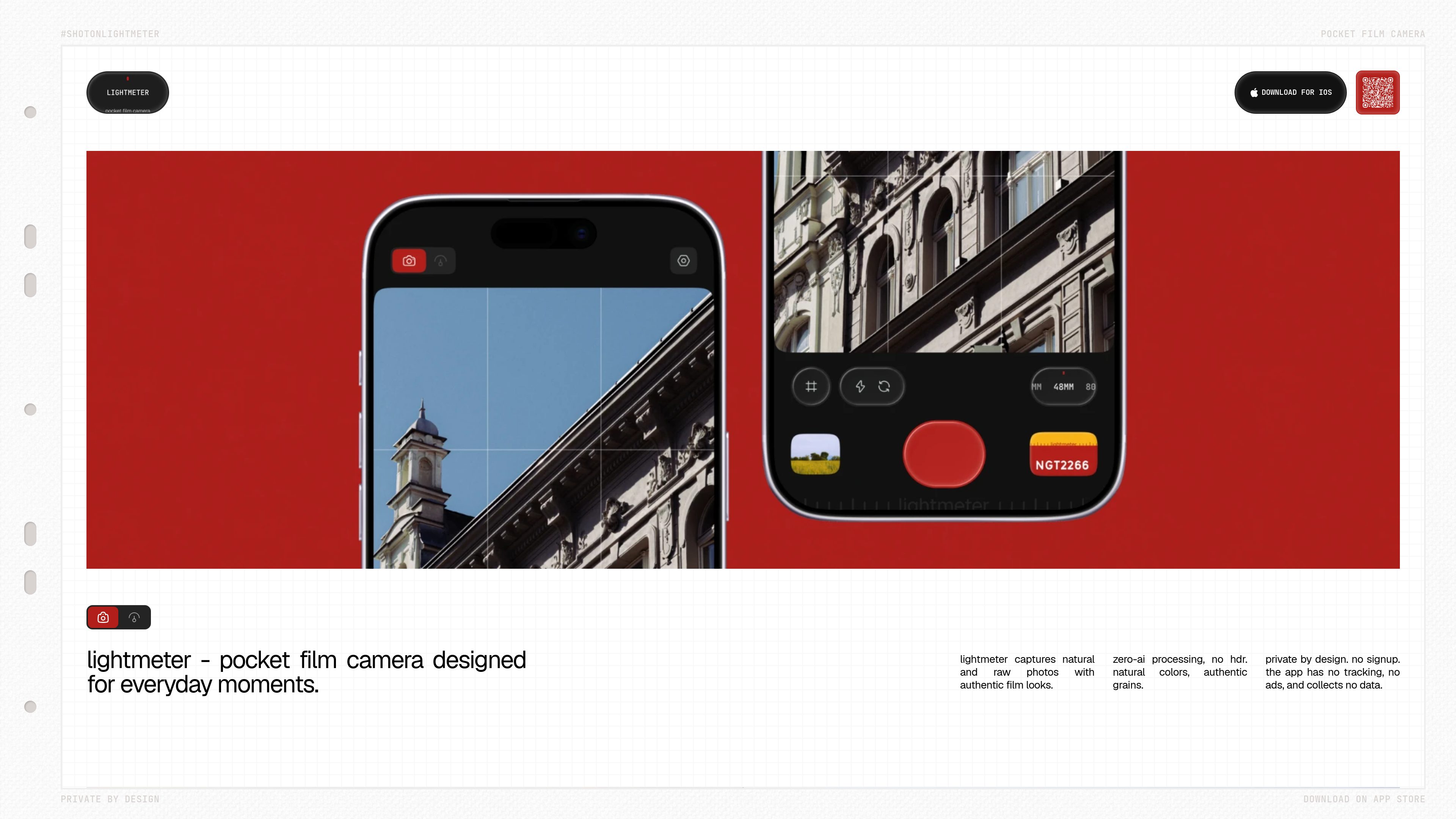
Reflected-light metering
Uses the iPhone camera to read reflected light and provide exposure guidance for the ISO selected by the user.
Lightmeter is an iPhone app that combines a reflected-light meter for film cameras with a film-look camera for everyday photography. It supports offline shooting and metering without an account, cloud storage, ads, or third-party tracking.
Lightmeter is an iPhone app with two related functions: a reflected-light meter for a film camera and a digital camera with film-inspired looks. It reads light through the iPhone camera, then provides exposure combinations for the ISO selected by the user. Metering can be center-weighted across the frame or spot-based by tapping a point.
For digital photography, Lightmeter is designed for everyday moments with natural colors, authentic grain, and zero-AI, non-HDR processing. Metering, shooting, and the darkroom work offline, and the app does not require an account, login, or cloud service. Photos are saved to the user’s Photos library, while ungraded negatives remain in private app storage for later restyling.
Uses the iPhone camera to read reflected light and provide exposure guidance for the ISO selected by the user.
Meter across the frame or tap a specific point to take a spot reading, depending on the scene and subject.
Captures everyday photos with film-inspired color, grain, and halation recipes using processing described as zero-AI and non-HDR.
Metering, shooting, and the darkroom work without an internet connection, account, login, or cloud service.
Saves finished frames to the user’s Photos library, including a Lightmeter album, while retaining ungraded negatives in private app storage for later restyling.
Adds RAW capture on supported iPhones, the full film-look library, darkroom borders and Polaroid treatments, and alternate app icons.
Use the iPhone as a handheld reflected-light meter when carrying a separate film camera. Select the film ISO, choose center-weighted or spot metering, and use the available shutter and aperture pairs to set the camera.
Shoot moments with the iPhone when a film camera is not available, using Lightmeter’s film-inspired processing rather than a conventional HDR look.
Keep an ungraded negative in the app’s private storage and revisit it in the darkroom to apply a different look or treatment.
Meter and photograph without signing up or connecting to a cloud service. Finished images can be accessed through the device’s Photos library.
Use Lightmeter Plus to capture RAW when the iPhone supports it, allowing the film look to be developed from sensor data rather than a flattened photo.
Lightmeter runs on iPhones using iOS 17 or later. RAW capture depends on the specific iPhone supporting it.
No. There is no sign-up, login, or cloud service, and metering, shooting, and the darkroom work offline. Apple handles the server connection used for buying or restoring Lightmeter Plus.
Finished photos go to the device’s Photos library, including a Lightmeter album, and remain there if the app is deleted. Ungraded negatives are kept in the app’s private storage, excluded from iCloud backup, and removed when the app is deleted.
Lightmeter Plus includes RAW capture on supported iPhones, the full film-look library including future looks, darkroom borders and Polaroid treatments, and alternate app icons. It is available as a monthly or yearly subscription or a one-time purchase; Apple handles billing and refunds.
No. They are the developer’s own recipes designed to match analog film behavior, including grain, halation, and color. They are not products of, licensed by, or affiliated with any film manufacturer.

favenest.app
FaveNest is a private library for saving and organizing links, notes, photos, and files on iPhone, iPad, and Mac. Your library stays in your iCloud, with search, offline reading, export, and optional AI organization on-device or with your own key through FaveNest Pro.

trynearfield.com
Nearfield is a native Mac app that combines two Apple Studio Displays into one true left/right stereo speaker system. It is designed for Mac users who want system-wide stereo playback, app-based routing, and normal volume control without manually maintaining an Aggregate Device.

thoughtsformac.com
Thoughts is a native macOS note-taking app that lives in the menu bar, letting you quickly save text, voice recordings, images, screenshots, links, and video notes. It is designed for capturing ideas without an account or subscription, with optional AI tools powered by a provider key you supply.

kiwidesk.kiwicanopy.com
A tiling window manager for Mac that automatically arranges open windows and supports layouts, app shortcuts, profiles, and mouse-based window movement. Keeps your desktop organized without manually resizing and positioning every window.

nxs.aliensense.com
NXS is a robot sensor interface that carries camera and sensor data over GMSL3/2, CAN-FD, or serial, with synchronized timing and ROS 2 output on the host. It is designed for perception engineers integrating distributed cameras and sensors with Jetson, Raspberry Pi 5, or Pixhawk-based systems.

glanceswitch.com
Glance Switch is a macOS menu bar app that uses the Mac camera and on-device head and eye tracking to move keyboard focus to the screen, window, or supported split pane you face.