
Voice-following scroll
The script advances as you speak, using browser speech recognition to keep the text aligned with your delivery.

letter maps is a free browser-based teleprompter that follows your voice as you read. It helps creators and presenters keep a script moving naturally without account setup or installation.
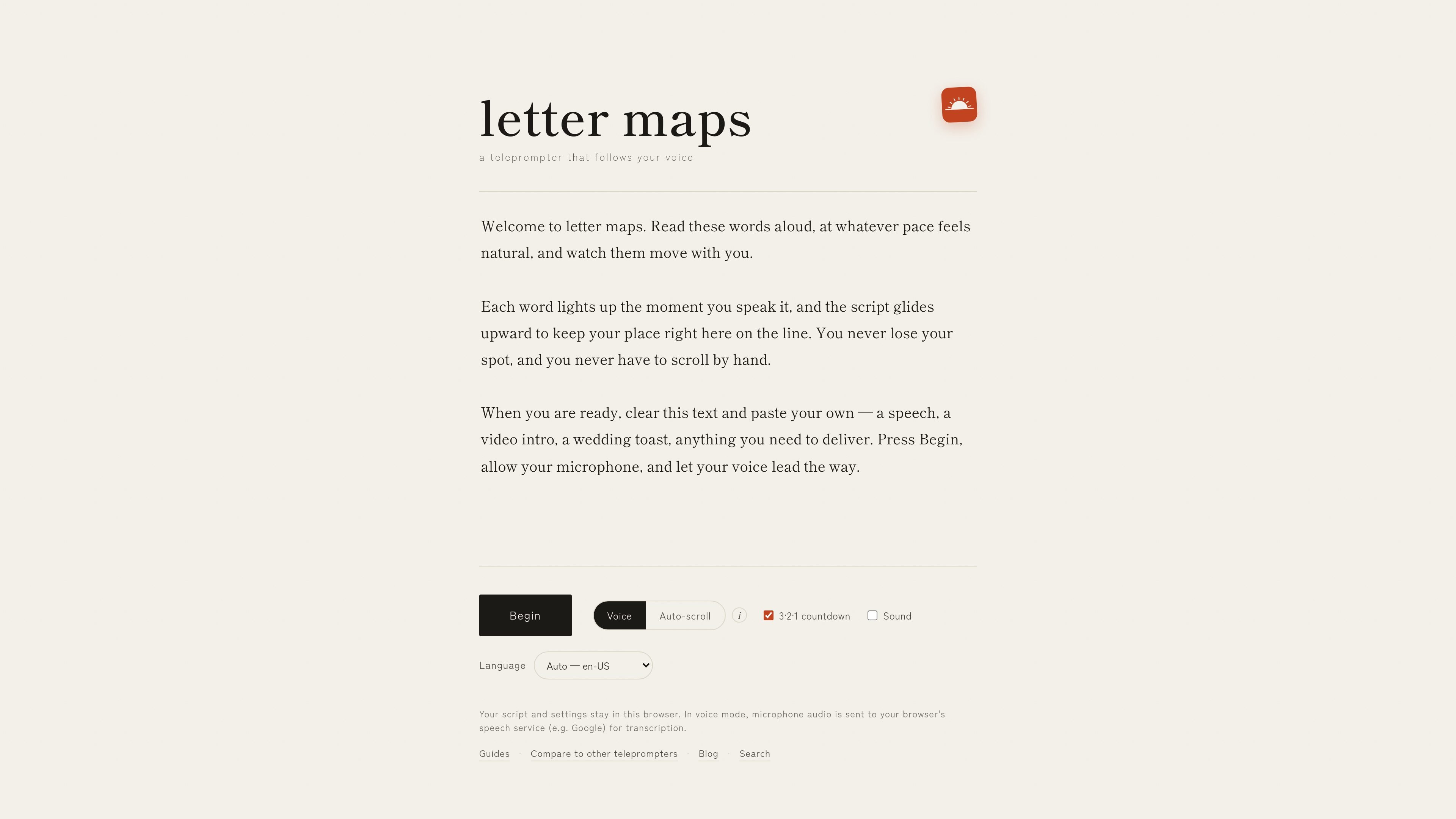
letter maps is a browser-based teleprompter that keeps a script moving with your voice. You paste in text, allow microphone access, and the page follows along as you read, lighting up each spoken word and scrolling the script to keep your place.
It is designed for people who want a simple teleprompter without account creation or installation. Scripts and settings stay in the browser, and on supported Chrome versions the speech recognition can run on-device so audio does not need to leave your machine.
The script advances as you speak, using browser speech recognition to keep the text aligned with your delivery.
If you prefer not to use the microphone, auto-scroll provides a steady fixed-speed crawl in any browser.
In Chrome 139+ the recognition can run locally on your device, which keeps audio processing on-device.
Mirroring flips text horizontally for beam-splitter teleprompter rigs and other reflected setups.
A short countdown gives you time to prepare before the script starts moving.
Adjust text size, choose the script language, and use keyboard shortcuts such as Space, Esc, and the arrow keys.
Creators can paste in a video script, intro, or talking points and read while the text keeps pace with their delivery.
Presenters can use the countdown, font sizing, and voice-following scroll to deliver a speech or toast while keeping eye line steady.
Course makers and webinar hosts can read structured lesson or webinar notes without manually scrolling through a document.
Teams that use beam-splitter rigs can turn on mirroring so reflected text appears correctly in a hardware teleprompter setup.
Users who prefer not to speak into the mic can switch to auto-scroll mode for a fixed-speed prompt in any browser.
No. letter maps is free to use, with no trial period, paid tier, or checkout flow for standard use.
You do not need to create an account or enter payment details. Open the site and start using it.
Voice-following works in supported browsers, and on-device recognition is available in Chrome 139+.
No. letter maps is a teleprompter only; it does not record video. You can pair it with your own recorder, phone camera, or OBS.
Yes. Mirroring is included for beam-splitter teleprompter setups so reflected text reads correctly.