
AES-256-GCM encryption
Store passwords, API keys, .env files, and other secrets in a vault encrypted with AES-256-GCM, with integrity verification mentioned on the homepage.

Lemonade is an open-source password manager for developers to store passwords, .env files, API keys, and project secrets. Self-host on Firebase or use a hosted service.
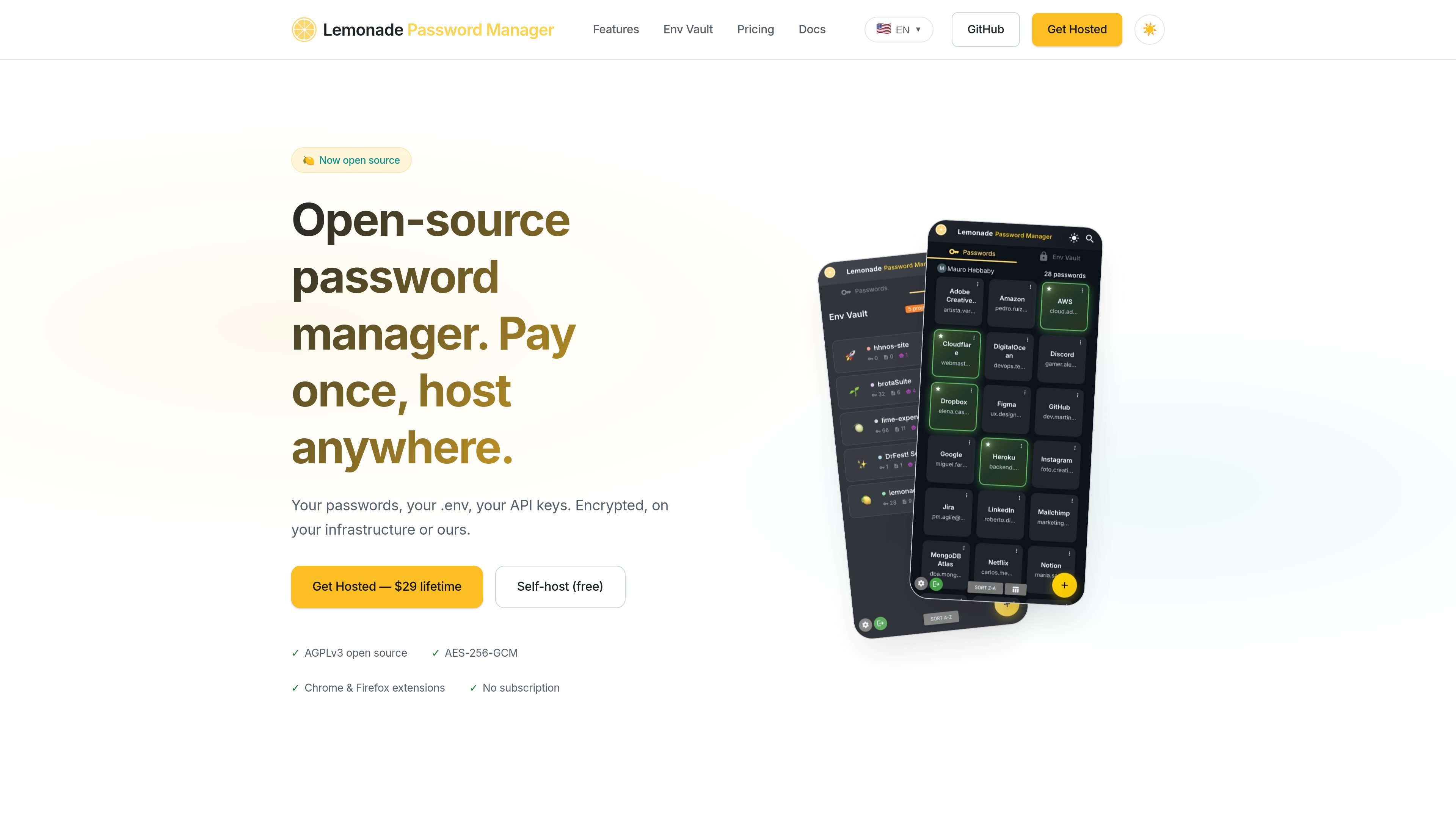
Lemonade is an open-source password manager for developers that combines a standard credential vault with a workflow for managing project secrets. The homepage positions it around passwords, .env files, API keys, and other sensitive data that developers keep across apps and codebases.
The product can be self-hosted on a user’s own Firebase project or used as a hosted service. The site says both paths include the same core product, with open-source code under AGPLv3, browser extensions, encrypted storage, and tools for importing, searching, sharing, and recovering secrets.
Store passwords, API keys, .env files, and other secrets in a vault encrypted with AES-256-GCM, with integrity verification mentioned on the homepage.
Import whole project folders and automatically detect files such as .env, .npmrc, credentials.json, AWS, GCP, and Firebase credentials, plus CLAUDE.md and AGENTS.md context files.
Use Chrome and Firefox extensions for one-click autofill when signing in to sites or managing credentials.
Install Lemonade as a PWA from the browser so it can be used without an app store download.
Share passwords securely with team members and set up emergency access with configurable waiting periods.
Import from Bitwarden, 1Password, or CSV, and export data anytime to reduce lock-in.
Keep personal and team credentials in one vault while using browser autofill and passkeys for day-to-day logins.
Import a project folder and let Env Vault detect common secret files and developer context files before exporting them back to .env format when needed.
Store shared credentials, grant access to teammates, and use emergency access for contingency scenarios with a waiting period.
Move from another password manager by importing Bitwarden, 1Password, or CSV data, then export later if your setup changes.
Use self-hosted deployment on your own Firebase project when you want the data and infrastructure to stay under your control.
Lemonade is designed for passwords, secrets, and developer-oriented files such as .env files, API keys, credentials.json, and AI context files. The homepage does not describe it as a general-purpose consumer password manager.
The homepage says Lemonade can import from Bitwarden, 1Password, or CSV, and it also offers export so data is not locked in.
Yes. The homepage says Lemonade includes Chrome and Firefox extensions for one-click autofill, and it also has an installable PWA.
Yes. The site says you can self-host on your own Firebase project for free, or choose the hosted version for a one-time $29 payment.
The homepage mentions team-oriented features including secure sharing and emergency access, but it does not provide detailed team administration or permission-model documentation.
Traffic data is for reference only.
| May | 0 |
|---|---|
| Jun | 0 |
| Jul | 0 |
Traffic analytics are not available yet.
Traffic analytics are not available yet.