
Media review in one place
Upload video, image, audio, and PDF assets into a shared review workspace so feedback stays attached to the media instead of scattered across email threads.

KROCK is a video review and media collaboration platform for creative teams to share media, collect feedback, compare versions, and manage reviews.
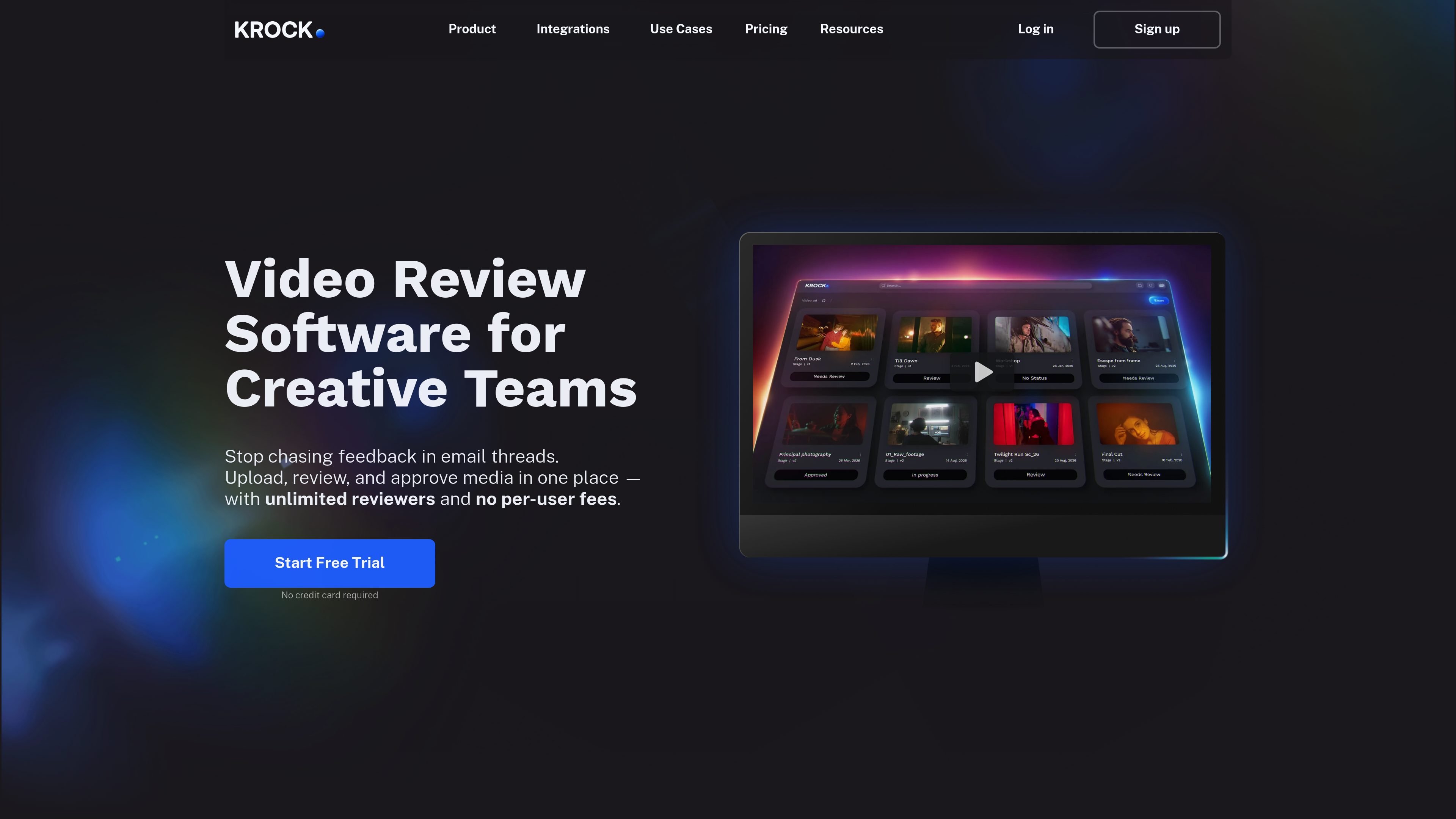
KROCK is a video review and media collaboration platform for creative teams that need a structured way to share work, collect feedback, and approve revisions. The site positions it as a replacement for review work spread across email threads, with a focus on media review, collaboration, and version control.
It supports video review, image review, audio review, PDF review, storyboard and animatic workflows, and project organization tools such as templates, workspaces, comments, and calendar-based planning. Pricing is available as a free plan and paid tiers, including a Pro plan and an Unlimited enterprise-style plan, with unlimited reviewers called out across the pricing page.
Upload video, image, audio, and PDF assets into a shared review workspace so feedback stays attached to the media instead of scattered across email threads.
Compare revisions with overlay and auto-compare modes, and use version controls to review changes before approval.
Collect feedback through comments, private comments, and comment attachments, with visibility controls for clients and reviewers.
Set up production spaces with workspaces, projects, project templates, a board step, calendar view, and workload planning tools.
Manage assets, hide or disable downloads where needed, share private links, and protect access to sources and shares.
Connect with Google Drive, Slack, Zoom, and Jitsi to fit collaboration into existing team tools.
Teams can upload cuts, gather time-stamped feedback, compare versions, and approve revisions in one shared workspace instead of managing notes through email.
Studios working with clients or external reviewers can use private comments, share links, and visibility controls to manage who sees feedback and when.
Production teams can organize ongoing work with workspaces, projects, templates, calendar views, and workload planning to keep review tasks on track.
Teams that handle more than one asset type can review images, audio files, PDFs, storyboards, and animatics in the same platform.
Organizations that rely on shared file storage and communication tools can connect KROCK with Google Drive, Slack, Zoom, or Jitsi to fit an existing workflow.
KROCK offers a free plan with no credit card required, plus paid Pro and Enterprise-style Unlimited plans. The pricing page also notes a 7-day free trial on Pro and Unlimited plans.
The pricing page says the Unlimited plan is the best option for teams with 16+ users involved in production, while the Pro plan is aimed at growing teams.
Yes. The pricing page says subscriptions can be adjusted anytime in account profile settings, and you can cancel anytime from account settings.
KROCK lists Google Drive, Slack, Zoom, and Jitsi on its features page as available integrations.
The feature and pricing pages show media review, version comparison, storyboard tools, private comments, project templates, workspaces, file management, and source downloads as part of the workflow.