
Capture source material
Collect documents, highlights, voice notes, and web pages into a personal library so your material is available for later sessions and drafts.

Kompas is a desktop app for capturing ideas, connecting them, and turning them into writing you can use. Local-first on macOS and Windows, with private sync and built-in AI options.
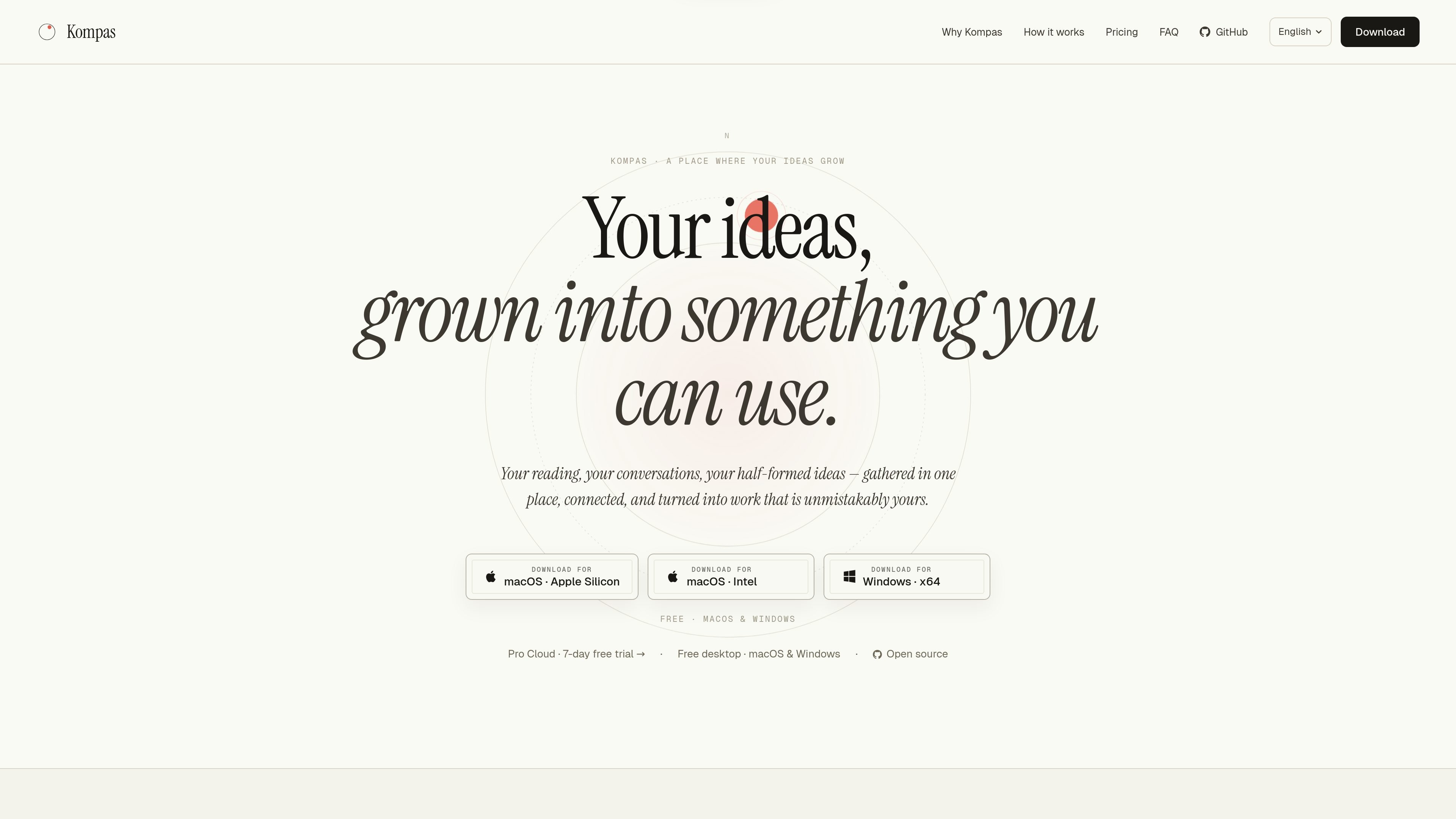
Kompas is a desktop app for capturing ideas, connecting them, and turning them into writing you can actually use. It keeps reading, conversations, notes, and half-formed thoughts together so later sessions can draw on what you already wrote.
The product centers on a graph of connected sessions and notes. Free desktop keeps data local on macOS and Windows, while paid options add private cross-device sync and, on Pro Full, built-in frontier AI with no personal API key required.
Collect documents, highlights, voice notes, and web pages into a personal library so your material is available for later sessions and drafts.
Start a session around a topic and let Kompas pull in earlier notes, decisions, and reading to ask questions from your own history.
Link sessions to decisions, memories, retrieved passages, and other notes so the graph reflects how one idea leads to another.
Move a session into a draft and keep your prior work close at hand while you write from your own thoughts.
Use your own OpenAI or Anthropic key, your Claude Code or Codex subscription, or local models through Ollama on desktop.
Choose between a fully local free desktop mode and Pro plans that add private hosted sync and, on Pro Full, bundled AI usage.
Keep research snippets, highlights, and prior notes available while you explore a topic over multiple sessions.
Draft essays, memos, or other argument-driven writing from material you've already captured instead of starting from an empty editor.
Revisit prior decisions and the reasoning behind them when making product or business choices.
Extend an existing note system by connecting material and surfacing related thoughts across sessions.
Use a desktop-only, local-first setup when you want your material to stay on your device unless you opt into hosted sync.
No. The source says Kompas does not train on your content. On Free desktop, your sessions, notes, and graph stay on your device; on Pro, your graph is hosted privately to enable sync, but Kompas still does not train on it.
Kompas is not a web app or a generic chat window. It is a desktop app for keeping documents, notes, conversations, and retrieved passages together so later sessions can reuse earlier context.
On Free and Pro Sync, you can use your own OpenAI or Anthropic API key, your Claude Code or Codex subscription, or local models via Ollama. On Pro Full, frontier AI is built in and no personal key is required.
Yes. The desktop app is open source under the MIT license. The source notes that cloud-only code for billing, hosted models, and abuse detection lives in a separate private repository.
No. Kompas is always a desktop app. Pro adds cross-device sync and built-in AI to the desktop app, but there is no browser-based version.