
Automated wiki generation
Komment builds technical wikis from a connected repository and organizes the output into a searchable, shareable knowledge base that stays in sync as code changes.

Komment automates software documentation from connected repositories, generating wikis and other technical docs for engineering teams. It supports Git-based workflows, with SaaS and VPC deployment options for organizations that want documentation to stay close to their code.
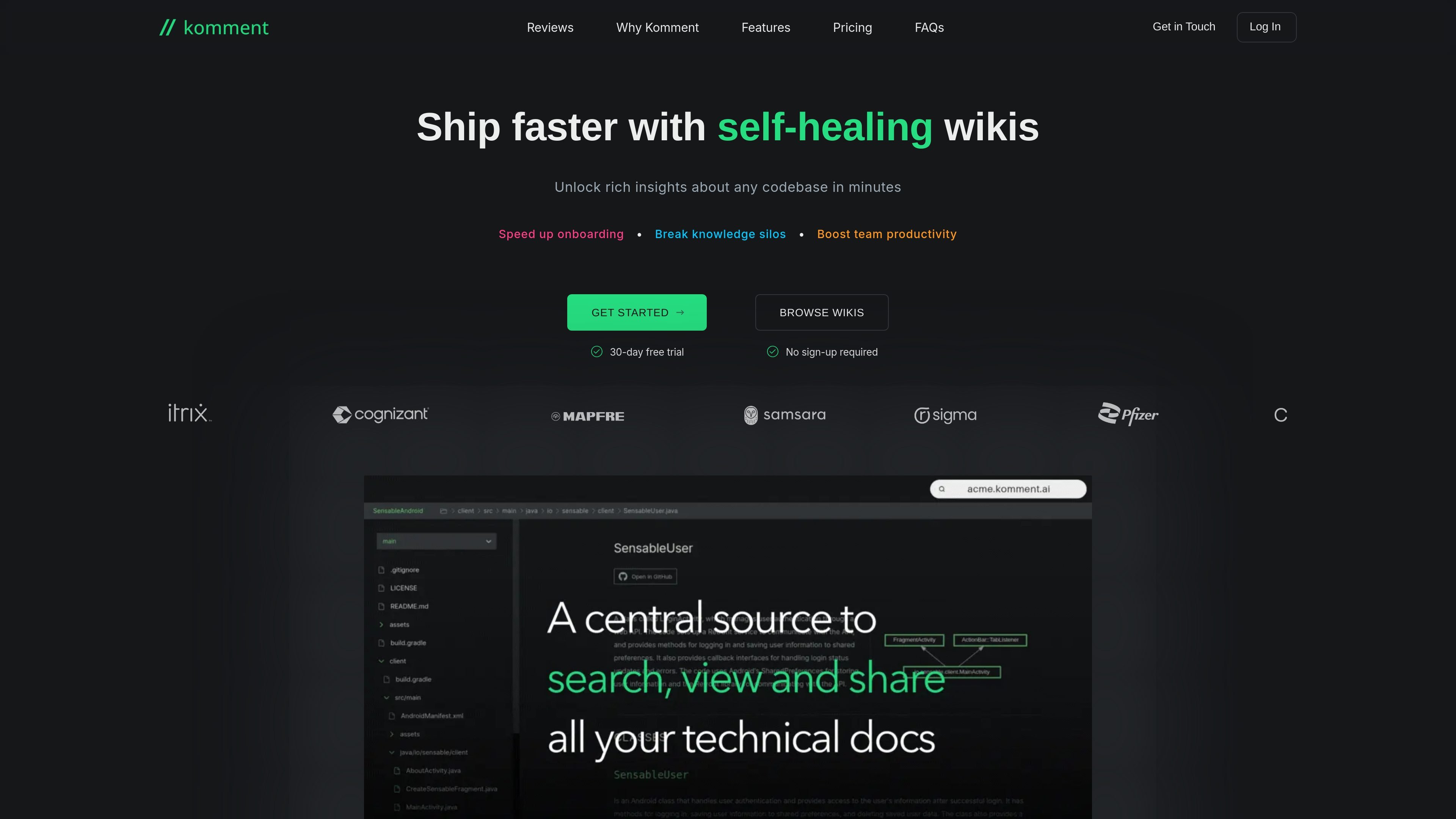
Komment is a software documentation automation product that turns connected code repositories into structured technical wikis and related doc assets. It is built to plug into existing developer workflows, with documentation jobs triggered from familiar git-based processes rather than a separate manual writing tool.
The product focuses on keeping documentation current as code evolves. It can generate several documentation types, including usage instructions, architecture diagrams, API documentation, implementation details, security insights, example snippets, and in-code comments, then organize them into a portal or wiki for team access.
Komment builds technical wikis from a connected repository and organizes the output into a searchable, shareable knowledge base that stays in sync as code changes.
The product generates usage instructions, architecture diagrams, general overviews, implementation details, API documentation, security insights, example snippets, and in-code comments.
Komment updates documentation when it detects divergence between code and docs, so the material remains aligned with the current repository state.
Teams can keep documentation in a uniform style and control tone, depth, freshness, format, and coverage from a central dashboard.
Komment is designed for broad compatibility across git platforms, cloud environments, and on-premises architectures, with both SaaS and VPC deployment options.
The service processes data within the bounds of its deployment and is positioned for organizations that need code privacy and control over where documentation runs.
Useful for engineering teams that want a repository-linked wiki that can be searched, shared, and refreshed as code changes.
Helps teams produce onboarding material, API docs, diagrams, and implementation notes without writing each document manually.
Supports organizations that want consistent documentation across many repositories and need a central place to control tone, depth, and coverage.
Fits teams that want documentation delivered through pull requests or other Git-based processes, so docs stay close to the code they describe.
Appropriate for organizations that need documentation tooling deployed in a hosted environment or inside a VPC for infrastructure preference or control.
Komment plugs into an existing Git repository and existing developer workflows. You can sign in with email or a Git account, connect a repository, and trigger documentation jobs through Quickstart or a schedule. It also supports CI/CD-style workflows and can run without changing how teams work day to day.
Komment generates usage instructions, architecture diagrams, general overviews, implementation details, API documentation, security insights, example snippets, and in-code comments. It tailors the output for each file based on size, content, and complexity, and can also submit documentation as markdown pull requests on the Scale plan.
The product supports GitHub, GitLab, and Bitbucket sign-in, and users can connect GitHub-hosted repositories for wiki generation. The FAQ also states that Komment is available as a SaaS product and can be deployed to virtual private clouds on AWS, Azure, or GCP for self-hosting needs.
New users automatically receive a 30-day free trial for any paid plan. After the trial ends, accounts switch to the Free plan unless the user upgrades.
Komment is designed not to modify, break, or compromise code. It inserts inline text through pull requests and keeps documentation synchronized with code changes, while keeping the workflow centered on documentation rather than code changes.