
AI summarization
Generate concise summaries of articles, news, websites, YouTube videos, PDF files, and X/Twitter threads from the browser.

Kome is an AI browser extension for summarizing articles, news, videos, and webpages, while also saving bookmarks and using them to draft emails, tweets, and articles. It supports Chrome, Edge, Opera, Brave, and Arc.
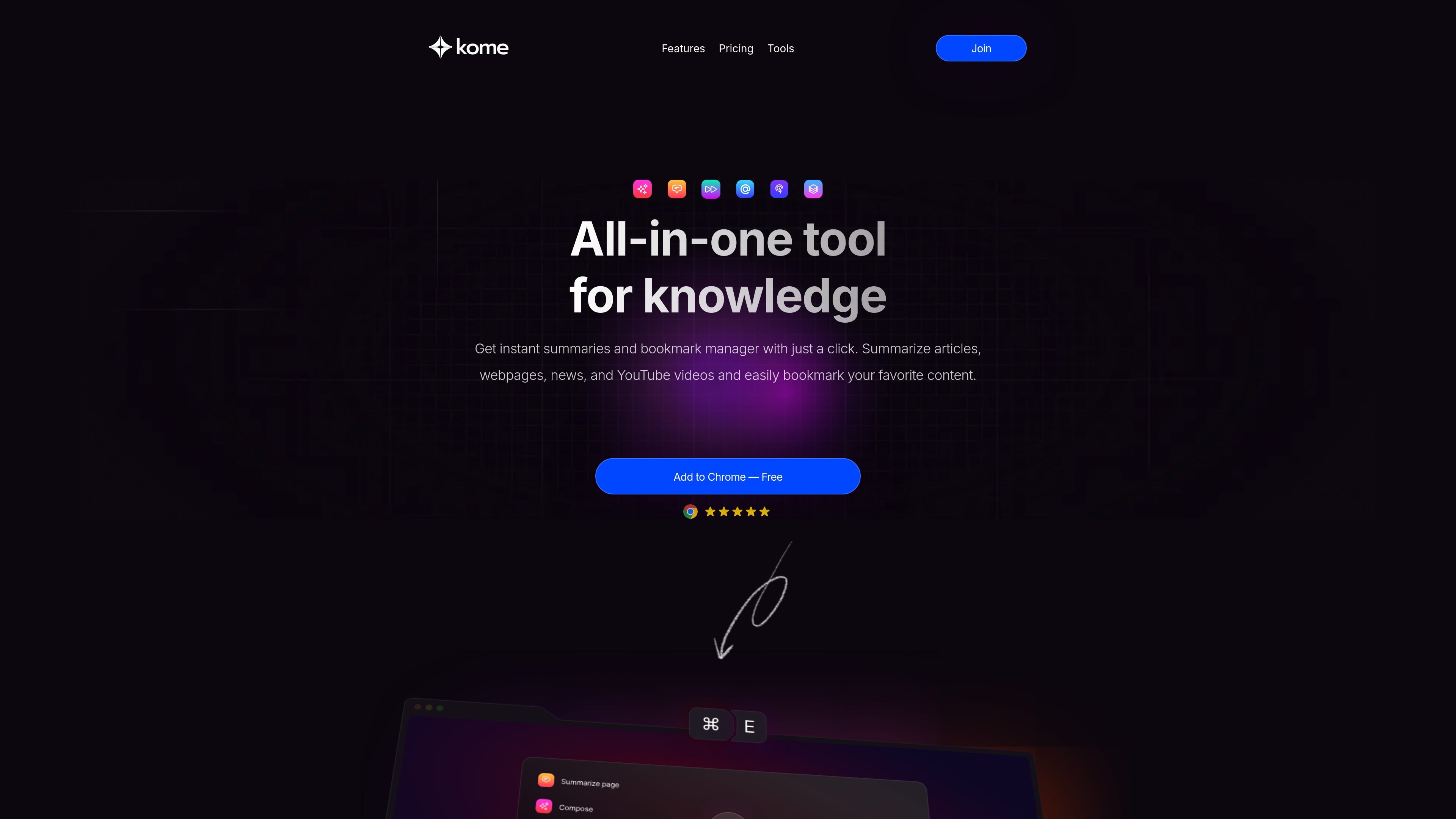
Kome is an AI browser extension for summarizing web content, saving bookmarks, and reusing saved material in writing tasks. It works from the browser and is presented as a tool for handling articles, news, YouTube videos, PDF files, webpages, and X/Twitter threads.
The product combines three main workflows: summarizing content in a single click, organizing bookmarked material automatically, and composing tweets, emails, and article drafts from those bookmarks. The site also lists practical page utilities such as extracting contact emails, color palettes, and URLs.
Generate concise summaries of articles, news, websites, YouTube videos, PDF files, and X/Twitter threads from the browser.
Save links, text, articles, images, and videos, then retrieve them through built-in search.
Use saved bookmarks to draft tweets, emails, and blog posts directly in the browser.
Automatically organize saved items so you do not need to create folders or manage categories manually.
Extract contact emails and color palettes from webpages for quick reference and reuse.
Read a long article, video transcript, or news story and get the main points without working through the full page.
Save useful links, images, videos, and notes, then find them later through search instead of manual folder management.
Turn bookmarked material into a starting point for tweets, emails, or blog drafts inside the browser.
Use the summarizer to condense academic papers, reports, or articles when you need the key points quickly.
Capture URLs, contact emails, or page color palettes directly from a website when you need reference data from the page.
Kome is a browser extension that combines AI summarization, bookmarking, and AI-assisted writing from within the browser.
It summarizes articles, news, websites, YouTube videos, PDF files, and X/Twitter threads, then lets you save and search bookmarked content.
You can install it from your browser’s extension marketplace and search for Kome AI.
The site lists support for Chrome, Edge, Opera, Brave, and Arc.
The site shows a free tier with 5 summary credits and a premium plan with 200 summary credits per month, but it does not provide a broader pricing breakdown on the pricing page.