
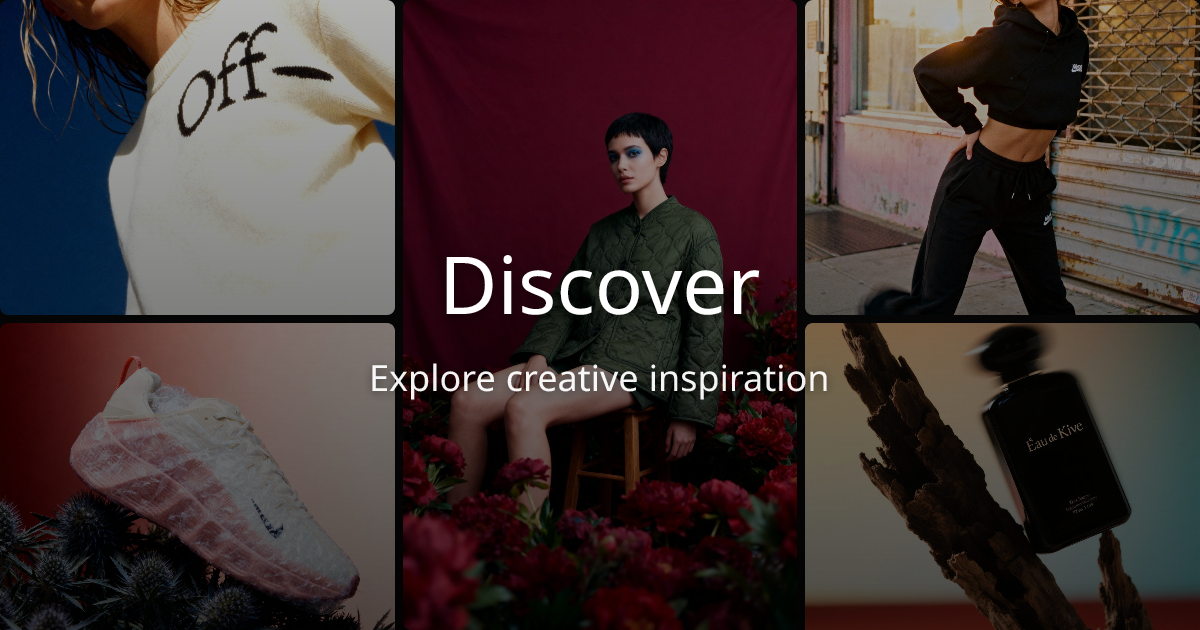
AI product shot generation
Create product shots and brand visuals from a product URL or product input, with the homepage emphasizing fast generation for consumer brands.

AI product photography for consumer brands from URLs or photos
Kive is an AI product photography platform for consumer brands that helps teams create product shots, brand visuals, and AI-generated campaign content. The homepage positions it as a way to turn a product photo or product URL into on-brand visuals in minutes.
The product combines generation, editing, presets, collaboration, and asset management in one workspace. The pricing page shows a free tier, paid plans, and an enterprise sales path, while the gallery highlights how the platform is used across apparel, beauty, home, and other product categories.
Create product shots and brand visuals from a product URL or product input, with the homepage emphasizing fast generation for consumer brands.
Use editing tools to refine generated assets, with the pricing page explicitly listing AI editing on Basic and above.
Apply one-click styles designed for different industries, from studio looks to editorial treatments and other preset directions.
Train the platform on your brand style on the Pro plan and above, so output can follow a more consistent visual direction.
Work with collaborative workspace features, including team seats, link sharing, invited teammates, and private workspace on supported plans.
Store and organize assets in a library with plan-based item limits, plus AI powered search and version support on higher tiers.
Generate product shots for ecommerce listings or landing pages by pasting in a product URL and using AI to create clean, on-brand imagery.
Build campaign-ready creative for launches or seasonal promotions when a small team needs multiple visual variations quickly.
Apply presets and brand-style training to keep visual output aligned across channels, especially when different teammates contribute to the workflow.
Organize assets, manage versions, and collaborate in one workspace when a team needs a shared place for visual production.
Kive is designed for teams that want to turn a product photo or product URL into AI-generated product shots and brand visuals. The source also shows an enterprise contact flow for brands that need to create on-brand AI content at scale.
The pricing page shows a free plan, Basic and Pro paid plans billed yearly, and an Enterprise option that uses a sales process. The free and paid plans differ by credits, library capacity, team seats, and access to advanced features.
The pricing page shows support for AI image and video generation, AI editing tools, brand-style training on higher tiers, collaborative workspace features, private workspace on higher tiers, and formats including JPG, PNG, TIFF, GIF, and video depending on plan.
Kive provides an enterprise contact form for brands that want to create content at scale. The source does not publish setup details beyond the form itself, so onboarding appears to be handled through sales for that plan.
Traffic data is for reference only.

douhuiai.com
豆绘AI is an online AI image creation and editing platform for e-commerce and design, supporting white-background, scene, interior renderings, and common post-processing.

creativio.io
AI product photography that turns basic images into polished marketing visuals

mokker.ai
Mokker AI creates polished product scenes from one photo

weshop.com
AI product photography and image editing for e-commerce

oksuro.com
Web-based AI stock image library for search, editing, compositing, and short video creation.

maze.guru
Chat-to-edit AI studio for product photography and design