
Custom Commands
Create custom chat commands for viewers, mods, or everyone, with configurable responses and permission controls.

KickBot is a cloud-based bot and streaming toolkit for Kick.com creators. Chat commands, moderation, overlays, alerts, AI text-to-speech, clipping, widgets, and tipping in one dashboard.
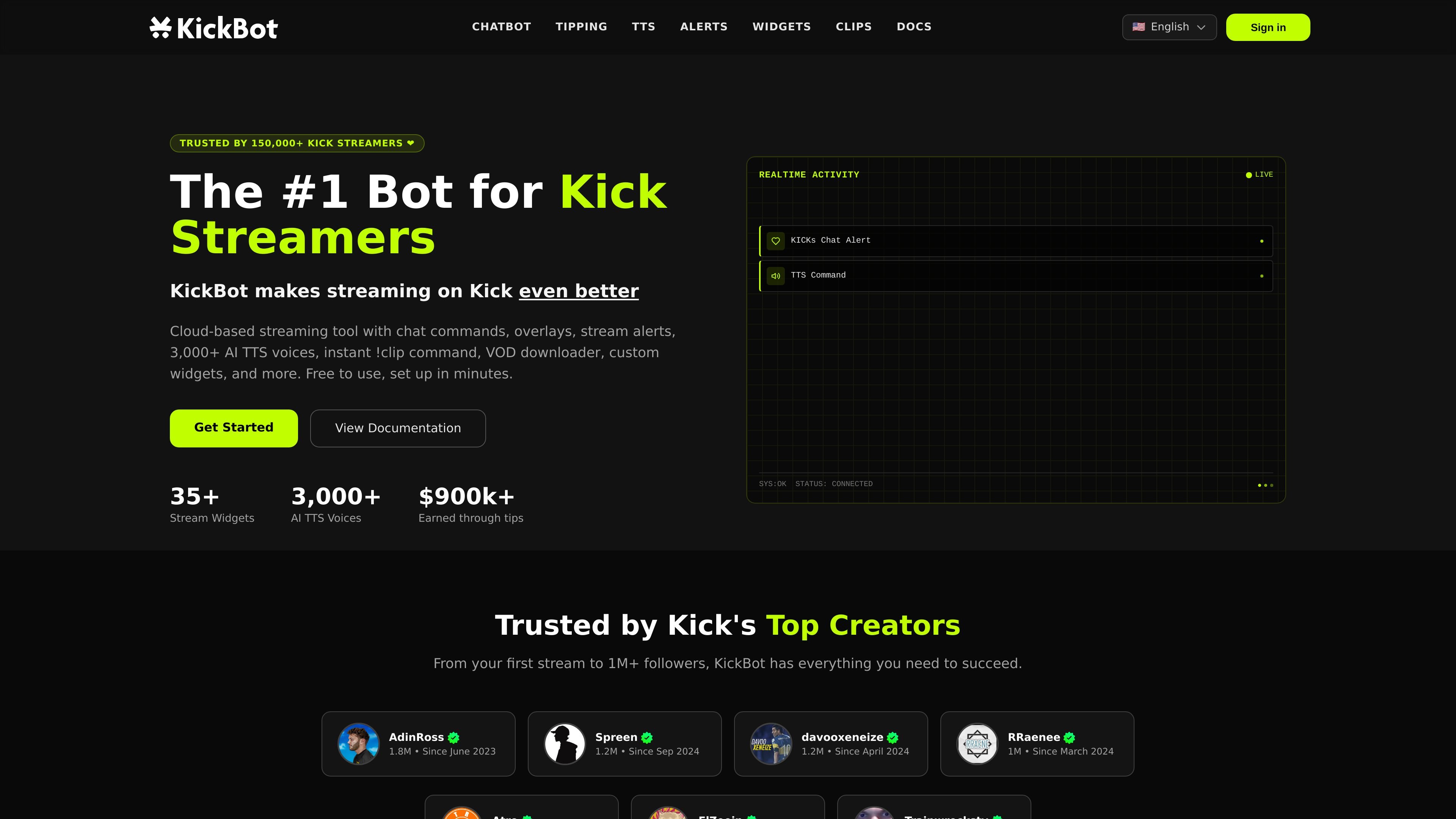
KickBot is a cloud-based bot and streaming toolkit for Kick.com creators. It combines chat commands, moderation, overlays, alerts, AI text-to-speech, clipping, VOD tools, widgets, and tipping in one dashboard.
The product is designed to reduce tool switching for streamers who want a single setup for chat management, viewer engagement, stream alerts, and monetization. The site says it is free to use, set up in minutes, and accessible from any device without software installation.
Create custom chat commands for viewers, mods, or everyone, with configurable responses and permission controls.
Run filters for spam, caps, links, banned words, and other unwanted content so chat can be moderated automatically.
Use the cloud-based !clip command to create clips up to 4 minutes long without adding load to your PC.
Add stream alerts, chat overlays, follower widgets, goals, and other browser-source widgets from the dashboard.
Play viewer messages through 3,000+ AI voices, with voice cloning, moderation filters, captions, and OBS browser-source support.
Accept tips with branded pages, payment support across 100+ countries, moderation, GIF reactions, and chargeback protection.
Set up reusable commands for social links, schedules, rules, tipping links, rank, or other stream info so viewers get answers without manual typing.
Moderate spam and unwanted messages automatically while also running AI responses, timed reminders, and moderation actions from one dashboard.
Let viewers send TTS messages, choose from a large voice library, and surface the message as on-screen captions during the stream.
Create instant clips from chat with the cloud-based !clip command so memorable moments can be saved without affecting stream performance.
Accept tips through a branded page with AI voice messages, alerts, GIF reactions, and moderation before messages play.
KickBot is set up from the dashboard after you create an account and connect your Kick channel. The site says setup takes minutes and does not require downloads or technical knowledge.
Yes. The site says KickBot is free to use and free to get started, with no credit card required for the core bot and TTS setup shown on the product pages.
KickBot supports custom commands, moderation tools, AI responses, overlays, widgets, TTS, tipping, and instant clipping. The chatbot page also shows built-in mod commands for bot and stream management.
The TTS page says KickBot works with OBS, Streamlabs, Meld, and any streaming software that supports browser sources. TTS is added by copying a widget URL into the streaming software.
The source pages show KickBot’s tipping system includes AI TTS support, chargeback protection, and automatic payouts with no minimum. The site also says tipping has no requirements to start.