
Works inside Slack or Teams
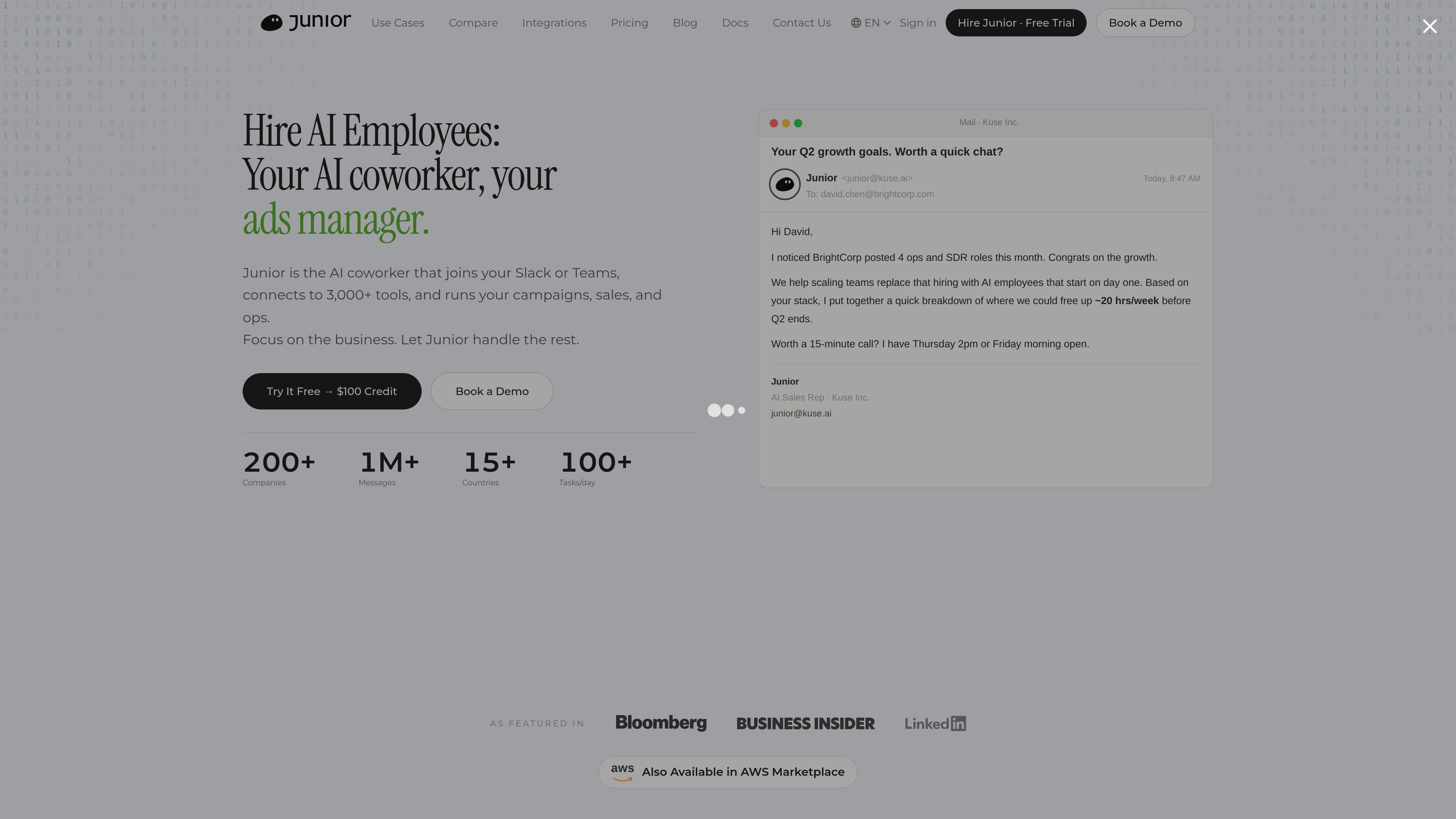
Junior is positioned as an AI coworker that joins Slack or Teams and works from those collaboration surfaces instead of requiring a separate app.

Junior is an AI employee platform for sales, marketing, and operations teams in Slack or Microsoft Teams. It drafts replies, updates CRM records, reports, and asks before acting.
Junior is an AI employee platform that places AI coworkers into Slack or Microsoft Teams to help with sales, marketing, and operations work. The product page describes a system that drafts replies, updates CRM records, reports on a schedule, and asks for confirmation before taking action.
The site presents Junior as a role-based assistant rather than a general-purpose chatbot. Teams can start from functions such as AI Sales Rep, AI Executive Assistant, AI Media Buyer, and AI Support Rep, then connect the system to a broader stack of tools and work inside the collaboration channels they already use.
Pricing is structured around a monthly budget model, with a free trial available through $100 credit and paid plans that scale from a modest monthly tier up to enterprise rollout. The integrations page says Junior connects directly to 3,000+ tools and can also work with APIs, webhooks, and MCP servers when a tool is not listed explicitly.
Junior is positioned as an AI coworker that joins Slack or Teams and works from those collaboration surfaces instead of requiring a separate app.
The home page says Junior drafts replies, updates CRM data, reports weekly, and asks before acting, which points to a task-oriented workflow with approval before action.
The integrations page says Junior connects directly to 3,000+ tools, with one-click connections for common apps such as Gmail, Notion, GitHub, Salesforce, HubSpot, and Google Sheets.
The pricing and hire pages describe full context, initiative, and parallel execution, indicating that Junior can work through multi-step tasks rather than single prompts only.
Role pages show prebuilt job functions such as AI Sales Rep, AI Executive Assistant, AI Media Buyer, and AI Support Rep, giving teams a starting point for common workflows.
The hire page says each Junior has own identity, email, Slack, and browser, and learns org context in hours, which suggests it is set up as a persistent worker inside a team’s environment.
A sales team can use Junior to research accounts, draft outreach, update CRM fields, and track pipeline movement without bouncing between multiple tools.
Marketing teams can assign Junior to monitor campaigns, draft test ideas, and handle routine reporting so human operators focus on strategy and decisions.
Operations teams can use Junior to track tasks, chase blockers, update docs, and keep cross-functional work moving inside Slack or Teams.
Support and account teams can use Junior to answer common questions, organize customer context, and flag risks or edge cases for human review.
Founders or managers can use the assistant for inbox handling, scheduling follow-ups, and daily coordination when they need a persistent executive assistant role.
Junior is designed to work inside Slack or Teams and can connect directly to tools such as Gmail, Notion, GitHub, Salesforce, Stripe, HubSpot, Figma, Linear, Zoom, Jira, and Google Sheets. The integrations page also says it can connect to anything with an API, including REST, GraphQL, webhooks, and MCP servers.
The source describes Junior as an AI employee or coworker for sales, marketing, and operations work. The home page and role pages show examples such as AI Sales Rep, AI Executive Assistant, AI Media Buyer, AI Support Rep, AI Operations Coordinator, AI Performance Marketer, AI Research Analyst, AI Recruiting Coordinator, AI Finance Assistant, and AI Account Manager.
Pricing includes a free trial with $100 credit for one workspace or business domain. Paid use starts with a monthly budget model, and the pricing page shows standard plans from $100/mo to $20,000/mo plus an enterprise option with custom rollout and contact sales.
The site says Junior drafts replies, updates CRM records, reports weekly, asks before acting, and takes initiative with full context. It is presented as a coworker that joins Slack or Teams rather than a standalone chat app.
Traffic data is for reference only.

salesviking.io
AI sales assistant for real-time call guidance and closing more deals

sparrowdesk.com
SparrowDesk is AI customer support software that automates routine tickets and assists agents across email, live chat, WhatsApp, Slack, and more, with a 14-day free trial.

amplemarket.com
AI sales copilot for prospecting, outreach, and deliverability

relvios.com
Relvios is a unified business inbox for AI-powered customer support, bringing inbound channels together with autonomous AI replies or human-approved drafts.

quivr.com
AI-powered support automation for faster ticket handling

jarvis.cx
Jarvis AI automates support and helps agents craft better replies.