
VaultPress Backup
Real-time cloud backups save site changes continuously and support one-click restores, with storage and archive limits based on the plan or usage.

Jetpack is a WordPress plugin suite for security, backups, performance, search, and growth tools. Protect content, improve discovery, and automate sharing.
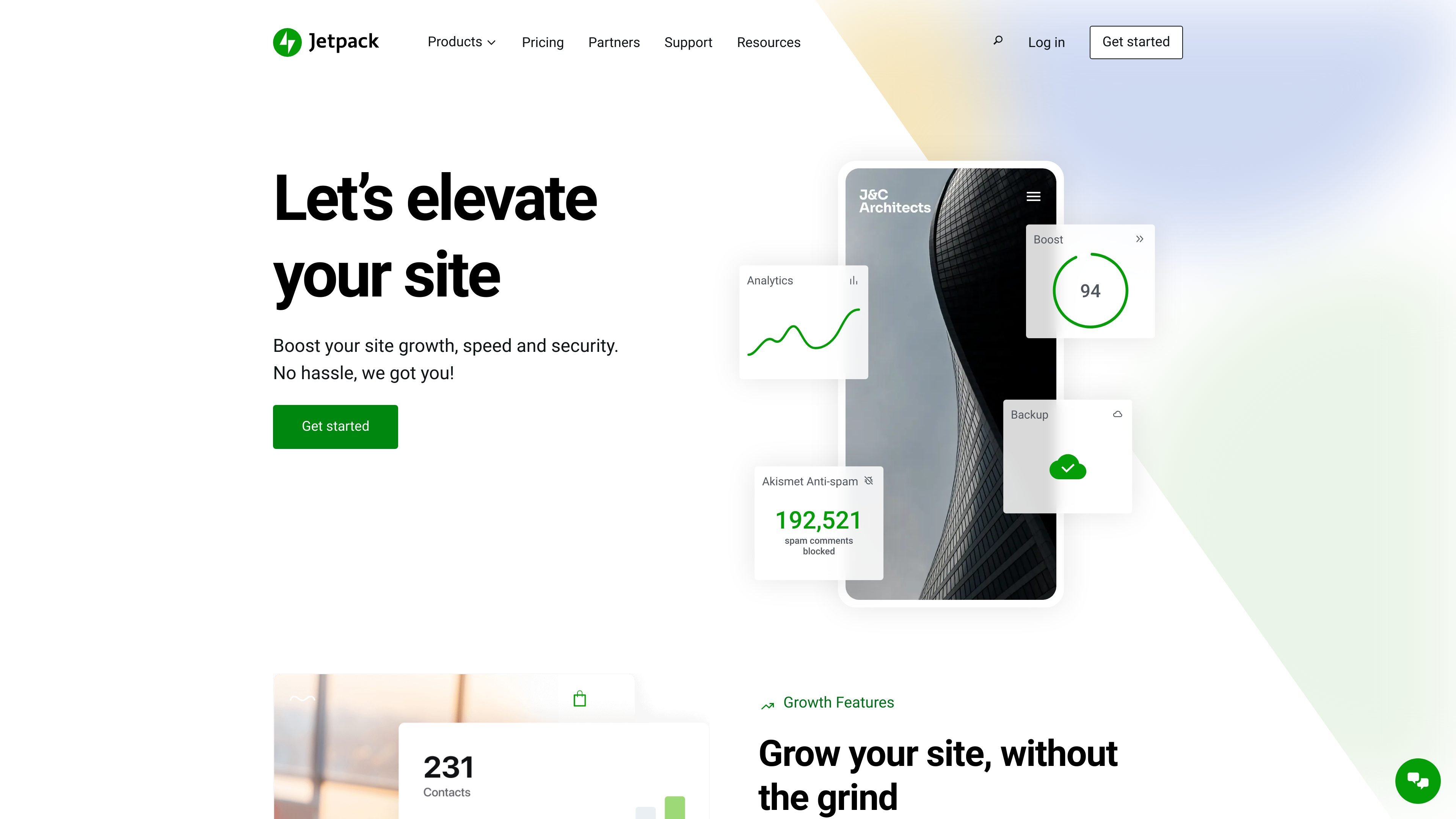
Jetpack is a WordPress plugin and service suite for security, backups, performance, search, and growth features. The site positions it as an all-in-one option for site owners who want to manage several WordPress needs from one product family.
The product covers core site protection with VaultPress Backup, Jetpack Scan, and Akismet, while also offering tools for site speed, search, social sharing, analytics, CRM, and newsletters. Pricing pages show both individual products and bundles, including free starting points for some products and paid plans for broader feature sets.
Real-time cloud backups save site changes continuously and support one-click restores, with storage and archive limits based on the plan or usage.
Security plans combine backup, scanning, spam protection, a web application firewall, malware scanning, and one-click fixes.
Performance tools aim to speed up the site and improve SEO, including one-click improvements and VideoPress for ad-free video hosting.
Jetpack Search can take over WordPress search or be built into custom block-editor layouts, with filtering, instant results, and autocomplete.
Jetpack Social lets you connect social accounts, auto-share or schedule posts, customize copy and media per platform, and publish Notes from WordPress.
The suite also includes stats, CRM, AI, newsletter, and monetization tools in higher-tier bundles.
Use the backup and security tools to protect a WordPress site that needs continuous recovery options, spam filtering, malware scanning, and a firewall in one place.
Use Jetpack Search when visitors need faster ways to find content across large libraries of posts, pages, or products, including filtered and instant search experiences.
Use Jetpack Social to publish once in WordPress and then share or schedule the post across multiple social accounts with platform-specific copy and media.
Use the performance tools and VideoPress when you want to improve site speed, SEO, and video delivery without stitching together separate services.
Use the higher-tier bundles when you want backup, security, stats, CRM, newsletter, search, and social tools managed under a single subscription.
Jetpack is a WordPress plugin and service suite. The pricing page shows free entry points for individual products and paid plans for bundles and premium features.
Jetpack requires a connected WordPress.com account because many core features use WordPress.com cloud services. The pricing page also notes that you should be running the latest version of WordPress on a publicly accessible site with XML-RPC enabled.
Jetpack Search can be used to replace or enhance WordPress search. Its search pages and blocks are designed to work without coding, and the source says you can either let Jetpack take over WordPress search or build a custom search experience in the block editor.
Jetpack Scan detects and helps prevent attacks, but the pricing FAQ says it is not designed to fully clean up sites that were already infected before it was active. Jetpack recommends cleaning the site separately or restoring from a backup taken before the infection.
Jetpack Social connects social accounts from the WordPress admin so you can share posts automatically or schedule them, and it supports platform-specific customization. The source also shows support for posting to Facebook, Instagram, Threads, Bluesky, LinkedIn, Mastodon, Nextdoor, and Tumblr.