
Source-to-episode generation
Upload PDFs, docs, slides, spreadsheets, audio, newsletters, ebooks, URLs, or YouTube links, and Jellypod uses them as the basis for a podcast script grounded in the source material.

AI podcast studio turning topics, documents, and web sources into publishable episodes.
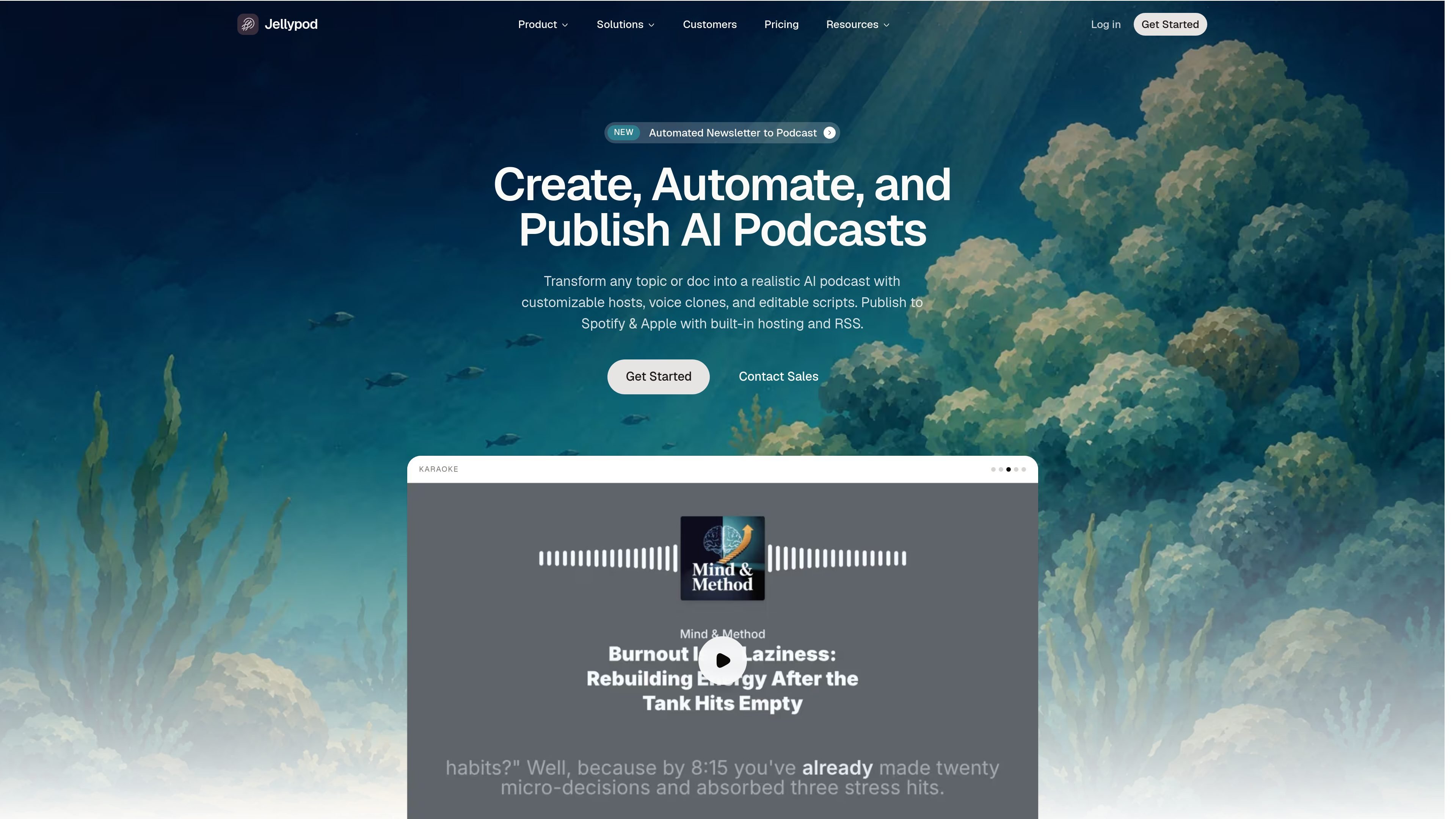
Jellypod is an AI podcast studio for turning topics, documents, and web sources into publishable podcast episodes. It writes a script, generates the audio with AI hosts, and lets you edit the result before publishing.
The product is positioned for people and teams that want to repurpose written material into audio without recording or editing software. Its workflow supports PDFs, slides, newsletters, web pages, YouTube links, and other source files, then publishes the finished show through RSS and to podcast platforms such as Spotify, Apple Podcasts, and YouTube.
Upload PDFs, docs, slides, spreadsheets, audio, newsletters, ebooks, URLs, or YouTube links, and Jellypod uses them as the basis for a podcast script grounded in the source material.
Jellypod can combine multiple sources, use web search for current information, and produce a conversational episode rather than a straight readout of the document.
Create custom hosts in 70+ languages, choose 1-4 hosts per episode, and clone a voice for a recurring show identity.
Edit the script line by line, define pronunciations, and regenerate individual spoken segments or words without rebuilding the whole episode.
Each show can get an RSS feed, website, and one-click publishing to Spotify, Apple Podcasts, and YouTube, with scheduling, email triggers, and API access available on supported plans.
The platform includes audio, video, and audiogram creation features, plus access to multiple speech model providers.
Convert PDFs, lecture notes, slides, or reports into a conversational episode that students, employees, or audiences can listen to instead of reading.
Build a repeatable show with selected hosts, custom voices, and a consistent format for newsletters, updates, or thought leadership.
Keep a show on schedule by setting recurring prompts or triggers so episodes are researched, voiced, and published automatically.
Turn one-off sources such as articles, blog posts, or YouTube links into edited podcast episodes that can be published to major platforms.
Use the editor to refine pronunciations, regenerate specific lines, and adjust script wording before distribution.
Jellypod is an AI podcast studio that turns a topic, PDF, article, or your own notes into a complete podcast episode. It writes the script, voices it with AI hosts, and publishes the finished show to Spotify, Apple Podcasts, YouTube, and a dedicated podcast website.
You add a source or topic, choose hosts and voices, and Jellypod generates a multi-host episode for review. You can edit the script, regenerate individual segments, and publish once it is ready.
Yes. Jellypod supports publishing to Spotify, Apple Podcasts, YouTube, Amazon Music, and other destinations through RSS, plus a dedicated podcast website.
Yes. The site says Jellypod supports uploading PDFs, Word documents, slides, spreadsheets, newsletters, ebooks, audio files, and public URLs or YouTube links.
Yes. The pricing page shows a 7-day free trial on all plans, and the site says you retain ownership of the content you create.
Traffic data is for reference only.

podcastor.ai
PodcastorAI is an AI podcast studio that turns articles, PDFs, URLs, notes, documents, and recordings into podcast scripts, audio episodes, and video podcasts. It helps creators publish across audio and video platforms without building episodes manually.

echo-pod.ai
AI platform that turns articles, newsletters, and blog posts into podcasts

vois.so
Vois is a desktop AI voice production studio for creating audiobooks, podcasts, voiceovers, and other narrated audio. It combines local text-to-speech, voice cloning, script editing, multitrack arrangement, mastering, and audio export in one app.

pixo.video
Pixo is an AI video creation platform that helps creators, marketers, and product teams turn ideas into scripted, storyboarded, and edited videos.

aideaflowpodcast.com
Turns notes, text, files, or URLs into multilingual podcast audio

autocontentapi.com
Turn documents, web pages, videos, notes, and social content into AI podcasts and more with a public REST API.