
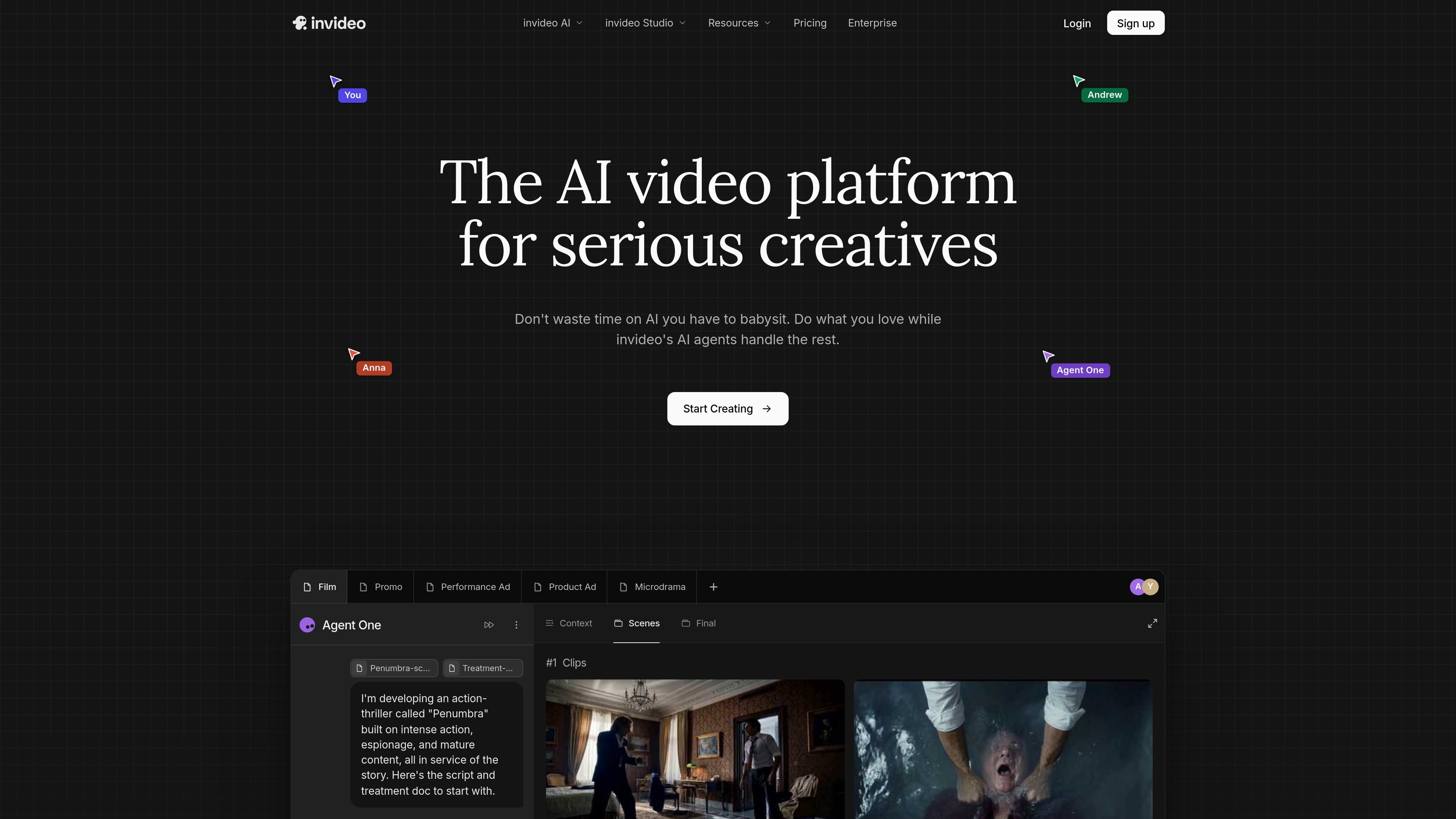
Agent-led video creation
Describe a scene and the agents help choose a model and write prompts for individual shots, reducing manual prompt work.

Invideo Agent One is an AI video platform for creating and editing videos with agent-assisted workflows, including scripts, storyboards, timelines, and collaboration.
Invideo Agent One is an AI video platform for creating and editing videos with agent-assisted workflows. The site positions it for people who want to describe a scene, script, or concept and let the product help with model selection, prompt writing, shot planning, and editing.
The product emphasizes keeping projects coherent over time. Its long-term memory is intended to preserve context across clips, while the editing flow supports changes to multiple shots at once and a timeline editor for more detailed work.
The source pages also show that Invideo offers team-oriented plans and real-time collaboration, along with a broader video toolset that includes script writing, storyboarding, and custom agents for roles such as scriptwriter, video editor, cinematographer, sound designer, music designer, and colorist.
Describe a scene and the agents help choose a model and write prompts for individual shots, reducing manual prompt work.
The product says its agents store project context in long-term memory so clips stay consistent across a project.
Users can edit multiple shots in one go, including changes to costumes, locations, or characters without regenerating everything from scratch.
The workflow includes script writing and storyboarding, with AI help available when users want to draft or refine the plan.
A timeline editor supports more traditional editing while keeping AI assistance in the same product.
The site says teams can collaborate in real time with live cursors, and it also supports custom agents for specific roles.
Useful for filmmakers or solo creators who want to turn a script, treatment, or scene idea into a shot-by-shot plan and then generate and refine the result.
Fits marketing teams that need branded ads or promos across multiple formats, with a workflow that can keep context and style aligned across clips.
Works for creators building serialized or character-driven short-form content, where consistency across scenes matters more than one-off generation.
Supports social teams that want to turn one idea into multiple vertical outputs for different channels without rebuilding the project each time.
Gives distributed teams a shared workspace for review and iteration, with live cursors and role-based collaboration inside the product.
Invideo Agent One is built to create and edit AI videos from a single prompt, while also letting you work with scripts, storyboards, and timelines as part of the same flow.
The pricing page and help docs show paid plans with monthly credit allowances. Credits are used for video generation, generative models, and some premium features, and unused credits do not roll over to the next billing cycle.
The source pages show a workflow that supports script writing, storyboarding, AI-assisted prompt generation, and timeline editing, but they do not provide a full technical setup guide.
Yes. The site includes Team & Enterprise pricing and a multicursor collaboration mode for working in real time with others.
The source pages highlight video creation, editing, and related AI workflows, but they do not document every supported import, export, or platform integration in detail.
Traffic data is for reference only.

framedeo.com
Framedeo turns a product URL, logo, and media assets into an editable, narrated product video. It generates the script, voice-over, music, scenes, and downloadable video, with an MCP workflow for directing projects from supported AI agents.

crepal.ai
CrePal is an AI video creation agent that turns ideas, scripts, and documents into multi-scene videos. Create, refine, and export videos through chat-driven workflows and task-specific Mini Apps.

rizzle.com
Rizzle turns articles into editorial-grade video for publishers and enterprises, with AI assistance, human review, and multi-channel distribution and monetization.

cococlip.ai
AI video editor for creating short-form social content

podfyai.com
Browser-based AI video tool for turning text, audio, and music into short-form videos.

pika.art
Pika is an AI video platform for creating and editing short videos from prompts, images, and footage, with plan-based commercial use and watermark-free downloads on higher tiers.