
Large style and object library
The homepage says IMI Prompt offers more than a thousand art styles, colors, and objects to help users assemble Midjourney prompts without starting from scratch.

IMI Prompt is a Midjourney prompt builder for creating v5-ready prompts with styles, colors, objects, filters, and parameters on web, iOS, and Android.
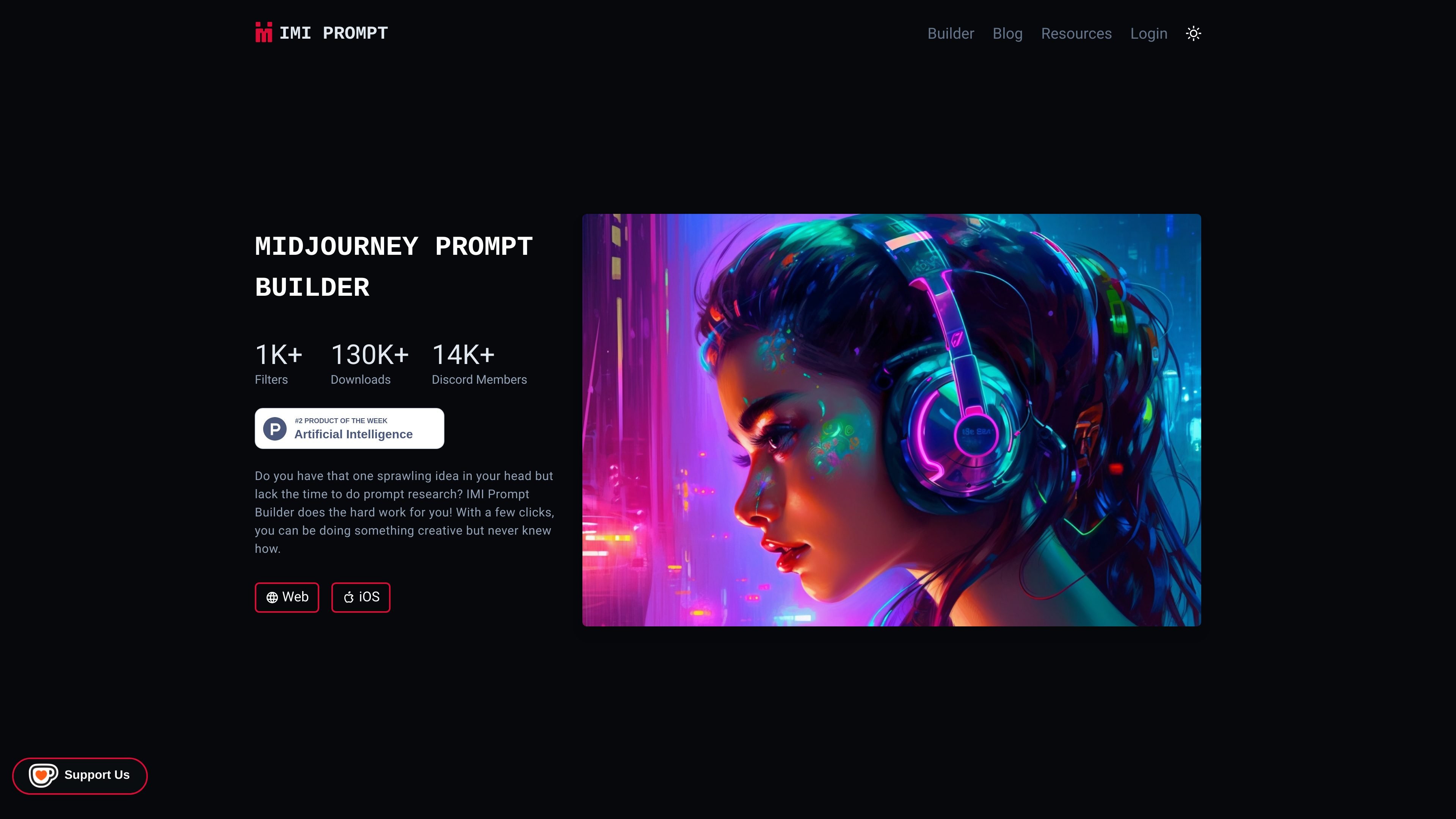
IMI Prompt is a Midjourney prompt builder focused on helping people generate usable prompts without needing to research terminology or assemble every detail manually. The site positions it as a tool for building Midjourney v5 prompts through a guided interface that combines styles, colors, objects, filters, and parameters.
The homepage emphasizes quick prompt creation and frequent updates for Midjourney version 5 compatibility. It also presents the product alongside tutorial content, which suggests the builder is meant for users who want both a prompt-generation workflow and reference material about Midjourney commands, prompt structure, and recent model changes.
The homepage says IMI Prompt offers more than a thousand art styles, colors, and objects to help users assemble Midjourney prompts without starting from scratch.
The product is described as updated frequently so prompts stay compatible with Midjourney v5 and its newer behavior.
The site presents a simple workflow: write an idea, choose an art style, and let the builder handle the prompt assembly.
The source pages describe support for text prompts, emoji prompts, and image prompts, including image-to-image style workflows.
The homepage and pricing page text reference filters and parameter changes as part of the builder workflow.
The site also includes tutorial and news content about Midjourney commands, /describe, Repeat, Permutation, and prompt techniques.
Generate a Midjourney prompt when you have an idea but do not want to research how to describe styles, colors, or objects in detail.
Build prompts that stay aligned with Midjourney v5 behavior when working on newer images or when older prompt habits need adjustment.
Use text, emoji, or image inputs when you want to explore different prompt-building methods for the same art direction.
Learn Midjourney commands and prompt basics through the site’s tutorial content before or alongside using the builder.
Follow Midjourney news and feature updates to understand changes such as /describe, Repeat, or Permutation that may affect how prompts are built.
IMI Prompt is built around Midjourney version 5. The site says its prompts are updated frequently to stay compatible with the latest Midjourney fifth version.
The site describes web and iOS access on the homepage, and the meta description also mentions Android support. The public pages provided do not include separate platform-specific feature details.
The homepage says the builder helps users create prompts with a few clicks by choosing art styles, colors, and objects, while also supporting text, image, and emoji prompt methods in its educational content.
The pricing page currently returns a 404, so the provided sources do not confirm pricing, a free tier, or subscription details.
The site includes blog posts and tutorials about Midjourney commands, prompt-building methods, and recent Midjourney updates, which suggests it is aimed at people who want guidance as well as a prompt-building tool.