
Browser-based image resizing
Resize images online without installing desktop software. The tool is browser-based and works on Windows, Linux, and Mac.

ImageResizer.com is a browser-based tool for resizing, compressing, cropping, and converting images online. It is aimed at users who want a no-install workflow for single images or bulk file processing.
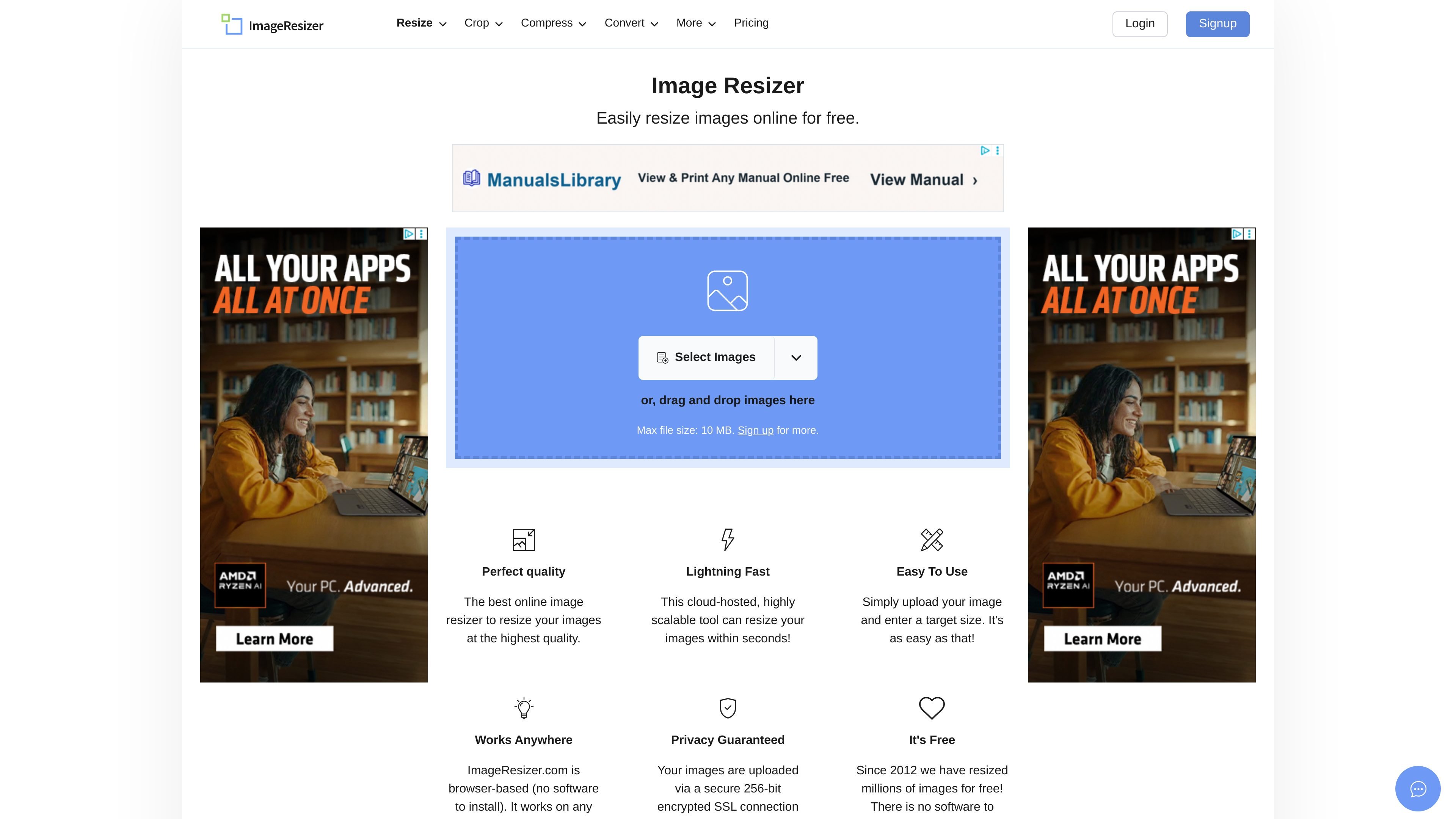
ImageResizer.com is an online image processing tool focused on resizing, with related options for bulk resizing, compression, cropping, and format conversion. It is designed to run in the browser, so users can upload files and complete common image edits without installing software.
The site positions the tool for fast, high-quality image handling across Windows, Linux, and Mac. It also offers separate workflows for batch resizing and image conversion, which makes it useful for both quick one-off edits and higher-volume file preparation.
Resize images online without installing desktop software. The tool is browser-based and works on Windows, Linux, and Mac.
Choose a target size and resize images in a few steps. The home page emphasizes a simple upload-and-resize workflow.
Bulk resize up to 50 JPG or PNG images at once, with dimensions set in pixels, inches, cm, or mm, and target file size options in KB.
Convert images between many formats, including JPG, PNG, WebP, GIF, and RAW. The converter page says it supports over 100 formats.
Compress, crop, and convert images from the same site. The homepage groups these tools alongside resizer and bulk resize options.
Use secure uploads with automatic file deletion after processing. The site cites SSL encryption and automatic cleanup windows of 6, 8, or 24 hours depending on the tool.
Resize a single image for a website, email attachment, or general sharing by uploading the file and entering a target size.
Process many JPG or PNG files in one pass when you need consistent dimensions or a shared target file size across a set of images.
Convert files between common formats such as JPG, PNG, WebP, GIF, or RAW when a project calls for a different output type.
Prepare graphics for print by using bulk resize settings that support inches, centimeters, and millimeters instead of pixels alone.
Use the site’s secure, browser-based tools when you want an image workflow that does not require installing desktop software.
Yes. The site states that ImageResizer.com is browser-based, with no software installation required.
The pricing page shows a Free plan, as well as Pro and Ultra paid plans for users who need higher limits and more access.
The pricing page lists web access and mobile access across plans, and the site also offers Android and iOS apps for related tools.
The site includes dedicated tools for resizing, bulk resizing, compressing, converting, and related image tasks, with a separate bulk resize workflow for up to 50 images at a time.
The image converter page says processed files are automatically deleted after 8 hours, while the bulk resize page says uploaded and resized images are deleted within 24 hours.