
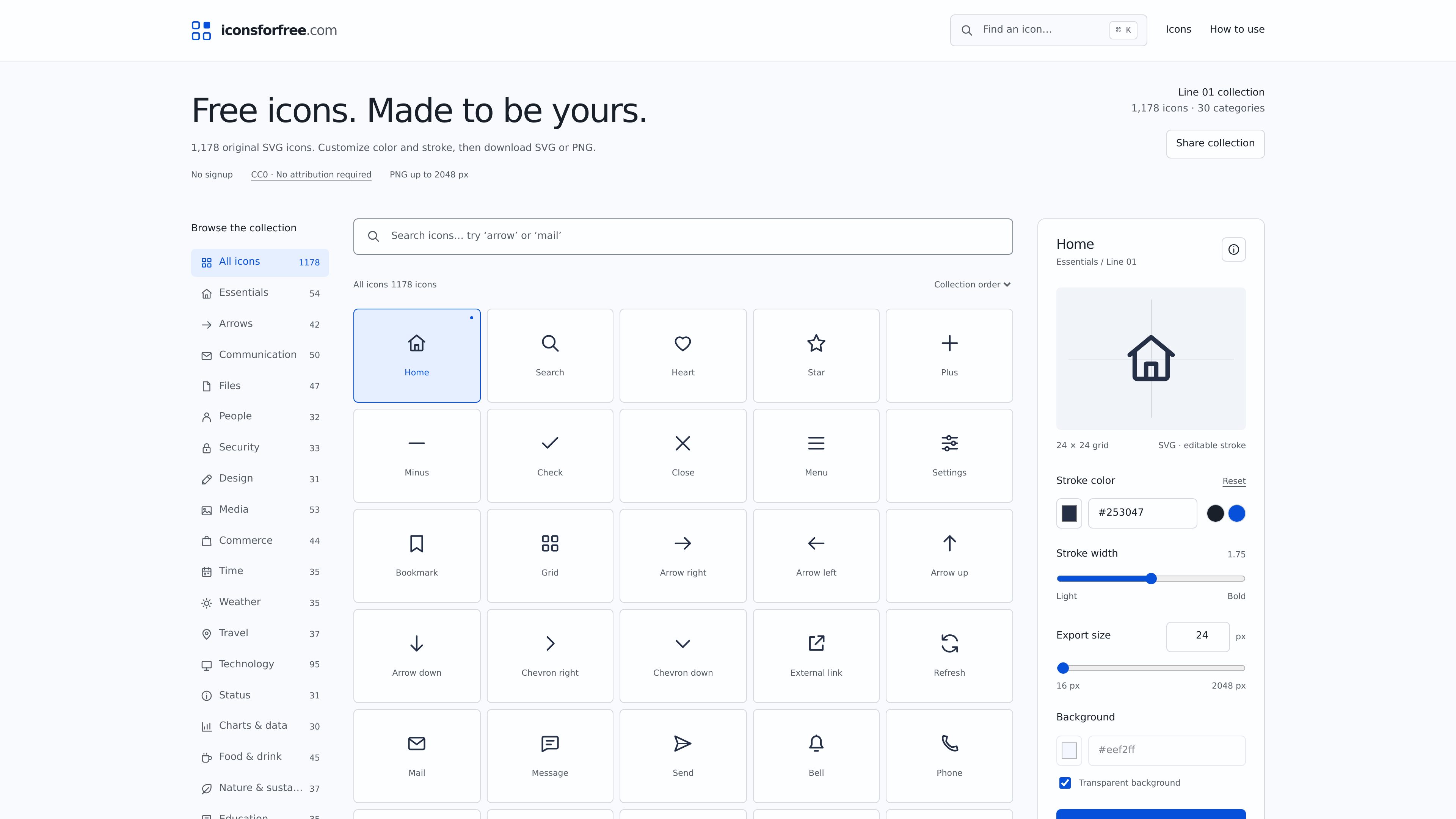
Large categorized collection
Browse 1,178 icons across categories including essentials, arrows, communication, files, people, security, technology, commerce, accessibility, education, and more.

Icons for free is a browser-based collection of original Line 01 outline icons for websites, apps, presentations, and side projects. Customize stroke and color, then download SVG or PNG files without an account under CC0 1.0.
Icons for free is a collection of 1,178 original outline icons from the Line 01 family. The icons use a shared 24 × 24 grid, rounded caps, open silhouettes, and a default 1.75-unit stroke, giving the collection a consistent visual foundation for interfaces and other digital projects.
The browser editor lets users select an icon, adjust its stroke color, stroke width, export size, and background setting, then download the result as SVG or PNG. No account is required. The original icon artwork and its SVG and PNG exports are dedicated to the public domain under CC0 1.0, with no attribution required.
Browse 1,178 icons across categories including essentials, arrows, communication, files, people, security, technology, commerce, accessibility, education, and more.
Change stroke color and stroke width in the icon editor before exporting. The supported stroke range is 1–2.5 units.
Download scalable SVG files or PNG files at a selected whole-number size from 16 to 2,048 pixels.
Copy SVG markup, copy HTML, or use a stable SVG file URL for simple image embedding on a website.
Icons share a 24 × 24 grid, rounded caps, open silhouettes, and a default 1.75-unit stroke.
The original Line 01 artwork, SVG files, and PNG exports are available under CC0 1.0, allowing copying, modification, distribution, and personal or commercial use without attribution.
Use consistent outline symbols for navigation, actions, settings, files, communication, commerce, and status indicators.
Start with the shared grid and stroke system, then adjust the icon appearance to fit a product’s visual language.
Export a PNG at the exact required dimensions when a raster image is more suitable than inline or linked SVG.
Copy SVG markup for recolorable inline icons, use a static SVG URL for simple images, or apply an SVG as a CSS mask when a single silhouette color is needed.
Modify and redistribute the artwork under CC0 without requesting permission or adding creator attribution, subject to CC0’s stated limits regarding patents, trademarks, and privacy or publicity rights.
The original Line 01 artwork is dedicated to the public domain under CC0 1.0. Users may copy, modify, distribute, and use the icons in personal or commercial projects without attribution. CC0 does not grant trademark rights to the Icons for free name or logo and does not affect patent, privacy, or publicity rights.
No. Select an icon, customize its settings if required, and download the SVG or PNG file or copy its SVG markup.
SVG remains sharp at any display size and can be embedded as markup or used as a file. PNG is a raster image exported at the exact size selected in the editor, which can be useful for presentations or tools without SVG support.
Yes. The editor supports custom stroke colors and stroke widths from 1 to 2.5 units. A custom-color download uses an explicit stroke color, while copied inline SVG can use currentColor for recoloring in a webpage.
Traffic data is for reference only.

focusfirewall.com
Focus Firewall is a macOS app that blocks distracting websites and apps across browsers without browser extensions. It helps people automate focus periods, take controlled breaks, and review local browsing-time reports.

parall.app
Parall is a native macOS launcher for creating separate instances of supported apps, websites, files, folders, and command-line tools. It helps users maintain distinct app identities, data paths, profiles, and launch settings where macOS and the target app support them.

layoutr.app
Layoutr is a browser-based room layout and floor plan tool for testing furniture arrangements at true scale. Upload or draw a plan, calibrate dimensions, place real-sized furniture, and view it in 3D without an account.

contrive.app
Contrive is a standalone desktop app for searching, getting AI answers, and taking action across Slack, Notion, Google Drive, and other supported workspace apps—all from one command bar, without switching browser tabs.