
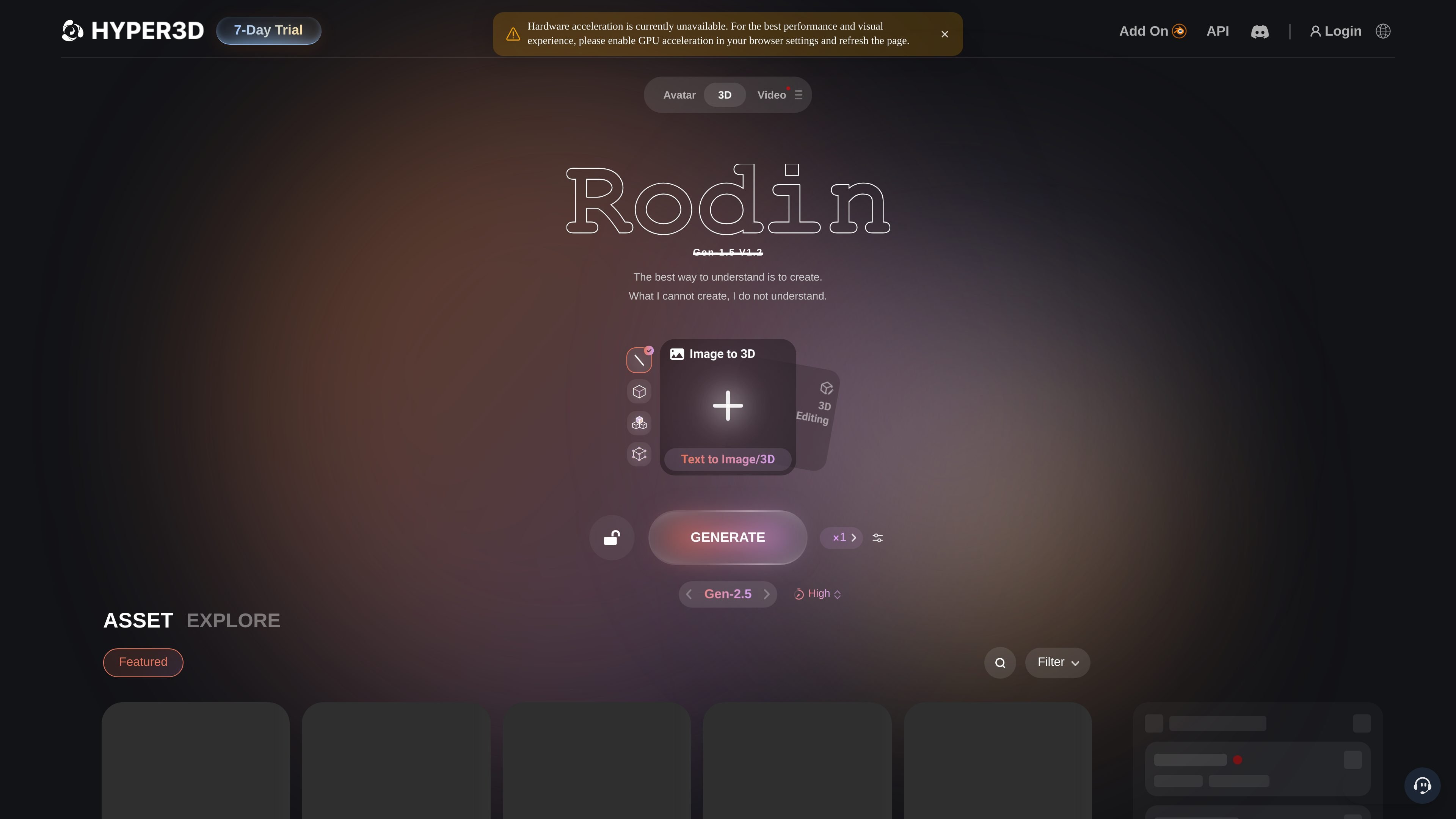
Text and image to 3D generation
Generate 3D assets from prompts or image inputs, including basic image-to-3D and text-to-3D workflows, with a pay-by-result flow on the Free plan.

Hyper3D is a web-based AI 3D platform creating models from text and images, with browser tools for HDRI skyboxes, image prep, mesh editing, and export.
Hyper3D is an AI 3D generation platform centered on Rodin, its model for creating 3D assets from text, images, and related reference inputs. The site also includes OmniCraft tools for tasks such as HDRI skybox creation, image enhancement, model search, mesh editing, and format conversion.
Its pricing and feature pages position the product for individual creators, small teams, studios, and enterprise users who need browser-based 3D generation, exportable outputs, and optional API or deployment controls. The workflow emphasizes previewing results, redoing generations, and moving assets into downstream 3D or real-time pipelines.
Generate 3D assets from prompts or image inputs, including basic image-to-3D and text-to-3D workflows, with a pay-by-result flow on the Free plan.
Review generated results before confirming credit spend, then continue with redo options that differ by plan and workflow.
Work with OmniCraft tools for image remixing, HDRI generation, image enhancement, model search, mesh editing, and format conversion in the browser.
Use image and video models, including featured models on higher tiers, alongside Rodin generation tools for broader asset preparation.
Export to common 3D formats and work with private assets, unlimited export on Creator, and team-oriented controls on Business and Enterprise.
Access API features on Business and Enterprise, with Business offering full API access and higher-rate limits than the lower tiers.
Convert prompts, product photos, or concept images into editable 3D models for downstream work in games, AR, or visualization pipelines.
Use the HDRI generator to sketch lighting direction, horizon mood, and 360 environment context before building a final scene.
Refine generated models, inspect meshes, and convert assets into usable formats for further editing or engine import.
Let artists or product teams compare Free, Creator, Business, and Enterprise options when deciding whether they need private assets, API access, or team controls.
Use the browser tools to remix images, enhance references, search for scene assets, and support a broader 3D preparation pipeline.
Hyper3D’s pricing page shows a Free plan with pay-by-result generation, plus Creator, Business, and Enterprise plans. Subscription plans can be billed monthly or yearly, while Enterprise uses custom terms.
The site positions Creator for artists and indie teams, Business for studios and API workflows, and Enterprise for teams that need custom deployment, team controls, fine-tuning, and support.
No. The featured HDRI workflow starts in the browser from a prompt or visual direction, and the site also presents browser-based tools for image, texture, search, and mesh prep.
The site says paid plans include broader export and usage rights, and Business includes a ChatAvatar commercial license benefit. Users should review the current terms before regulated or high-risk use.
Yes. The image-to-3D page says outputs can be exported for GLB, OBJ, FBX, USDZ, STL, and real-time workflows, and the homepage also references format conversion tools in the OmniCraft ecosystem.
Traffic data is for reference only.
| May | 1296871 |
|---|---|
| Jun | 3042765 |
| Jul | 6436513 |
Traffic analytics are not available yet.
Traffic analytics are not available yet.

avaturn.me
Create realistic 3D avatars from selfies and embed them in apps, games, metaverse experiences, and campaigns.

kaedim3d.com
AI-powered 3D asset production for studios and brands

realibox.com
AI+3D creative design platform for rendering, CMF color generation, packaging visualization, and 3D assets
worldsplat.app
worldsplat turns rough sketches and 3D creations into explorable 3D worlds using Gaussian splats. It is designed for people who want to build and bring visual world concepts to life.

aigardenplanner.com
Browser-based garden planning with a free 3D editor, AI redesigns, plant advice, and instant ideas.

leiapix.com
Immersity is Leia Inc.’s Spatial AI platform for transforming photos, videos, and album art into immersive 3D and motion-based experiences across phones, tablets, laptops, monitors, and XR devices. Immersity for Web offers creators and professionals a paid conversion workflow with free and subscription tiers.