
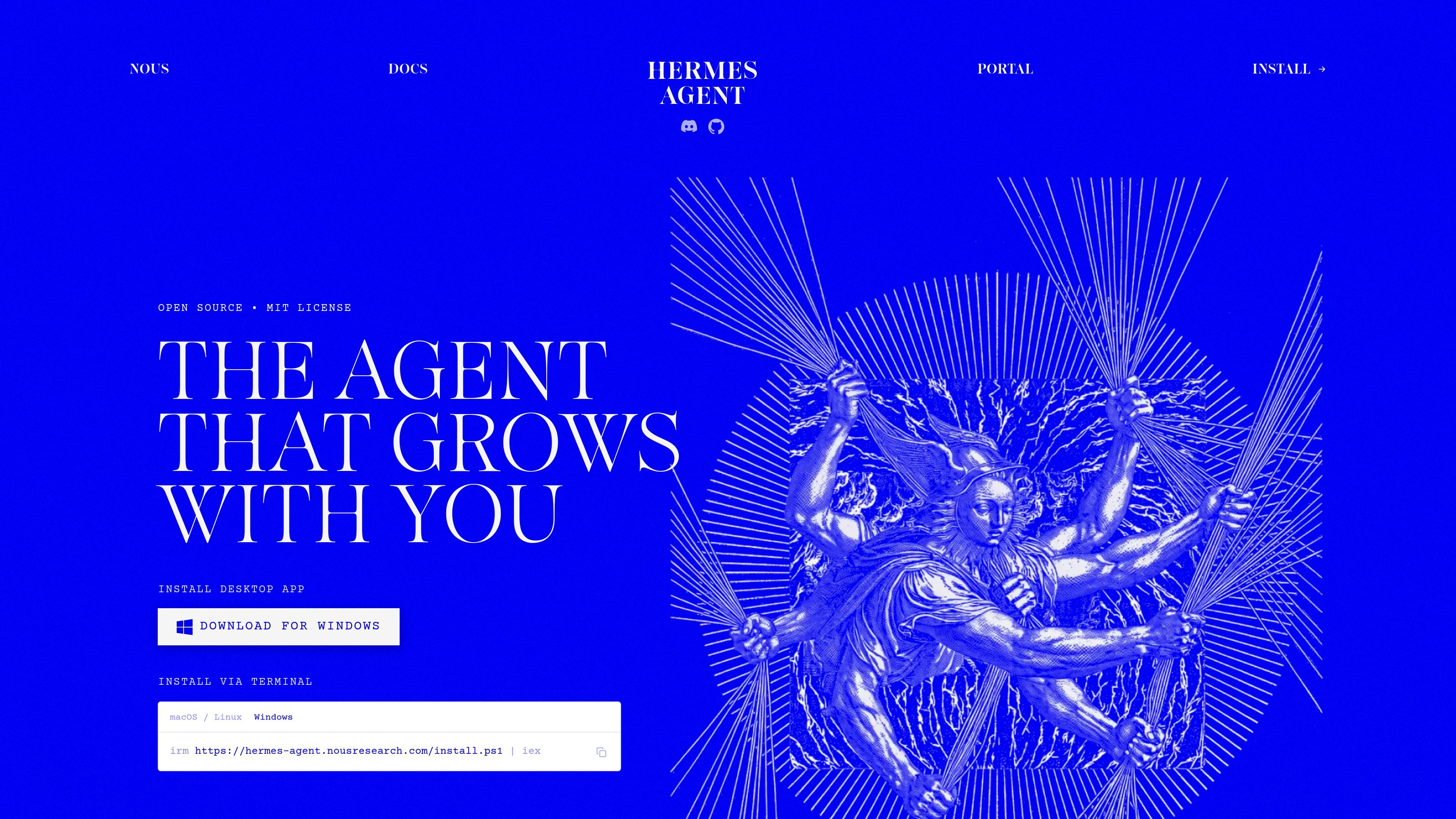
Persistent memory and skill growth
Hermes Agent maintains persistent memory across sessions, with learning loops that create and improve skills over time so it can reuse prior solutions.

Standalone desktop and terminal AI agent for macOS, Windows, and Linux with persistent memory, messaging integrations, scheduled automations, and multiple deployment backends.
Hermes Agent is a standalone terminal app and native desktop application for macOS, Windows, and Linux. It is positioned as a self-improving AI agent built by Nous Research, with persistent memory, skill creation, and cross-session recall as part of its core design.
The product is meant to work across local and remote environments. The site describes CLI use, desktop installation, messaging gateway support, and deployment on backends such as Docker, SSH, Daytona, Singularity, and Modal, so it can follow the user from a laptop to a server or hosted environment.
Hermes Agent maintains persistent memory across sessions, with learning loops that create and improve skills over time so it can reuse prior solutions.
The agent can be reached through CLI and many messaging platforms, letting you keep one workflow across desktop, chat, and remote surfaces.
Built-in scheduling supports unattended tasks such as reports, backups, and briefings through the gateway.
Hermes can spawn isolated subagents with their own conversations, terminals, and Python RPC scripts for parallel workstreams.
The product includes web search, browser automation, vision, image generation, text-to-speech, and multi-model reasoning capabilities.
Hermes supports multiple execution backends, including local, Docker, SSH, Singularity, Daytona, and Modal, with namespace isolation and container hardening options.
Use Hermes Agent as a local desktop assistant when you want a native app on macOS or Windows, but still need terminal access for setup and automation.
Run Hermes on a remote VPS, Docker host, or serverless backend when you want the agent to keep working outside your laptop and remain reachable through messaging channels.
Use the messaging gateway to centralize agent interaction in Slack, Discord, Telegram, WhatsApp, Signal, email, or similar surfaces instead of keeping tasks inside one app.
Use scheduled automations for recurring reporting, backups, or briefings that should run unattended and deliver results through the gateway.
Use isolated subagents and toolsets when you need parallel research, multi-step pipelines, or separate conversations without mixing context between jobs.
Hermes Agent is installed as a standalone desktop app for macOS and Windows, or as a terminal-only install on Linux, macOS, WSL2, and Android via Termux. The docs also describe native Windows install steps through PowerShell.
The documentation describes Hermes Agent as a self-improving AI agent with a built-in learning loop that creates skills from experience, improves them during use, and remembers across sessions.
The documentation highlights messaging gateways and platform support for Telegram, Discord, Slack, WhatsApp, Signal, Email, SMS, Matrix, Mattermost, Teams, Google Chat, and more. The home page also calls out CLI plus a growing list of connected platforms.
The docs say a single OAuth setup with `hermes setup --portal` covers a model plus the Tool Gateway tools for web search, image generation, text-to-speech, and browser use.
The site states that one of the supported deployment options is local, Docker, SSH, Daytona, Singularity, or Modal, and that Daytona and Modal can provide serverless persistence when idle.
Traffic data is for reference only.

opencode.ai
OpenCode is an open-source AI coding agent for terminal, IDE, and desktop, helping developers understand codebases, plan changes, and use multiple LLM providers.
aipy.app
AiPy is a desktop AI assistant combining AI reasoning and Python execution for local computer tasks, with open-source local deployment on Mac, Windows, and Linux.

vectorize.io
Open-source agent memory for persistent context and cross-session recall

openinterpreter.com
AI agent for desktop workflows and terminal coding tasks

superset.sh
Superset is a desktop tool for running multiple AI coding agents in parallel on your own machine. Separate work into isolated Git worktrees, review changes, and keep tasks moving without waiting for one agent at a time.

windsurf.com
Devin Desktop is Windsurf’s desktop app for managing local and cloud agents in one workspace, with support for Mac, Windows, Linux, JetBrains, and CLI.